Figma AI Design Workflows Tool
What is Figma AI: Overview
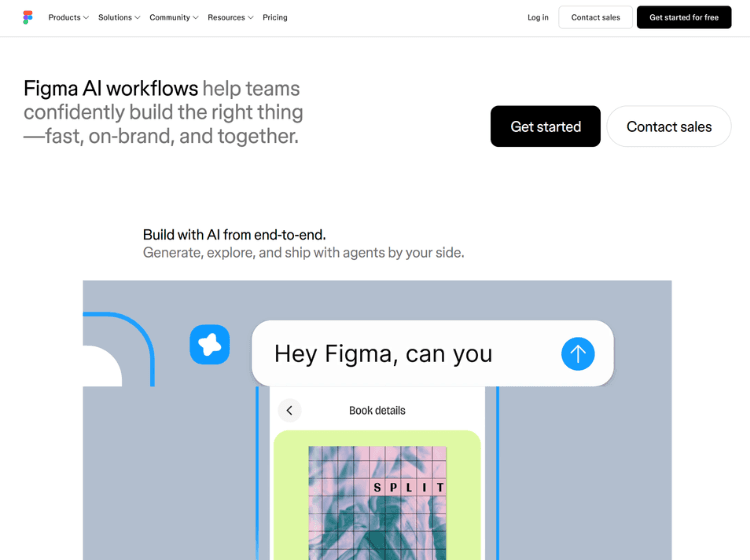
Figma AI is an integrated set of artificial intelligence features designed to support design workflows from idea generation to refinement. Available within the Figma platform, it enables users to create initial design concepts, generate diagrams, edit images, search project files, and explore multiple design directions using natural language prompts. Teams can compare different design variations, collaborate on edits, and continue refining AI-generated content directly inside editable Figma files.
The platform is designed to reduce repetitive work while keeping designers in control of creative decisions. AI capabilities are available across several Figma products, with access depending on the user’s plan and seat type. Figma AI also uses a shared AI credit system for supported features. By combining AI assistance with Figma’s collaborative environment, the platform helps product designers, developers, marketers, and design teams move from concepts to production-ready designs more efficiently without leaving their existing workflow.
Key Features of Figma AI
- AI-assisted design generation from natural language prompts.
- Generate diagrams, layouts, and multiple design directions.
- AI-powered image editing and visual refinement tools.
- Intelligent search across Figma files and design assets.
- Collaborative editing that keeps AI-generated designs fully editable.
How to Use Figma AI: Step-by-Step
Here are the simple steps to start using the Figma platform.
Step 1. Sign in to your Figma account.
Step 2. Open an existing project or create a new design file.
Step 3. Access the AI tools from the Figma AI interface or Actions menu.
Step 4. Enter a prompt describing the interface, layout, diagram, or design you want.
Step 5. Review the generated results and choose the most suitable option.
Step 6. Edit the generated design directly using Figma’s design tools.
Step 7. Collaborate with teammates by sharing the file for feedback.
Step 8. Continue refining the design with additional AI prompts or manual edits.
Step 9. Export or hand off the completed design for development.
Use Cases of Figma AI
- Generate UI and UX design concepts from text prompts.
- Create wireframes and diagrams for product planning.
- Edit and enhance images within design projects.
- Explore multiple interface variations before development.
- Speed up collaborative design reviews and iterations.
Target Audience of Figma AI
- UI Designers
- UX Designers
- Product Designers
- Design Teams
- Product Managers
- Developers
- Startups
- Creative Agencies
- Marketing Teams
- Design Students
Figma AI Pricing
Figma AI is included within Figma plans using an AI credit system. Available plans include:
1. Starter – Free with limited AI credits.
2. Professional – Paid plan with monthly AI credits.
- Full seat – $16/mo (+ 3,000 AI credits/mo)
- Dev seat – $12/mo (+ 500 AI credits/mo)
- Collab seat – $3/mo (+ 500 AI credits/mo)
3. Organization – Paid plan with increased AI credits.
- Full seat – $55/mo (+ 3,500 AI credits/mo)
- Dev seat – $25/mo (+ 500 AI credits/mo)
- Collab seat – $5/mo (+ 500 AI credits/mo)
4. Enterprise – Paid plan with the highest AI credit allocation.
- Full seat – $90/mo (+ 4,250 AI credits/mo)
- Dev seat – $35/mo (+ 500 AI credits/mo)
- Collab seat – $5/mo (+ 500 AI credits/mo)