Most productivity advice sounds great until you’re the one buried under 47 browser tabs, half-written notes, unread emails, and a to-do list that somehow grows faster than you can finish it. That’s exactly why AI productivity tools exploded over the last couple of years. Not because people suddenly became obsessed with automation, but because everyone is trying to win back time.
-The problem? Most “best AI tools” lists feel like they were written by someone who opened the homepage, copied a few features, and called it research.
This list is different.
I didn’t just focus on tools with flashy AI branding or viral hype. The real test was simple: Does this tool actually remove friction from your day-to-day work? Does it help you finish tasks faster, think more clearly, organize chaos, or eliminate repetitive work you secretly hate doing?
Because honestly, the AI productivity tools are not the ones doing magic tricks on Twitter. They’re the ones quietly saving you two hours every single day.
Some tools on this list help you automate repetitive workflows. Some turn messy notes into organized action plans. Others handle research, meetings, writing, scheduling, or brainstorming without making everything feel robotic. And a few genuinely feel like having an extra teammate sitting beside you.
What makes AI tools so powerful right now is how deeply they’ve started blending into everyday work. Tools like Notion AI, Zapier, and Claude are no longer just “cool AI apps.” They’re becoming part of how people write, plan, research, automate, collaborate, and make decisions faster.
At the same time, there’s also a growing gap between AI tools that genuinely improve productivity and tools that simply add more noise. Recent industry reports and productivity studies show that AI works best when it reduces repetitive cognitive load, not when it tries to replace human thinking completely.
So instead of stuffing this article with every AI app on the internet, I narrowed it down to the 23+ best AI tools that are actually useful in real workflows and improve your productivity by reducing repetitive tasks. The kind you’ll keep opening weeks later instead of forgetting after the free trial ends.
The Best AI Productivity Tools by Category
- AI tools for automation (Zapier Agents, N8N, Make.com)
- Chatbots (Microsoft Copilot, Merlin AI, DeepAI)
- AI Search engines (Perplexity, ChatGPT, Google Gemini)
- Content creation (Jasper, Anyword)
- Video creation and editing (Runway, HeyGen, Google Veo 3)
- Image generation (Gemini nano banana, Midjourney, Magnific)
- AI no-code tools (Lovable, Brancher AI)
- Voice and music generation (ElevenLabs, Hume, Speechify)
- Other AI tools for productivity (Quillify, MindMap, Ninja AI)
How I Selected These AI Productivity Tools in Each Category?
There’s no shortage of AI productivity tools right now. Every week, a new app promises to save hours, automate your workflow, or completely change how you work. But not every tool actually delivers once the excitement wears off.
So instead of focusing on hype, I looked at one simple thing: does this tool genuinely make work easier and save real time?
The tools on this list were selected based on everyday usefulness, ease of use, AI quality, workflow integrations, pricing, and how well they fit into real-world tasks like writing, meetings, research, planning, automation, and collaboration.
I also prioritized tools that reduce friction instead of adding complexity. Because the best productivity tools are not the ones with the most features. They’re the ones you keep coming back to every day because they simply make work faster, smoother, and less overwhelming.
| Category | Tool | Best For | Key AI Features | Pricing |
|---|---|---|---|---|
| AI Automation | Zapier | Workflow Automation | AI workflows, app integrations, multi-step automations | Free + Paid Plans from $19.99/month |
| AI Automation | n8n | Advanced AI Workflow Automation | Visual workflows, AI agents, API automation | Free + Paid Plans from €20/month |
| AI Automation | Make | Visual Workflow Building | Drag-and-drop automations, AI integrations, conditional logic | Free + Paid Plans from $9/month |
| AI Chatbots | Microsoft Copilot | AI Productivity Inside Microsoft 365 | Meeting summaries, AI writing, spreadsheet analysis | Free + Microsoft 365 Plans |
| AI Chatbots | Merlin AI | AI Assistant Across Websites | Multi-model AI access, PDF chat, YouTube summaries | Free + Paid Plans from $19/month |
| AI Chatbots | DeepAI | Simple AI Content & Chat Tools | AI chat, image generation, APIs | Free + Paid Plans from $4.99/month |
| AI Search Engines | ChatGPT | Research & Productivity | Writing, coding, AI search, file analysis | Free + Paid Plans from $20/month |
| AI Search Engines | Perplexity | AI Research Assistant | Real-time AI search, cited answers, deep research | Free + Pro Plan from $20/month |
| AI Search Engines | Google Gemini | AI Workspace Assistant | Google Workspace AI, multimodal support, Deep Research | Free + Paid Plans from ₹399/month |
| Content Creation | Jasper | AI Marketing Content | Brand voice, long-form content, AI campaigns | Starts at $39/month |
| Content Creation | Anyword | Conversion-Focused AI Writing | Predictive scoring, AI copywriting, blog generation | Starts at $39/month |
| Video Creation | Runway | AI Video Editing & Generation | Text-to-video, cinematic AI editing, motion tools | Free + Paid Plans from $12/month |
| Video Creation | HeyGen | AI Avatar Videos | AI avatars, voice cloning, multilingual videos | Free + Paid Plans from $29/month |
| Video Creation | Google Veo 3 | AI Cinematic Video Generation | Text-to-video, native audio, realistic motion | Included with Google AI Plans |
| Image Generation | Gemini Nano Banana | AI Image Editing & Generation | Image editing, cinematic visuals, style transfer | Free + Google AI Plans |
| Image Generation | Midjourney | Cinematic AI Art | Photorealistic AI art, style controls, upscaling | Starts at $10/month |
| Image Generation | Magnific | AI Image Enhancement | Upscaling, detail enhancement, realistic textures | Starts at $39/month |
| AI No-Code Tools | Lovable | AI App Builder | Text-to-app generation, visual editing, Supabase integration | Free + Paid Plans from $25/month |
| AI No-Code Tools | Brancher AI | No-Code AI App Creation | Visual AI workflows, AI app publishing, templates | Free + Paid Plans from $8/month |
| Voice Generation | ElevenLabs | AI Voiceovers | Voice cloning, dubbing, realistic speech synthesis | Free + Paid Plans from $5/month |
| Voice Generation | Hume | Emotionally Expressive AI Voices | Emotional speech AI, voice cloning, conversational AI | Free + Paid Plans from $3/month |
| Voice Generation | Speechify | AI Text-to-Speech | Natural AI voices, OCR scanning, audio summaries | Free + Premium Plans |
| Other Productivity Tools | Quillify AI | Grant & Proposal Writing | AI grant discovery, proposal drafting, funding analysis | Starts at $200/month |
| Other Productivity Tools | MindMapAI | AI Mind Mapping | AI-generated mind maps, brainstorming, document summarization | Free + Paid Plans from $7.49/month |
| Other Productivity Tools | Ninja AI | AI Assistant for Workflows | Multi-model AI, research agents, workflow automation | Free + Paid Plans from $25/month |
Let’s explore the best AI productivity tools that can automate repetitive tasks, simplify your workflow, and help you get more done in less time.
1. AI tools for automation
Here are the AI tools for automation that genuinely save time and make work feel a little less overwhelming.
Zapier
Zapier is one of those tools that quietly becomes the backbone of your workflow once you start using it properly. Instead of manually moving data between apps, sending repetitive updates, or wasting time on tiny admin tasks, Zapier automates everything in the background using workflows called “Zaps.”
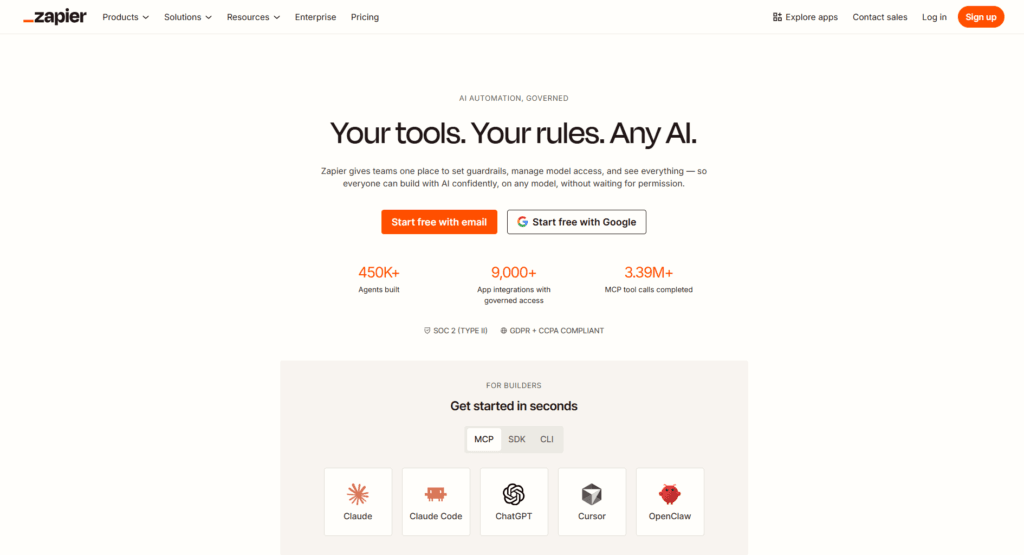
What makes it stand out is how easy it feels, even for non-technical users. You can connect thousands of apps like Gmail, Slack, Notion, Trello, Google Sheets, HubSpot, and more without writing code. Whether you want to automate lead collection, social media posting, email follow-ups, or team notifications, Zapier saves an insane amount of time once your workflows are set up.
Features
- Connects with 8,000+ apps
- No-code workflow automation
- Multi-step automations (“Zaps”)
- AI-powered workflow builder (Zapier Copilot)
- Filters, conditional logic, and custom paths
- Automated email, CRM, and task management
- Webhooks and API integrations
- Built-in tools like Tables, Forms, and Interfaces
- Team collaboration and shared workflows
- Ready-made automation templates for quick setup
Pricing
According to Zapier Pricing:
- Free Plan – Free with 100 tasks/month
- Professional Plan – Starts at around $19.99/month (annual billing) or $29.99/month for multi-step automations and premium apps
- Team Plan – Starts around $69–$103.50/month, depending on billing cycle and task limits
- Enterprise Plan – Custom pricing for large organizations and advanced security needs
N8N
If tools like Zapier feel a little too limiting, n8n is where automation starts getting seriously powerful. It’s a flexible AI workflow automation platform built for people who want deeper control over their workflows without spending hours writing complex code. What makes n8n stand out is the balance between visual drag-and-drop simplicity and developer-level customization.
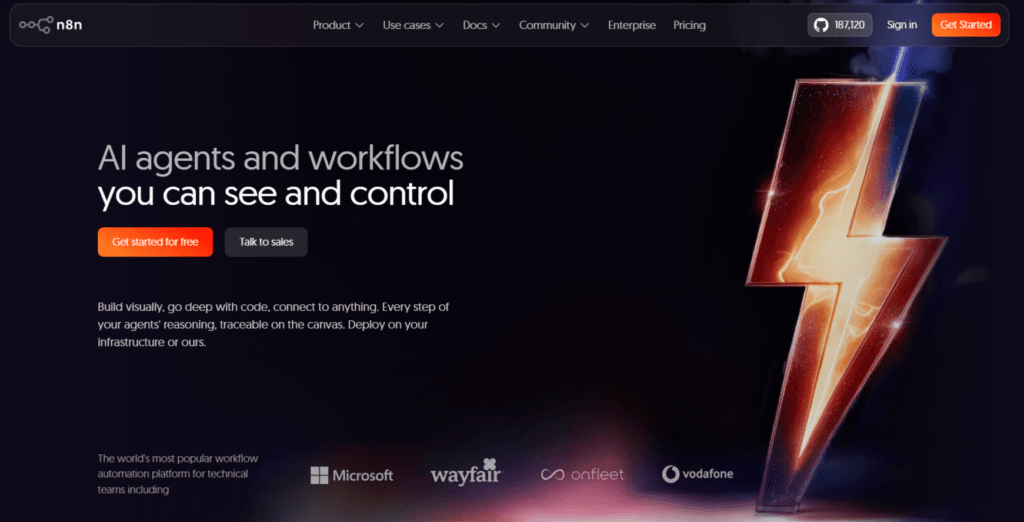
You can automate repetitive tasks, connect apps, build AI agents, sync databases, manage APIs, and create multi-step workflows from one place. It’s especially popular among startups, creators, marketers, and technical teams who want scalable automations without expensive per-task pricing models.
Features
- Visual drag-and-drop workflow builder
- AI-powered workflow automation
- 350+ app integrations
- Self-hosted and cloud-hosted options
- Advanced API and database integrations
- Multi-step automations with conditional logic
- Supports custom JavaScript and Python code
- Workflow templates for faster setup
- Team collaboration features
- Open-source flexibility for developers
Pricing
- Starter — €20/month (billed annually) for 2.5K workflow executions
- Pro — €50/month (billed annually) for 10K executions and advanced workflow tools
- Business — €667/month (billed annually) for larger teams and enterprise-grade features
- Enterprise — Custom pricing
- Self-hosted Community Edition — Free to use
Make.com
Make is one of those AI automation tools that feels incredibly satisfying once you start using it. Instead of manually moving data between apps, updating spreadsheets, sending notifications, or handling repetitive admin work, Make lets you automate entire workflows visually without needing to code. What makes it stand out is its drag-and-drop interface that shows exactly how your automation flows from one app to another.
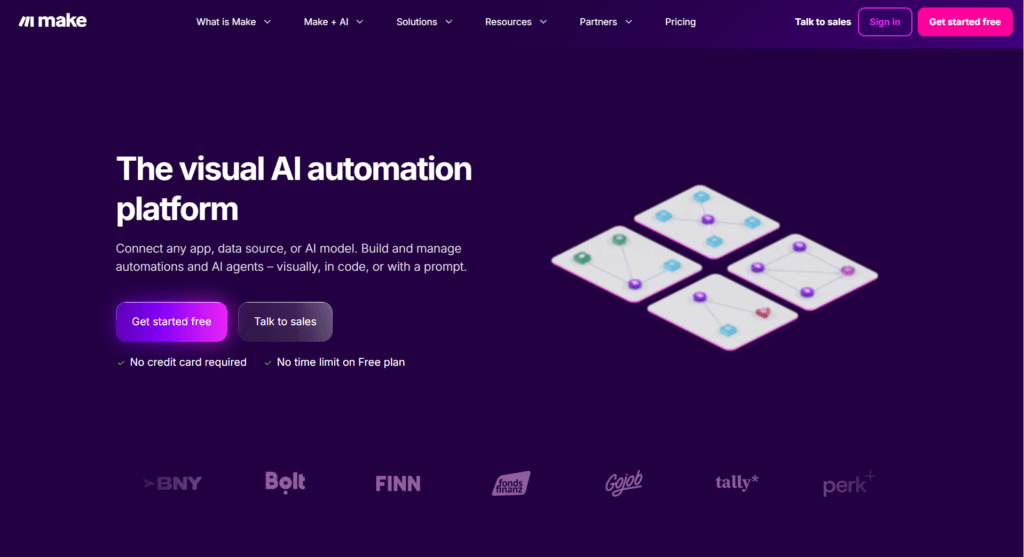
It’s powerful enough for advanced workflows but still beginner-friendly compared to many developer-focused automation tools. Whether you’re a creator, marketer, freelancer, startup, or agency, Make can quietly save hours of repetitive work every week.
Features
- Visual drag-and-drop automation builder
- Connects with 3,000+ apps and services
- AI-powered workflow automation
- Advanced filters, routers, and conditional logic
- Webhooks and API integrations
- Team collaboration tools
- Real-time data syncing between apps
- Custom variables and scenario templates
- Built-in scheduling and triggers
- Supports AI tools like OpenAI, Claude, and Gemini integrations
Pricing
- Free Plan – Free with 1,000 credits/month
- Core Plan – Starts at around $9/month
- Pro Plan – Starts at around $16/month
- Teams Plan – Starts at around $29/month
- Enterprise Plan – Custom pricing for large organizations
2. AI Chatbots
Here are the AI chatbots that genuinely save time and make work feel a little less overwhelming.
Microsoft Copilot
Microsoft Copilot feels less like a standalone AI chatbot and more like an AI layer built directly into the tools people already use every day. What makes it genuinely useful is how naturally it fits into the Microsoft ecosystem. You can summarize meetings in Teams, draft emails in Outlook, generate presentations in PowerPoint, analyze spreadsheets in Excel, or brainstorm ideas in Word without constantly switching apps.
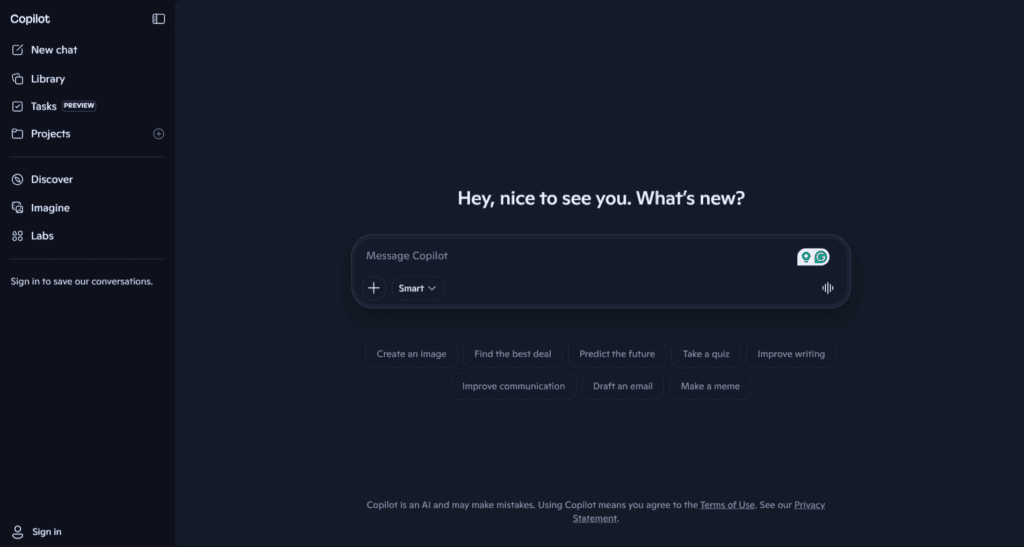
It’s especially helpful for professionals, students, remote teams, and anyone buried inside Microsoft 365 workflows. Instead of replacing your workflow, Copilot quietly speeds it up and removes a lot of repetitive busywork from your day.
Features
- AI-powered chat assistant for research, writing, brainstorming, and task help
- Works directly inside Word, Excel, PowerPoint, Outlook, and Teams
- Summarizes meetings, emails, and long documents
- Generates presentations, reports, and spreadsheet insights
- Supports web-based AI search and conversational answers
- Helps automate repetitive workplace tasks
- Integrated with Microsoft 365 ecosystem and cloud storage
- Offers enterprise-grade security and compliance for business users
- Available on desktop, web, and mobile devices
Pricing
- Free Plan – Basic Copilot chat and web-based AI features available for free
- Microsoft 365 Personal – ₹6,899/year with Copilot features for individual users
- Microsoft 365 Family – ₹8,199/year for up to 6 users (AI features mainly for the subscription owner)
For business users, Microsoft also offers Microsoft 365 Copilot add-on plans with advanced AI integration across workplace apps and organizational dat
Merlin AI
Merlin AI is like having multiple AI assistants packed into one workspace. Instead of switching between ChatGPT, Claude, Gemini, and other AI tools separately, Merlin brings them together into a single platform that works across your browser, documents, emails, search results, and even YouTube videos.
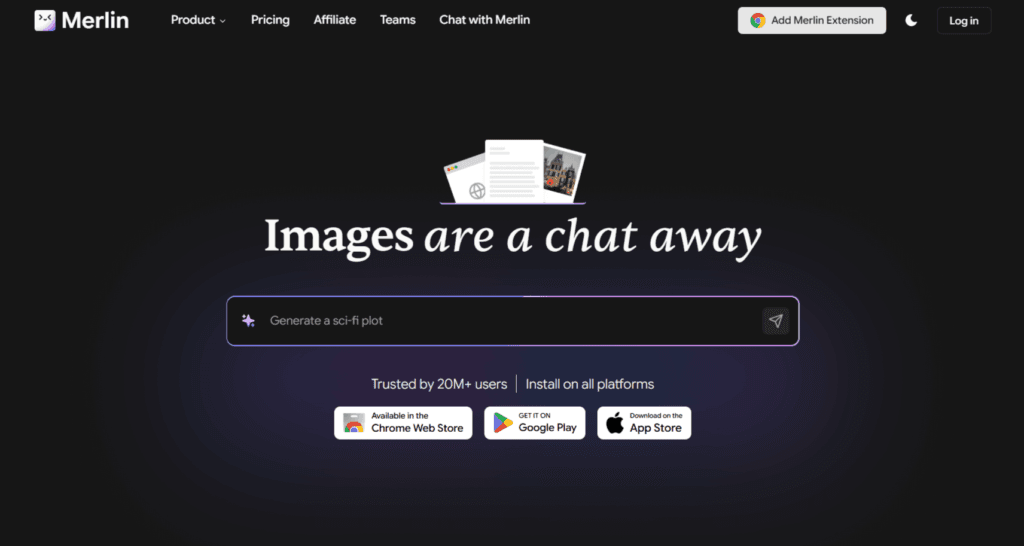
What makes it genuinely useful for productivity is how seamlessly it fits into daily work. You can summarize long articles, generate emails, research topics, chat with PDFs, create content, and automate repetitive writing tasks without constantly changing tabs. It feels less like a standalone chatbot and more like an AI layer added to your entire workflow.
Features
- Access multiple AI models including GPT-4, Claude, Gemini, and Mistral
- Chrome extension that works across websites and Google Search
- AI-powered YouTube video summarizer
- Chat with PDFs, documents, and web pages
- Email writing and content generation tools
- Research assistance and quick web summaries
- AI chatbot sidebar for instant prompts anywhere online
- Cross-platform support for web and mobile devices
- Team collaboration and shared AI workflows
- AI Vaults for saving and organizing research/content
Pricing
- Free Plan — Free with 102 daily AI queries
- Pro Plan — Starts around $19/month with access to advanced AI models and higher usage limits
- Teams Plan — Custom/team-based pricing for businesses and collaborative workflows
- Annual billing offers discounted pricing compared to monthly plans
DeepAI
DeepAI is one of those AI tools that keeps things refreshingly simple. Instead of overwhelming users with complicated dashboards and endless settings, it gives you quick access to AI chat, image generation, editing tools, and APIs in one place. It’s especially useful for creators, developers, students, and anyone who wants lightweight AI tools without paying premium-level prices.
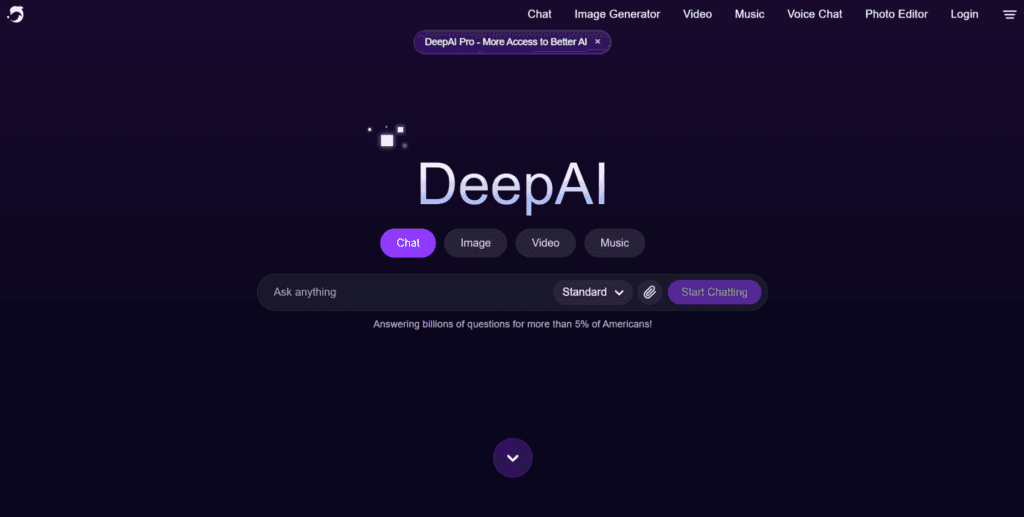
What makes DeepAI stand out is how accessible it feels. You can start using many features instantly without a huge learning curve. While it may not be as advanced as some high-end AI platforms, it’s surprisingly practical for everyday productivity tasks, brainstorming, and creative experimentation.
Features
- AI chatbot for conversations, brainstorming, and writing
- AI image generator from text prompts
- Image editing and enhancement tools
- API access for developers and integrations
- Simple and beginner-friendly interface
- Supports text generation and creative workflows
- Free plan available without mandatory signup
- Ad-free and private generations with the Pro plan
Pricing
- Free Plan – Limited access to chat and image generation features
- Pay-as-you-go – Starts at $5 for usage-based credits
- DeepAI Pro – Starts around $4.99/month and includes higher usage limits, Genius Mode access, API access, private generations, and ad-free experience
3. AI Search engines
Here are the AI search engines that genuinely save time and make work feel a little less overwhelming.
ChatGPT
ChatGPT has evolved from a simple AI chatbot into a full productivity powerhouse for writing, brainstorming, research, coding, planning, summarizing, and even workflow automation. Whether you’re drafting emails, generating content ideas, analyzing documents, creating spreadsheets, or getting instant answers from the web, ChatGPT helps reduce hours of repetitive work into minutes. What makes it stand out is its versatility. It works equally well for students, creators, marketers, developers, freelancers, and business teams. Instead of jumping between multiple apps, many people now use ChatGPT as their everyday AI workspace for thinking faster, organizing ideas, and getting work done more efficiently.
Features
- AI-powered writing, brainstorming, and content generation
- Real-time web search and research assistance
- File uploads for PDFs, spreadsheets, and document analysis
- Advanced coding and debugging support
- Image generation and AI image editing
- Voice conversations and multimodal AI interactions
- Custom GPTs for personalized workflows
- Memory feature for personalized responses
- Team collaboration and workspace tools for businesses
- Integrations with tools like Google Drive, Slack, GitHub, and more
Pricing
- Free Plan – Free with limited access to GPT models and features
- Plus Plan – $20/month for faster responses, higher limits, advanced AI models, and premium features
- Pro Plan – Starts around $100-$200/month for power users needing higher usage limits and advanced capabilities
- Business Plan – Starts at $25/user/month (annual billing) for teams and collaboration features
- Enterprise Plan – Custom pricing for large organizations with advanced security and admin controls
Perplexity
If Google Search and ChatGPT had a smarter, faster child, it would probably look a lot like Perplexity. Instead of making you open ten different tabs just to find one useful answer, Perplexity gives you clear, conversational responses with sources attached in real time. That’s what makes it genuinely useful for productivity.
Whether you’re researching a topic, summarizing information, brainstorming ideas, or fact-checking something quickly, it cuts down the time spent digging through the internet. One of the biggest reasons people love Perplexity is that it feels less like a search engine and more like having an AI research assistant that actually understands context.
Features
- Real-time AI-powered search with cited sources
- Conversational answers instead of traditional search results
- Access to multiple AI models including GPT, Claude, and Gemini
- Deep research mode for detailed analysis
- File and document uploads for smarter querying
- Follow-up questions and contextual conversations
- Web browsing with updated information
- Mobile app support across devices
- AI-powered summaries and report generation
- API access for developers and businesses
Pricing
- Free Plan – Basic AI search and conversational answers
- Perplexity Pro – Around $20/month or $200/year with access to advanced AI models, deeper research, file uploads, and Pro Search features
- Enterprise Pro – Starts at around $40/user/month (annual billing) with team collaboration, security controls, and enterprise integrations
- API Pricing – Usage-based pricing depending on model and token usage for developers building with Perplexity APIs
Google Gemini
Google Gemini is Google’s AI-powered productivity assistant designed to help with research, writing, brainstorming, coding, summarizing, and everyday work tasks. What makes Gemini stand out is how deeply it connects with the Google ecosystem. You can use it directly inside Gmail, Docs, Sheets, Drive, and even Android devices, which makes workflows feel much smoother if you already rely on Google apps daily.
It also supports multimodal AI capabilities, meaning it can understand text, images, files, code, and voice conversations. Whether you’re drafting content, analyzing documents, organizing ideas, or automating repetitive tasks, Gemini works more like an intelligent workspace assistant than just a chatbot.
Features
- Deep integration with Gmail, Google Docs, Sheets, Drive, and Workspace
- AI-powered writing, summarization, brainstorming, and research assistance
- Supports text, image, code, file, and voice inputs
- Gemini Live for real-time conversational AI
- Deep Research mode for detailed web research and analysis
- AI image and video generation capabilities
- NotebookLM integration for research and note organization
- Large context window for handling long documents and files
- Available on web, Android, and iOS
Pricing
According to Google Gemini Pricing and Gemini API Pricing:
- Free Plan – ₹0/month with limited access to Gemini models and 15 GB storage
- Google AI Plus – ₹399/month
- Google AI Pro – ₹1,950/month with higher limits, advanced AI models, Workspace integration, and 2 TB storage
- Google AI Ultra – ₹24,500/month with the highest usage limits and premium AI features
- Gemini API – Free and paid developer pricing available based on token usage and model access
4. Content creation
Here are the AI productivity tools for content creation that genuinely save time and create your content in less time.
Jasper
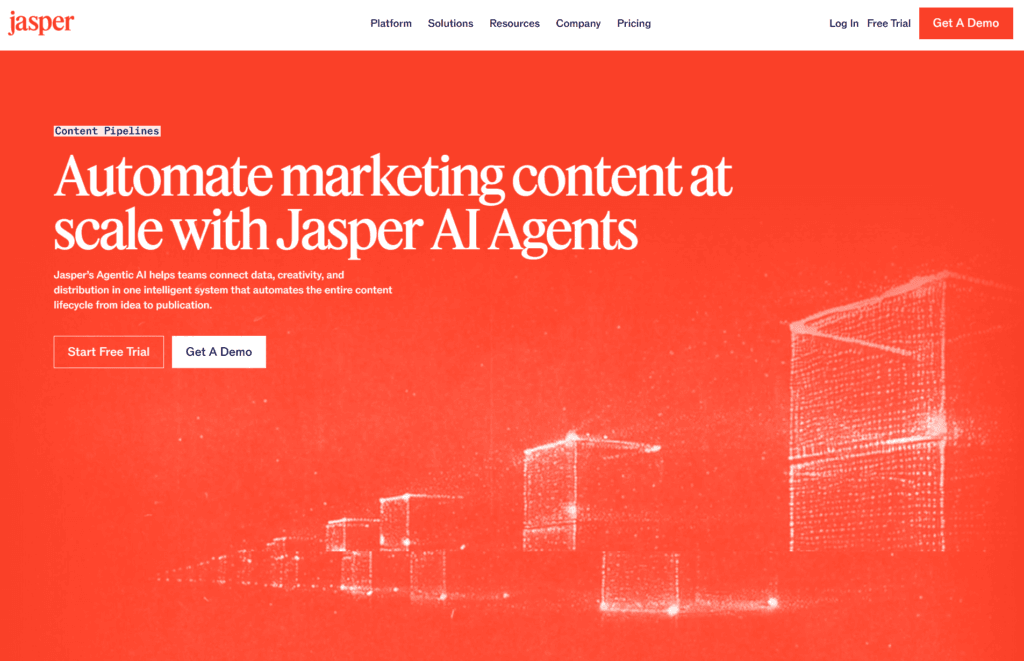
Jasper is one of the most powerful AI content creation tools built for marketers, creators, agencies, and businesses that need high-quality content at scale. Unlike basic AI writing assistants, Jasper focuses heavily on brand consistency, workflow automation, and long-form content creation. Whether you’re writing blog posts, ad copy, emails, product descriptions, or social media campaigns, Jasper helps speed up the entire process without making the content feel robotic. One thing that makes Jasper stand out is its ability to learn your brand voice and generate content that actually sounds consistent across platforms. It’s especially useful for teams managing large-scale content workflows.
Features
- AI-powered blog, email, ad, and social media content creation
- Brand Voice training for consistent writing style
- AI Content Pipelines for scalable workflows
- Built-in collaboration tools for teams
- Jasper Chat for brainstorming and research
- Browser extension for Google Docs, Gmail, LinkedIn, and more
- Supports multiple languages
- SEO-friendly content generation
- Templates for marketing and content creation
- Integrations with marketing and workflow tools
Pricing
- Creator Plan – Starts at $39/month (billed annually) or $49/month monthly
- Pro Plan – Starts at $59/month (billed annually) or $69/month monthly
- Business Plan – Custom pricing for teams and enterprises
- Free Trial – 7-day free trial available
Anyword
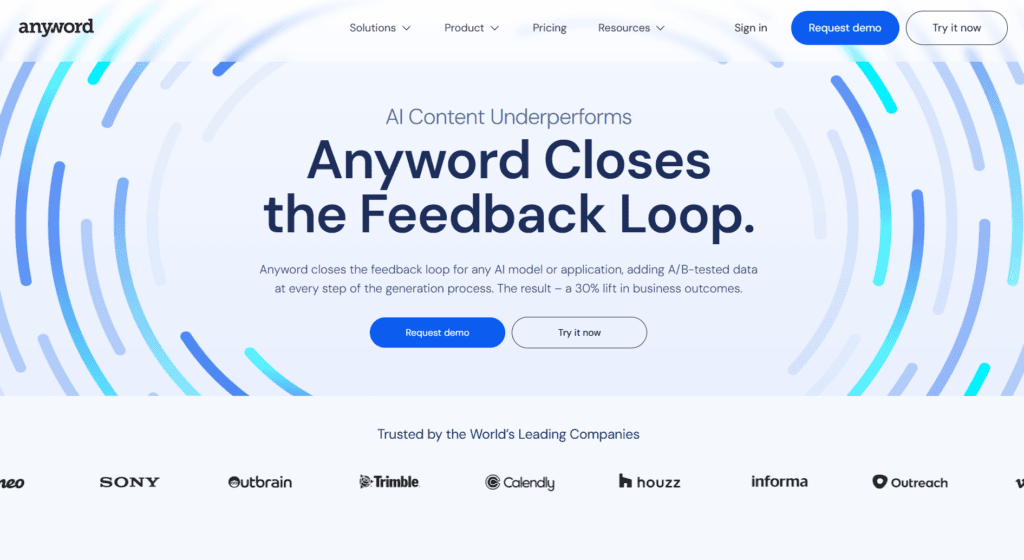
Anyword is an AI-powered content creation platform built mainly for marketers, copywriters, and businesses that want content focused on performance, not just word count. Unlike many AI writing tools that simply generate text, Anyword uses predictive analytics and marketing data to help users create copy that is more likely to convert. From blog posts and ads to emails, landing pages, and social media captions, the platform is designed to speed up content creation while keeping brand messaging consistent. It’s especially useful for teams that care about engagement, click-through rates, and conversion-focused content instead of generic AI-generated writing.
Features
- AI-powered blog, ad, email, and social media content generation
- Predictive performance scoring for marketing copy
- Brand voice training and consistency tools
- Blog Wizard with plagiarism checker
- Content improver and rewrite tools
- Multiple marketing templates and prompts
- Chrome extension support
- Real-time performance predictions for edited content
- Collaboration tools for teams and businesses
- Integrations with marketing workflows and platforms
Pricing
According to Anyword Pricing, the platform currently offers:
- Starter – Starts at $39/month
- Data-Driven – Starts at $79/month
- Business – Custom pricing
- Enterprise – Custom pricing
- Free trial available for new users
5. Video creation and editing
Here are the AI productivity tools for video creation and editing that genuinely save time and create your video content in less time.
Runway
Runway has quickly become one of the most talked-about AI video creation tools for creators, filmmakers, marketers, and content teams. What makes it stand out is how effortlessly it turns simple text prompts, images, or raw footage into cinematic-looking videos without needing advanced editing skills.
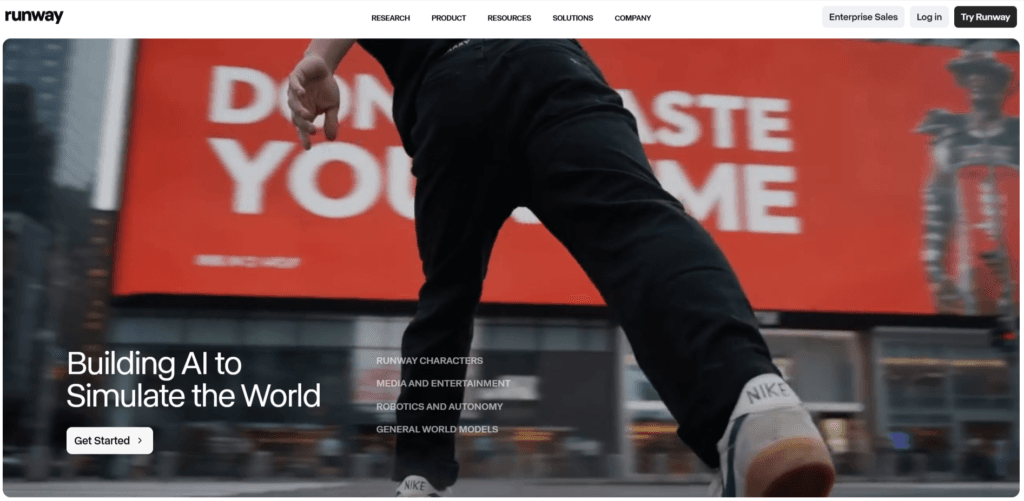
Whether you want to generate AI videos from scratch, remove backgrounds, create motion graphics, edit clips, or produce social media content faster, Runway makes the process surprisingly smooth. The platform feels less like a video editor tool and more like a creative AI studio where ideas can move from concept to finished visuals in minutes instead of hours.
Features
- AI Text-to-Video generation
- Image-to-Video animation tools
- AI-powered video editing
- Background removal and object erasing
- Motion tracking and green screen tools
- AI voice and lip-sync features
- Cinematic video generation with Gen-4 models
- Team collaboration support
- Cloud-based editing workflow
- Supports high-quality video exports
Pricing
According to the official Runway Pricing Page:
- Free Plan – Free forever with limited credits and basic AI generation features
- Standard Plan – Starts at $12/month with more credits, watermark removal, and additional AI tools
- Pro Plan – Starts at $28/month with advanced features, higher credits, and custom voice support
- Unlimited Plan – Starts at $76/month with unlimited AI generations in Explore Mode
- Enterprise Plan – Custom pricing for teams and large organizations
HeyGen
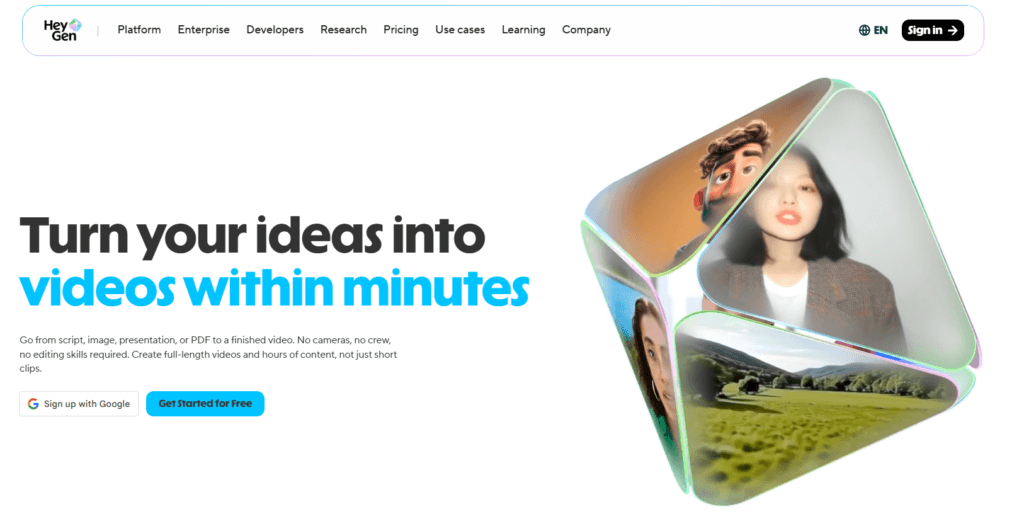
HeyGen is one of those AI video tools that genuinely feels futuristic the first time you use it. Instead of spending hours filming, editing, retaking shots, and syncing voiceovers, you can create professional-looking videos simply by typing a script. The platform lets you generate realistic AI avatar videos using the avatar generators, translate content into multiple languages with lip-syncing, clone voices, and create social media videos without needing a camera setup. It’s especially useful for creators, marketers, educators, agencies, and businesses that want to produce content faster without sacrificing quality. If your workflow involves repetitive video creation, HeyGen can save a ridiculous amount of time.
Features
- AI avatar video generation
- Realistic voice cloning
- Video translation with lip-sync
- 700+ stock AI avatars
- Text-to-video creation
- Custom digital avatars
- 175+ languages and dialects support
- AI-powered video editing tools
- Brand kit integration
- 1080p and 4K video exports
- Fast video processing
- API access for automation workflows
Pricing
According to the official HeyGen Pricing Page:
- Free Plan – $0/month
Includes 1 video/month, 3-minute videos, 720p export, and access to stock avatars. - Creator Plan – Starts at $29/month
Includes unlimited videos, voice cloning, 1080p exports, faster processing, and premium AI features. - Pro Plan – Starts at $99/month
Adds 4K exports, faster rendering, advanced premium access, and higher usage limits. - Enterprise Plan – Custom pricing
Designed for teams and businesses needing scalability, collaboration, API access, and enterprise-level support.
Google Veo 3
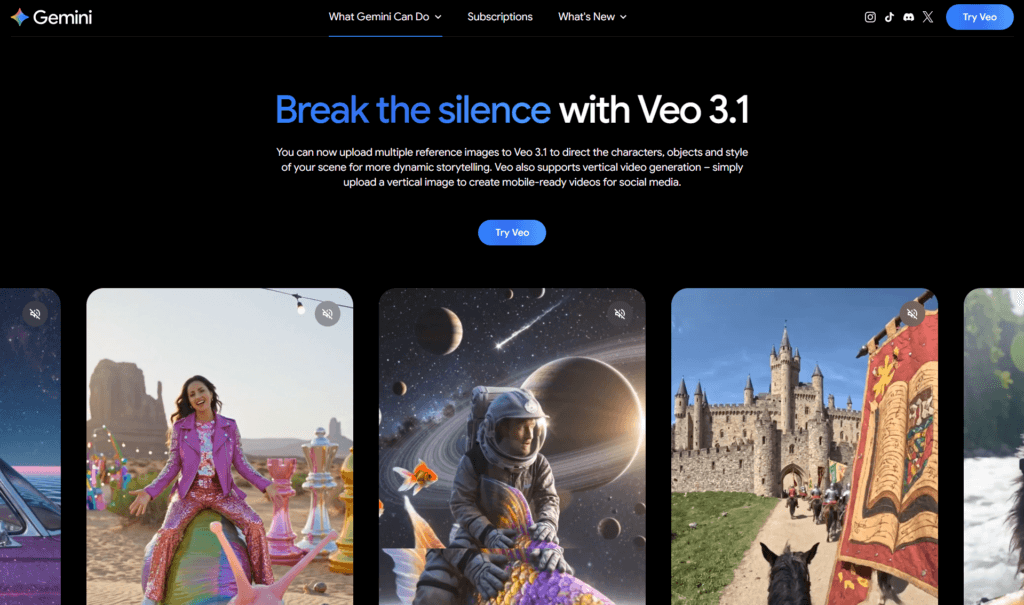
Google Veo 3 is Google’s next-generation AI video creation model built for generating cinematic videos from simple text or image prompts. What makes Veo 3 stand out is how realistic the motion, camera movement, lighting, and audio feel compared to most AI video tools right now. You can create short high-quality videos with sound effects, dialogue, and smooth scene transitions without needing advanced editing skills. It’s especially useful for creators, marketers, filmmakers, and social media teams who want fast AI-powered video production directly inside the Gemini ecosystem.
Features
- Text-to-video and image-to-video generation
- Native audio generation with dialogue and sound effects
- Cinematic camera movement and realistic motion rendering
- Supports vertical and landscape video formats
- High-quality 8-second AI video generation
- Photo-to-video animation support
- Works inside Gemini, Flow, and Google AI tools
- Advanced prompt understanding for detailed scene creation
- 1080p and 4K support in selected workflows
Pricing
- Included with Google AI Pro plan starting around $19.99/month with limited Veo video generations.
- Higher usage limits and advanced Veo access are available through Google AI Ultra.
- Developers can also access Veo through the Gemini API with usage-based pricing.
6. AI Image generation
Here are the AI productivity tools for image generation that genuinely save time and create your images in less time.
Gemini nano banana
Gemini Nano Banana is Google’s advanced AI image generation and editing model built directly into Gemini. What makes it stand out is how naturally it handles creative edits through simple prompts. Instead of learning complicated design tools, you can just describe what you want, whether it’s changing backgrounds, transforming styles, creating cinematic visuals, generating social media graphics, or editing photos while keeping the subject consistent.

It feels less like using a traditional image editor and more like collaborating with an AI creative assistant. Nano Banana is especially impressive at fast image generation, realistic edits, multilingual text rendering, and maintaining visual consistency across multiple generations.
Features
- AI image generation from text prompts
- Advanced photo editing with natural language
- Style transformation and visual remixing
- Consistent character and subject preservation
- Fast image generation with Gemini integration
- Supports realistic, cinematic, and artistic outputs
- Multilingual text rendering inside images
- Image blending and background replacement
- Works across Gemini app and Google AI Studio
- AI-generated images include SynthID watermarking for safety
Pricing
- Free access available with limited image generations in Gemini
- Higher usage limits available through Google AI Pro and Ultra plans
- Google AI Pro starts around $19.99/month in supported regions
- API pricing varies based on image resolution and usage volume for developers
Midjourney
Midjourney is one of the most popular AI image generation tools for creating cinematic, artistic, and highly detailed visuals from simple text prompts. Whether you want realistic portraits, anime art, product concepts, fantasy scenes, or social media creatives, Midjourney consistently delivers stunning results that often look professionally designed. What makes it stand out is its unique artistic quality and visual depth compared to many other AI image tools. It’s widely used by designers, marketers, filmmakers, creators, and brands for everything from concept art to ad creatives. Even beginners can create impressive visuals without needing advanced design skills.

Features
- AI text-to-image generation
- Highly realistic and cinematic image quality
- Style Reference and Character Reference tools
- Advanced prompt customization
- Image upscaling and variations
- Web-based editor and Discord access
- Consistent character creation
- Supports anime, photorealistic, fantasy, and artistic styles
- Commercial usage rights for paid users
- Fast and Relax generation modes depending on plan
Pricing
Midjourney currently offers four paid plans:
- Basic Plan — $10/month
- Standard Plan — $30/month
- Pro Plan — $60/month
- Mega Plan — $120/month
Annual billing offers around 20% savings on all plans. The Standard plan is the most popular option because it includes unlimited Relax Mode generations.
Magnific
Magnific is one of the most impressive AI image creation and enhancement tools right now, especially for creators who care about high-quality visuals. Unlike basic AI image generators, Magnific focuses heavily on adding ultra-realistic details, sharpening textures, improving lighting, and transforming low-quality images into cinematic-looking artwork.
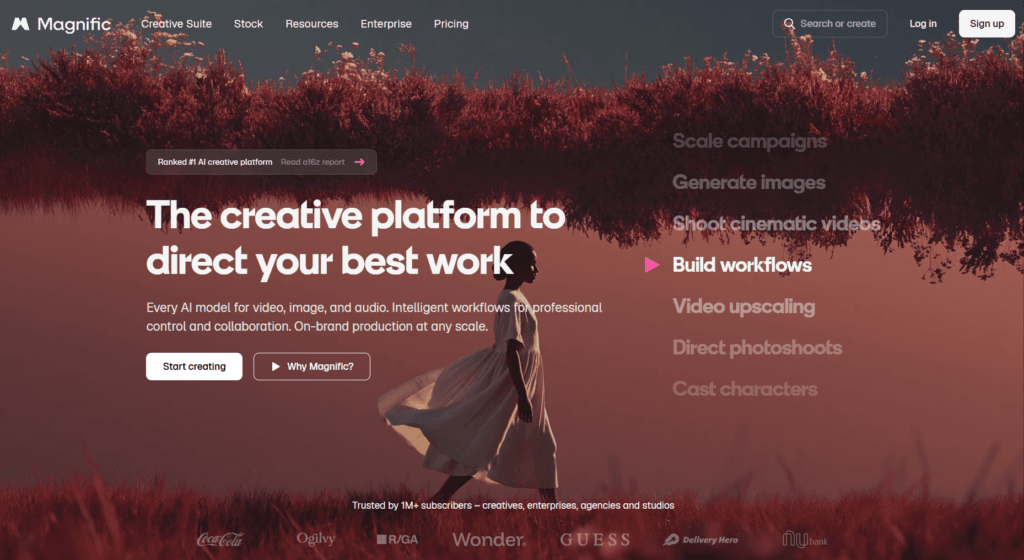
It’s widely used by designers, photographers, marketers, filmmakers, and AI artists who want polished visuals without spending hours editing manually. What makes Magnific stand out is how much creative control it gives users through prompts, enhancement sliders, and upscale settings. Whether you’re creating concept art, product shots, portraits, or social media visuals, the results often look surprisingly professional.
Features
- AI-powered image generation and enhancement
- Advanced image upscaling with added realistic details
- Creativity and detail control sliders
- Supports portraits, landscapes, illustrations, and 3D renders
- High-resolution output for professional use
- AI sharpening and texture enhancement
- Prompt-based image transformation
- Useful for photography, marketing, filmmaking, and design workflows
- Cloud-based platform with fast processing
- Commercial usage support for creators and teams
Pricing
According to Magnific’s pricing plans:
- Pro Plan – Starts at $39/month with around 2,500 tokens for individuals and small creators
- Premium Plan – Starts at $99/month with 6,500 tokens for heavier usage and growing teams
- Business/Enterprise Plan – Starts at $299/month with 20,000 tokens and advanced support features
Magnific also offers discounted annual billing on selected plans. Pricing is mainly based on token usage for image generation and upscaling.
7. AI no-code tools
Here are the no-code AI tools for boosting productivity that genuinely save time.
Lovable
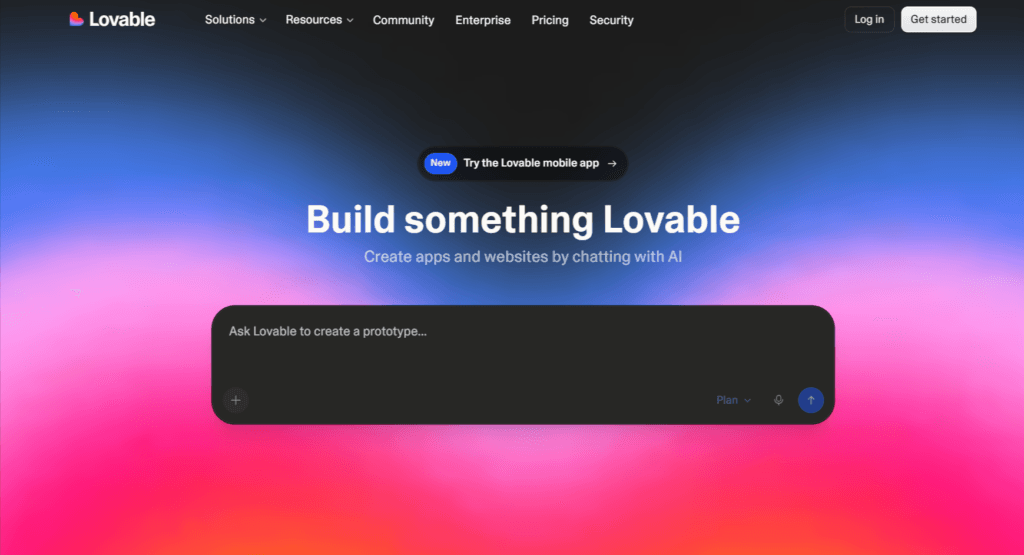
Lovable is one of those AI no-code tools that genuinely feels futuristic the first time you use it. Instead of dragging endless blocks or manually designing every screen, you simply describe what you want in plain English, and Lovable turns it into a working web app within minutes. It’s built for founders, creators, indie hackers, and even non-technical users who want to prototype ideas fast without touching complex code. What makes Lovable stand out is how conversational the entire experience feels. You can refine layouts, add features, connect databases, and improve your app simply by chatting with AI like you’re working with a developer beside you.
Features
- AI-powered text-to-app generation
- Build web apps using simple prompts
- Live visual editing and instant previews
- Built-in code editor for manual customization
- Supabase integration for backend and authentication
- Custom domain support
- GitHub sync and code export
- Workspace collaboration and team permissions
- Ability to remove Lovable branding
- Fast MVP and prototype creation for startups and creators
Pricing
- Free Plan – Free with 5 daily credits and public projects
- Pro Plan – Starts at $25/month with 100 monthly credits, private projects, custom domains, and code editing access
- Business Plan – Starts at $50/month with SSO, privacy controls, and advanced team features
- Enterprise Plan – Custom pricing for larger organizations and advanced integrations
Brancher AI
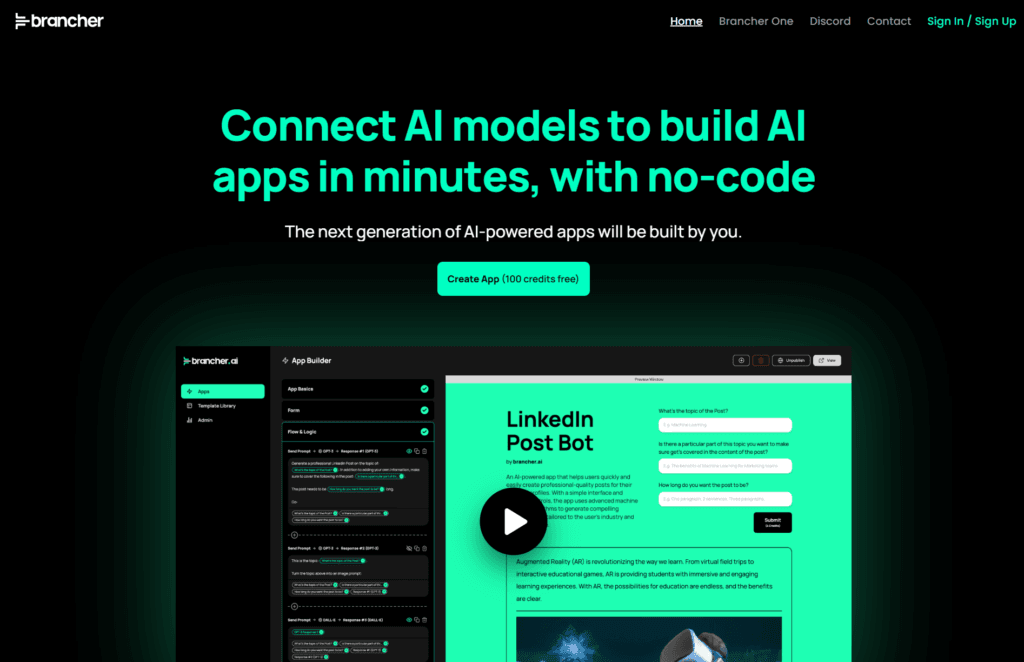
Brancher AI feels like one of those tools built for people who have AI app ideas but zero interest in learning how to code. Instead of dealing with APIs, backend logic, or complicated workflows, you can visually connect different AI models and turn them into working apps within minutes. What makes it stand out is how beginner-friendly the platform feels without limiting creativity. Whether you want to build an AI content generator, chatbot, image tool, or workflow automation app, Brancher AI makes the entire process surprisingly simple. It’s especially useful for creators, marketers, entrepreneurs, and anyone experimenting with AI-powered products without technical skills.
Features
- No-code AI app builder
- Connect multiple AI models visually
- 100+ ready-made templates
- Drag-and-drop workflow builder
- Supports GPT-4, DALL·E, Stable Diffusion, and more
- Custom branding and vanity URLs
- App analytics and usage tracking
- Share and publish AI apps easily
- Beginner-friendly interface
- Free starter credits for testing apps
Pricing
According to recent pricing information, Brancher AI offers:
- Free Plan – 100 free credits to get started
- Basic Plan – Around $8/month
- Pro Plan – Around $24/month
- Additional AI credits can be purchased separately depending on usage.
8. Voice and music generation
Here are the AI productivity tools for voice and music generation that genuinely save time and generate your voices in minutes.
ElevenLabs
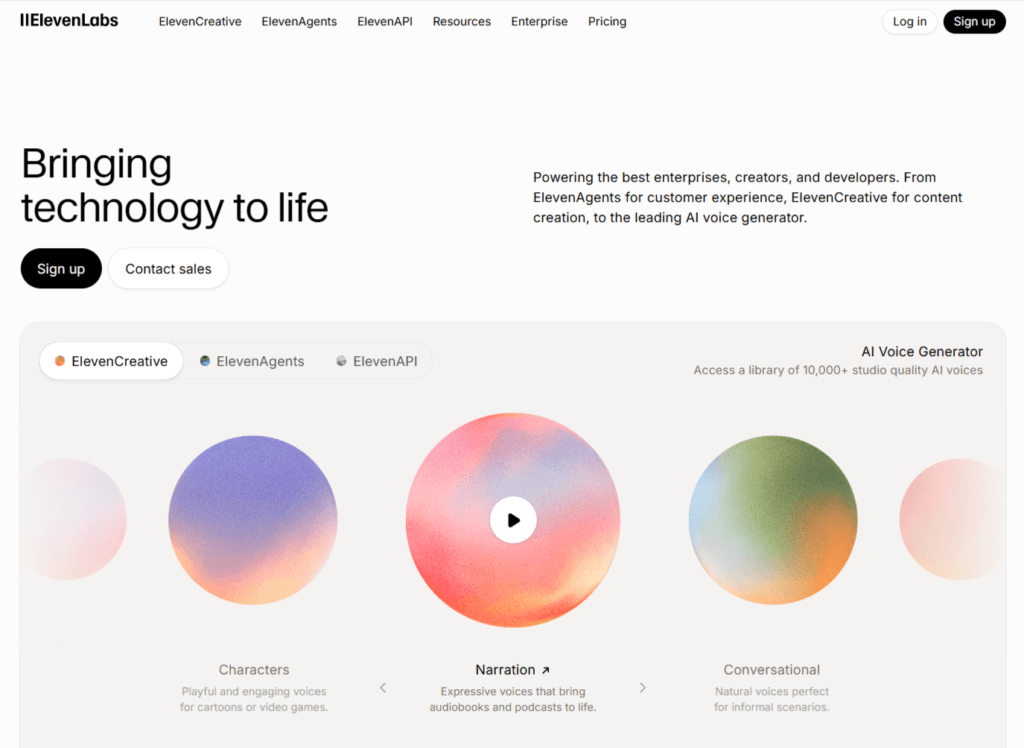
If there’s one AI voice generator that genuinely feels human, it’s ElevenLabs. The platform became hugely popular because of how natural and expressive its AI voices sound compared to older robotic text-to-speech tools. Whether you’re creating YouTube videos, podcasts, audiobooks, ads, online courses, or AI voiceovers for social media, ElevenLabs makes the process ridiculously fast. What really stands out is the emotional tone and realism in the generated speech. You can clone voices, dub content into multiple languages, create AI agents, and even generate studio-quality narration without needing expensive recording equipment. It’s one of those AI tools that instantly saves creators hours of production work.
Features
- Ultra-realistic AI voice generation
- Voice cloning with custom voices
- Text-to-speech in 70+ languages
- AI dubbing and translation
- AI voice agents and conversational AI
- Speech-to-text transcription
- API access for developers
- Audio editing and voice customization
- Music and sound effect generation
- Mobile app support for creators
Pricing
- Free Plan – $0/month
- Starter Plan – Starts around $5/month
- Creator Plan – Starts around $22/month
- Pro Plan – Starts around $99/month
- Scale & Business Plans – Custom/high-volume pricing available
- Enterprise Plan – Custom pricing for larger teams and businesses
Hume
Hume is not your typical AI voice generator. Instead of creating flat, robotic audio, it focuses heavily on emotional intelligence and natural-sounding speech. The platform is designed to make AI voices feel more human, expressive, and conversational, which makes it stand out from most text-to-speech tools right now.
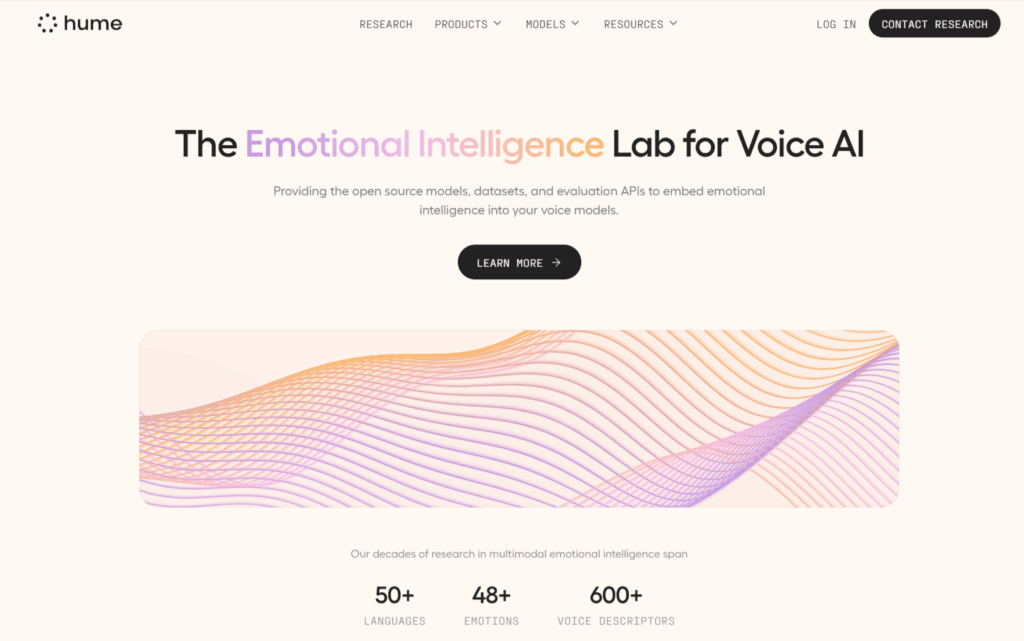
What I personally liked about Hume is how realistic the voice delivery feels during conversations. The pauses, tone shifts, emotions, and speaking style sound far more natural compared to many traditional AI voice tools. It’s especially useful for creators, developers, customer support experiences, AI assistants, podcasts, storytelling, and conversational AI apps where voice quality actually matters.
Features
- Emotionally expressive AI voice generation
- Real-time speech-to-speech AI conversations
- AI voice cloning with natural tone capture
- Human-like conversational voice delivery
- Custom AI voices and personality controls
- API access for developers and AI apps
- Supports conversational AI assistants
- External LLM integrations for advanced workflows
- Fast voice generation with low latency
- Commercial usage support on higher plans
Pricing
Hume offers a free plan along with multiple paid tiers depending on usage and voice generation needs.
- Free – $0/month
Includes 10,000 text-to-speech characters and limited speech-to-speech usage. - Starter – $3/month
Includes 30,000 characters and 40 minutes of EVI usage. - Creator – $7/month (first month discounted, then $14/month)
Includes 140,000 characters, commercial license, and unlimited voice cloning. - Pro – $70/month
Includes 1 million characters and higher API/concurrent usage limits. - Scale – $200/month
Built for high-volume AI voice applications and teams. - Business & Enterprise – Custom pricing
Includes advanced compliance, team collaboration, and enterprise-level scaling.
Speechify
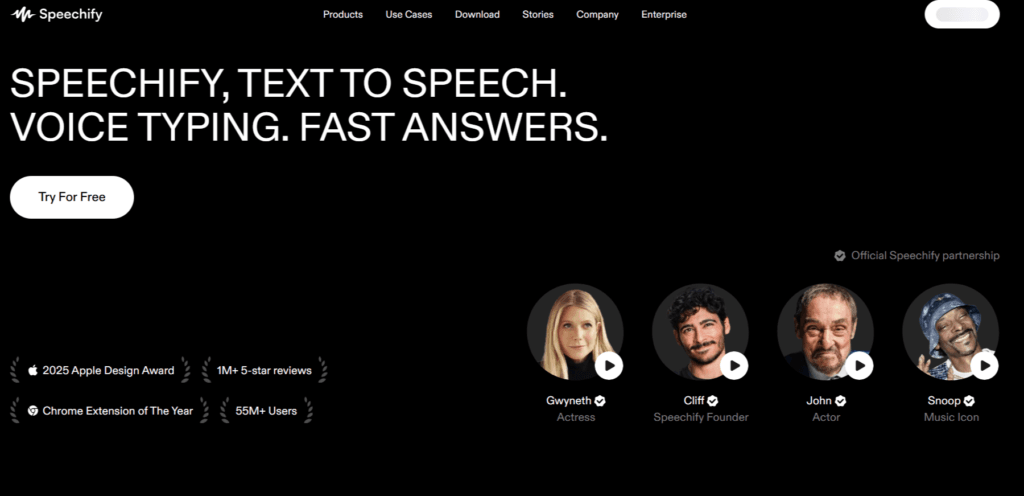
Speechify is one of those AI productivity tools that instantly feels useful the moment you try it. Instead of reading long PDFs, emails, articles, Google Docs, or study notes manually, Speechify turns them into natural-sounding audio you can listen to anywhere. It’s especially helpful for students, creators, professionals, and anyone who spends hours consuming content every day. What makes Speechify stand out is how human its AI voices sound compared to older text-to-speech tools. You can speed up playback, scan physical pages into audio, and even use celebrity-style voices. It works across mobile, desktop, Chrome, and tablets, making it surprisingly easy to fit into daily workflows.
Features
- AI-powered text-to-speech with natural human-like voices
- Converts PDFs, articles, emails, books, and docs into audio
- Supports 1000+ voices and 60+ languages
- Adjustable listening speeds up to 4.5x
- OCR scanning to turn physical text into audio
- Works on Chrome, iOS, Android, Mac, and Windows
- AI voice typing and dictation features
- Offline listening support
- AI summaries and voice assistant tools
- Syncs reading progress across devices
Pricing
- Free Plan — Limited voices and basic text-to-speech features
- Premium Plan — Starts around $29/month or $139/year with access to premium AI voices, faster listening speeds, offline downloads, and advanced AI features
- Speechify Studio — Creator-focused plan starting around $19/month for AI voice generation and commercial use features
Other AI tools for productivity
Here are the general AI tools for boosting productivity.
Quillify AI (for business proposal generation)
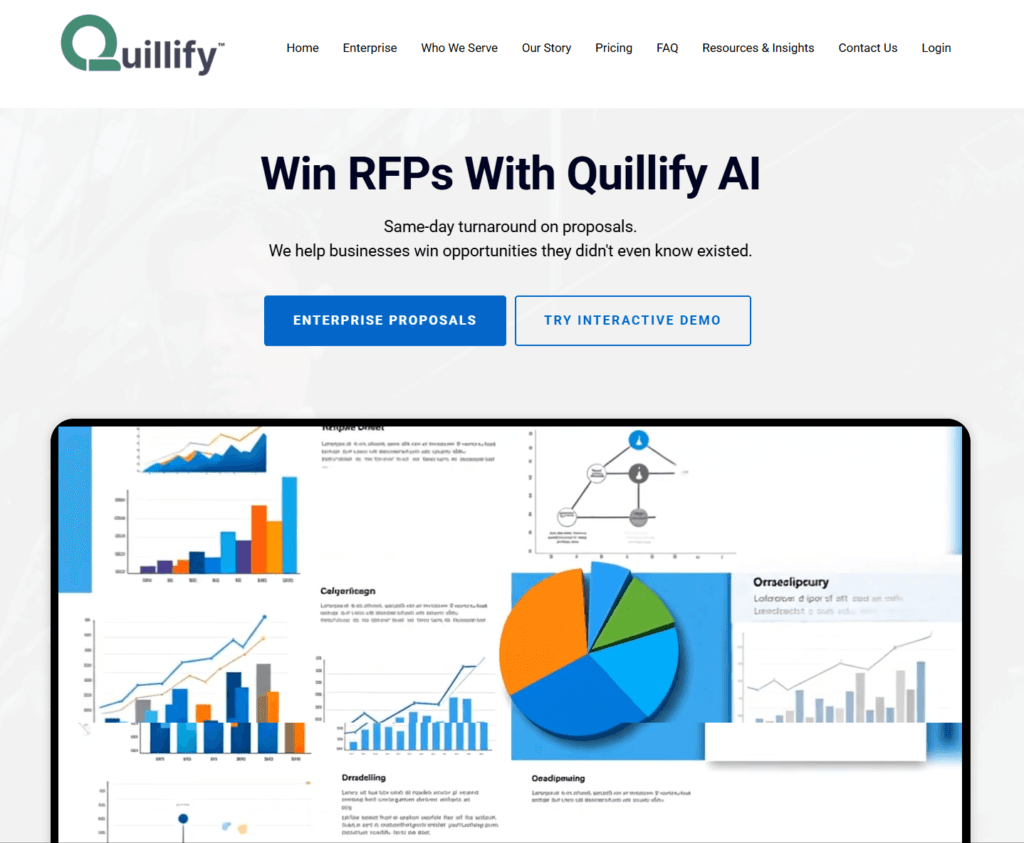
Quillify AI is an AI-powered funding and grant writing platform designed for startups, nonprofits, researchers, and businesses looking to secure non-dilutive funding faster. Instead of spending weeks searching for grants and writing proposals from scratch, Quillify helps users discover relevant funding opportunities and generate proposal drafts in minutes. What makes it stand out is how focused it is on real-world grant workflows rather than generic AI writing. The platform combines AI-powered grant discovery, proposal drafting, funding readiness assessment, and opportunity matching into one streamlined workflow, making the entire funding process feel far less overwhelming.
Features
- AI-powered grant and funding discovery
- Generates grant proposal drafts within minutes
- Funding readiness assessment tools
- Supports businesses, nonprofits, accelerators, and researchers
- Tracks government and private funding opportunities
- AI proposal evaluation and optimization
- Helps reduce proposal writing time significantly
- Enterprise solutions for accelerators and funding organizations
- Secure platform with encrypted data protection
- Built specifically for grant acquisition workflows instead of generic AI writing
Pricing
According to Quillify Pricing:
- Access Plan — $1,200 for 6 months ($200/month)
Includes AI-powered grant search, alerts, and 50% off AI proposals. - Complete Plan — $3,000 for 6 months ($500/month)
Includes everything in Access plus AI proposal evaluations and 2 complete AI proposals. - AI Proposal Services
- Basic Proposal: $1,800
- Advanced Proposal: $4,999
- Full-Service Package: Custom pricing
- Foundation Report: $499
MindMapAI (for creating mind map)
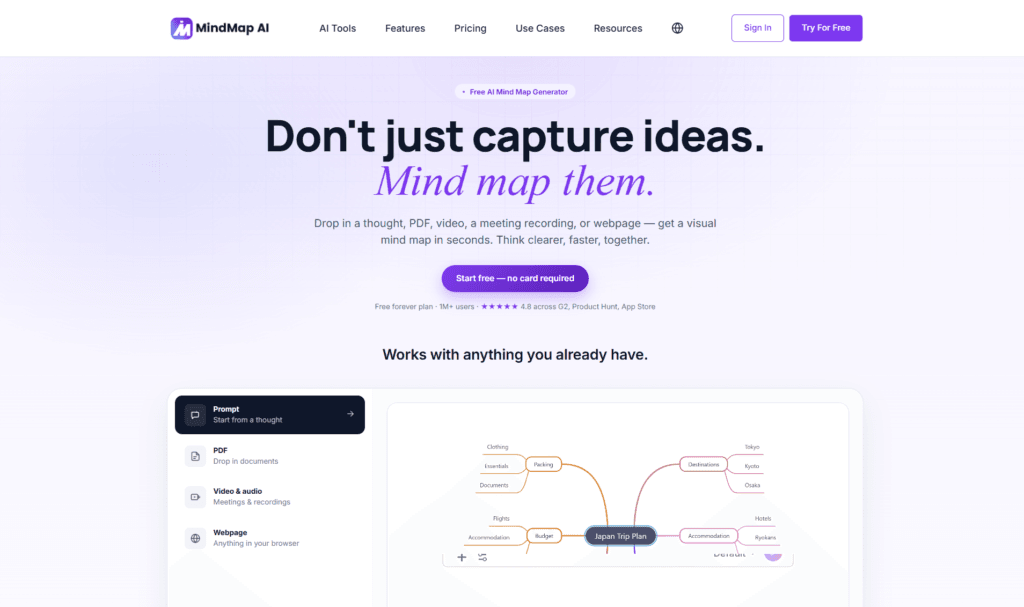
MindMapAI is one of those productivity tools that instantly makes messy ideas feel organized. Instead of staring at a blank page trying to structure thoughts manually, you can simply drop in text, PDFs, notes, audio, videos, or even research documents, and the AI automatically turns them into clean, interactive mind maps. It’s especially useful for brainstorming, project planning, studying, content creation, and breaking down complex information without feeling overwhelmed. What makes it stand out is that it doesn’t stop at generating a mind map once. You can keep refining, expanding, and reorganizing ideas through its AI Copilot, making the whole workflow feel much more natural and collaborative.
Features
- AI-powered mind map generation from text, PDFs, audio, video, images, and webpages
- AI Copilot chat for expanding and refining ideas
- Automatic summarization and content structuring
- Supports exports in PNG, PDF, SVG, Markdown, CSV, and more
- Real-time editing and customization tools
- Cross-platform support with web, iOS, Android, and browser extensions
- Import mind maps from other platforms
- Collaboration and sharing via public or private links
- Multiple language support for global users
Pricing
- Free Plan – Free with 50 AI credits/month and up to 10 projects
- Basic Plan – Starts around $7.49/month with 2,000 AI credits
- Pro Plan – Starts around $14.99/month with 5,000 AI credits and advanced export/support features
- Lifetime Plans – Available starting from $129 for one-time access plans
Ninja AI (AI assistant for personal tasks)
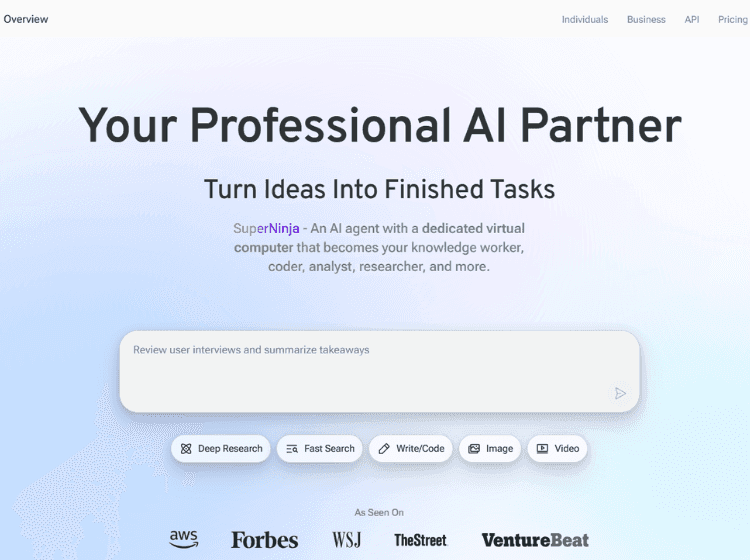
Ninja AI feels less like a traditional chatbot and more like an actual AI work assistant that can handle complex tasks across research, writing, coding, automation, and content creation. What makes it stand out is the way it combines multiple premium AI models into one platform, so you don’t have to jump between different tools constantly. During testing, it felt especially useful for long-form research, brainstorming, file analysis, and multi-step workflows that usually eat up hours. The interface is surprisingly simple considering how powerful the platform is, and the built-in AI agents make it feel far more practical than most “all-in-one” AI tools right now.
Features
- Access to multiple AI models in one platform
- AI agents for research, coding, writing, and automation
- Deep research and reasoning capabilities
- File analysis and document understanding
- AI image generation and editing tools
- Long-running AI task execution
- Workflow automation with dedicated virtual machines
- Slack integration and upcoming AI team collaboration features
- Supports content creation, coding, scheduling, and brainstorming workflows
Pricing
- Free Plan – $0/month with limited credits and basic access
- Pro Plan – Starts at around $25/month with 1,900 monthly credits, advanced AI models, and more parallel tasks
- Business Plan – Starts at around $50/month for teams with shared credits, workspace management, and unlimited parallel tasks
- Annual billing includes around 2 months free on paid plans
If you’re tired of jumping between websites trying to find the right AI tools, Pick AI makes the process much easier. The platform helps you discover, compare, and explore the latest AI tools in one place without the usual overwhelm. Along with detailed reviews, you’ll also find curated AI courses, practical video tutorials, and useful guides that break down how these tools actually work in real-world scenarios. Whether you’re a creator, marketer, entrepreneur, or business owner, Pick AI helps you find tools that genuinely match your workflow and goals.
Final Note
The biggest reason AI productivity tools are becoming essential isn’t that people want to replace work completely. It’s because most people are exhausted from wasting time on repetitive tasks that drain energy without adding real value. Constant context switching, endless admin work, scattered notes, repetitive emails, manual research, and overloaded workflows slowly eat away at productivity every single day.
That’s where the right AI tools genuinely help.
The tools in this list are not just flashy demos designed to go viral for a week. They’re practical tools that can simplify workflows, reduce mental overload, speed up creative work, automate repetitive tasks, and help you focus more on the work that actually matters. Whether it’s automating workflows with Zapier and n8n, researching faster with Perplexity and ChatGPT, creating content with Jasper, generating videos with Runway and HeyGen, or building apps without code using Lovable, each tool solves a real productivity problem in its own way.
At the same time, it’s important to remember that AI works best as an assistant, not a replacement for human thinking. The goal is not to automate yourself out of the process. The goal is to remove unnecessary friction so you can spend more time creating, building, learning, and making better decisions.
And honestly, you don’t need to use all tools on this list to become more productive. Even finding two or three tools that fit naturally into your workflow can save hours every week.
The best AI productivity setup is not the most complicated one. It’s the one that quietly makes your work feel faster, smoother, and far less overwhelming.