Creating scroll-stopping videos used to mean expensive gear, editing skills, and hours of post-production. Now, AI has flipped that equation completely. With just a video prompt, creators can turn ideas into cinematic clips, social media content, or even full storytelling sequences in minutes.
Among these tools, Kling AI quickly earned a reputation as a go-to choice for realistic, physics-aware video generation and high-quality visuals. It set a new standard for what AI-generated videos could look and feel like, especially when it comes to motion, detail, and creative control.
But here’s the thing: the AI video space is evolving fast. New tools are launching almost every month, each offering different features for video creation, whether it’s faster rendering, better storytelling workflows, or more control over characters and scenes. In fact, creators today aren’t just looking for one tool; they’re building entire workflows using multiple AI platforms depending on the project.
That’s exactly why exploring alternatives matters.
Whether you’re a YouTuber, marketer, indie filmmaker, or just experimenting with AI content, the right AI tool can completely change how you create. Some top AI video platforms focus on full production pipelines, others specialize in quick social clips, and a few push the boundaries of cinematic storytelling.
In this guide, we’ve handpicked the top 6 Kling AI alternatives for content creators, all tried, tested, and worth your time. Each one brings its own strengths, so you can find the perfect fit for your video generation workflow.
What is Kling AI: Overview
Kling AI is an advanced AI video generation model designed to turn text prompts and images into realistic, high-quality videos. Developed to simulate real-world physics, motion, and cinematic depth, it allows creators to generate scenes that feel more natural and lifelike compared to earlier AI tools.
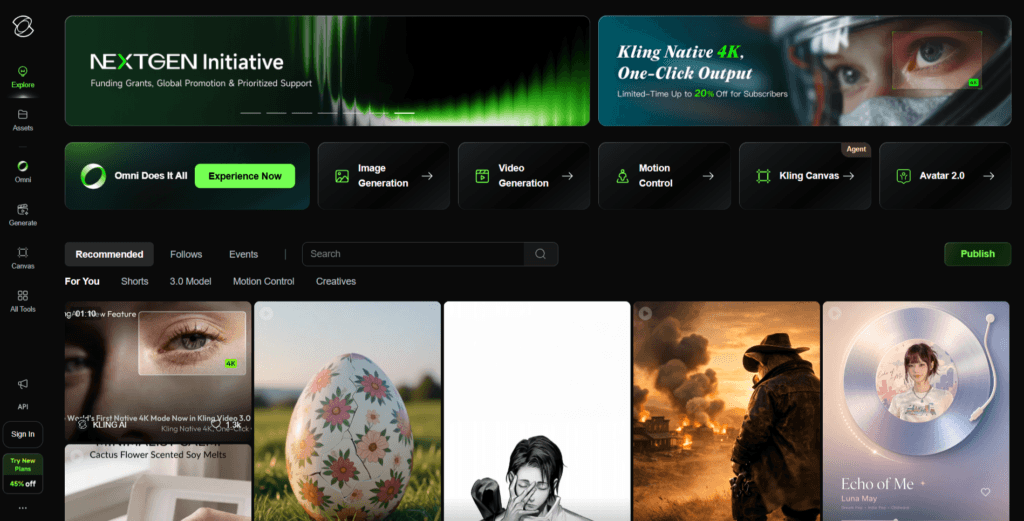
What makes Kling stand out is its ability to understand complex prompts and translate them into dynamic sequences rather than static visuals. Instead of just generating short clips, it focuses on continuity, movement, and storytelling, making it especially useful for creators who want more than quick, looped animations.
From social media creators to filmmakers experimenting with AI workflows, Kling AI has become a popular choice for producing visually rich content without needing traditional filming setups.
What are Kling AI’s Strengths?
- Generates videos with natural movement, making scenes feel lifelike rather than robotic or stiff.
- Produces sharp, detailed frames with cinematic appeal, suitable for professional-looking content.
- Allows users to create videos using simple text prompts, reducing the need for technical expertise.
- Supports a wide range of styles, from storytelling scenes to conceptual visuals, making it useful across different niches.
What are Kling AI’s Weaknesses?
- Not always easily available to all users, depending on region or platform access.
- Rendering high-quality videos can take longer compared to some faster AI tools.
- While outputs are impressive, granular control over specific elements (like exact character behavior or scene composition) can be limited.
- Compared to some competitors, it has fewer integrations or built-in editing features for a complete end-to-end workflow.
Why You Need to Look for Kling AI Alternatives?
Kling AI is undeniably powerful, but relying on a single tool in a rapidly evolving space like AI video can subtly limit your creative potential. Here are some real reasons creators are actively looking for alternatives:
1. Unpredictable Access, Even After Paying: Some users report running into queue limits or “upgrade” prompts despite already purchasing credits. When you’re ready to create and the tool isn’t available, it breaks your workflow instantly.
2. Frustrating Credit-Based System: Instead of creating freely, you’re constantly thinking about credits. Every attempt costs something, which makes experimentation expensive, especially when you’re still learning or refining prompts.
3. Risk of Wasted Credits: Failed generations or unsatisfactory outputs can still consume credits. That means you’re paying even when the result isn’t usable, which adds up quickly over time.
4. Limited Customer Support: When things go wrong, billing issues, failed generations, or account problems, getting help isn’t always easy. Slow or unclear support can turn small issues into bigger frustrations.
5. Billing & Transparency Concerns: Some users have experienced confusion around charges or subscriptions. Lack of clarity in pricing models can make it harder to trust the platform long-term.
6. Inconsistent Prompt Interpretation: While Kling AI can produce great results, it doesn’t always understand prompts accurately. This leads to multiple retries, which again ties back to higher costs and time loss.
7. Not Ideal for Learning & Experimentation: AI video creation often requires trial and error. A restrictive system makes it harder for beginners and even experienced creators to explore ideas freely.
What are Our Testing Process: Finding the Right Kling AI Replacement
Finding a solid alternative isn’t about picking the most hyped tool, it’s about figuring out what actually works when you sit down to create. So instead of relying on feature lists or marketing claims, we tested each tool the way a real content creator would.
Here’s how we approached it:
- We used the same set of prompts across all tools, covering storytelling, product ads, cinematic scenes, and short-form social content. This helped us compare how accurately each tool understands intent and translates it into visuals.
- We looked at how consistent the results were across multiple generations, especially in terms of motion, character stability, and overall visual quality.
- Fast generation is great, but not if the interface slows you down. We evaluated how smooth the overall experience feels, from entering prompts to exporting final videos.
- We tested how much control each tool gives you. Can you tweak scenes, guide the output, or refine results easily? Or are you stuck regenerating from scratch every time?
- AI tools aren’t perfect, so we paid close attention to what happens when things go wrong. Do you lose credits? Can you retry easily? Does the tool feel stable under regular use?
- We also considered what happens beyond the tool itself, availability of help, clarity in billing, and whether the platform feels reliable enough for long-term use.
What are the 6 Best Alternatives to Kling AI That Actually Deliver for Creators?
Here’s a curated list of AI video tools we’ve personally tested and explored – each one a strong alternative to Kling AI. Dive in, try them out, and see which one actually fits your creative workflow and delivers the results you’re looking for.
| Capabilities | Generation Type | Presenter/Avatar | Free Plan | Pricing Starts From | Multilingual Support | Enterprise Features (APIs, Integrations) |
|---|---|---|---|---|---|---|
| Higgsfield AI | Text-to-Video | – | ✓ | Freemium | ✓ | – |
| Google VEO 3.1 | Text-to-Video (Advanced) | – | Limited | Premium Access | ✓✓ | ✓✓ |
| HeyGen | Avatar Video | ✓✓✓ | ✓ | $24/month | ✓✓✓ | ✓✓ |
| InVideo | Text-to-Video + Templates | ✓ | ✓ | $20/month | ✓✓ | Limited |
| Runway Gen-4 | Text/Image-to-Video | – | Limited | $15/month | ✓ | ✓✓ |
| Seedance | Multimodal (Text/Image/Audio-to-Video) | – | Limited | Freemium | ✓✓ | ✓ |
1. Higgsfield AI
Higgsfield AI is an all-in-one AI video and image generation platform built for creators who want more control, flexibility, and production-level output in a single workspace. Instead of relying on just one model, it integrates multiple top AI video models like Kling, Sora, and Veo, allowing users to compare and generate results without switching tools.
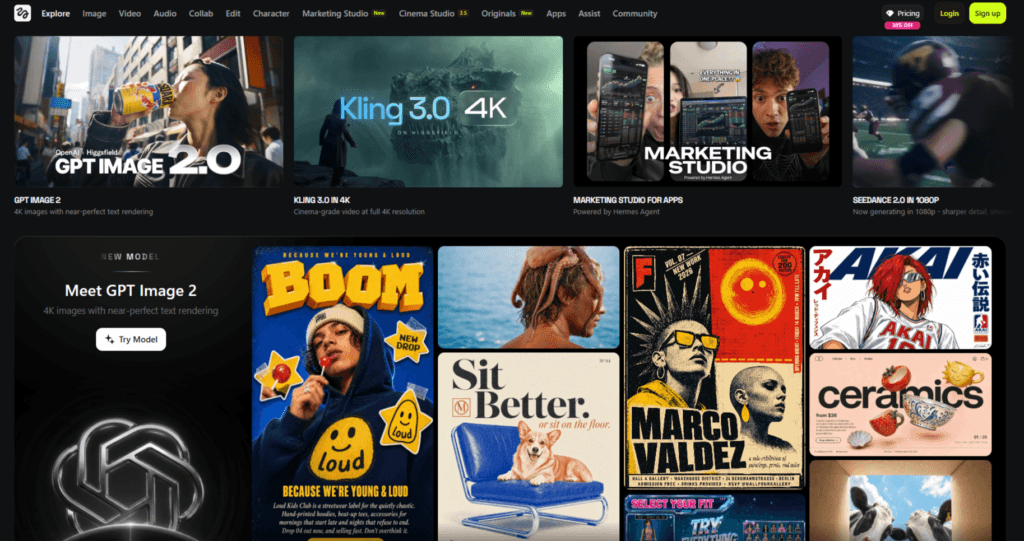
What makes it stand out is its filmmaking-style approach. You can control camera movement, lighting, motion, and even maintain character consistency across scenes.
With features like Cinema Studio, visual references, and multi-model workflows, Higgsfield AI feels less like a tool, and more like a complete AI production studio.
Why do we consider Higgsfield AI as the best alternative to Kling AI?
Higgsfield offers multi-model access, advanced creative control, and a unified workflow make it far more flexible and practical than relying on a single AI model.
2. Google Veo 3.1
Google Veo 3.1 is a next-generation AI video model built for creators who want more than just short clips. It focuses on producing cinematic, multi-shot videos with stronger prompt understanding and higher visual realism. Unlike many tools limited to single scenes, Veo 3.1 allows you to generate longer sequences, extend clips, and even guide outputs using multiple prompts or reference images.
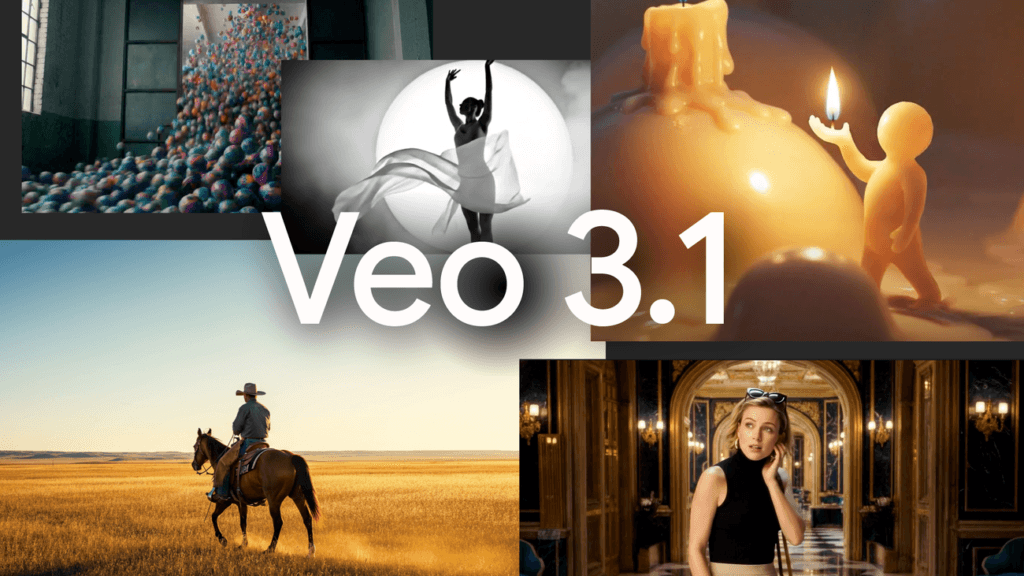
It also supports native audio generation, synchronized with visuals, which adds a layer of realism many tools lack. With advanced controls for lighting, shadows, and object editing, Veo 3.1 is designed for professional-grade storytelling and scalable video workflows.
Why do we consider Google VEO 3.1 as the best alternative to Kling AI?
Google VEO 3.1 delivers cinematic realism, longer videos, native audio, and stronger prompt accuracy, making it ideal for professional storytelling and advanced video workflows.
3. HeyGen
HeyGen is a powerful AI video platform focused on creating professional, avatar-driven videos from simple scripts. Instead of generating raw cinematic clips, it helps you produce complete, ready-to-use videos by combining AI avatars, voiceovers, and templates in a streamlined workflow. You can choose or create a digital presenter, input your script, and generate a polished talking-head video with accurate lip-sync and multilingual support.
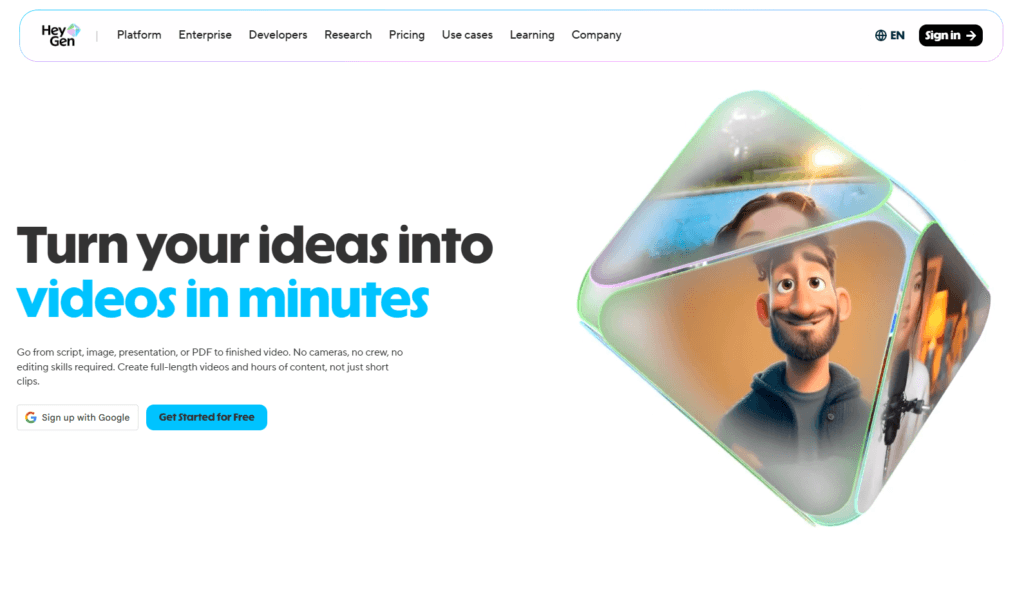
This makes it especially useful for marketing, training, sales, and educational content where clear communication matters more than visual effects. It’s built for creators who want speed, consistency, and scalability without being on camera.
Why do we consider HeyGen as the best alternative to Kling AI?
HeyGen offers end-to-end video creation with avatars, voice, and scripting, unlike Kling, which mainly generates clips without a complete production workflow.
4. InVideo
InVideo AI is a full-stack AI video creation platform built for speed, simplicity, and scalable content production. Unlike pure generative tools, it combines script generation, automated scene creation, stock media, and AI voiceovers into a single workflow. You can turn a simple idea into a complete video, with visuals, narration, music, and transitions, without needing editing skills.
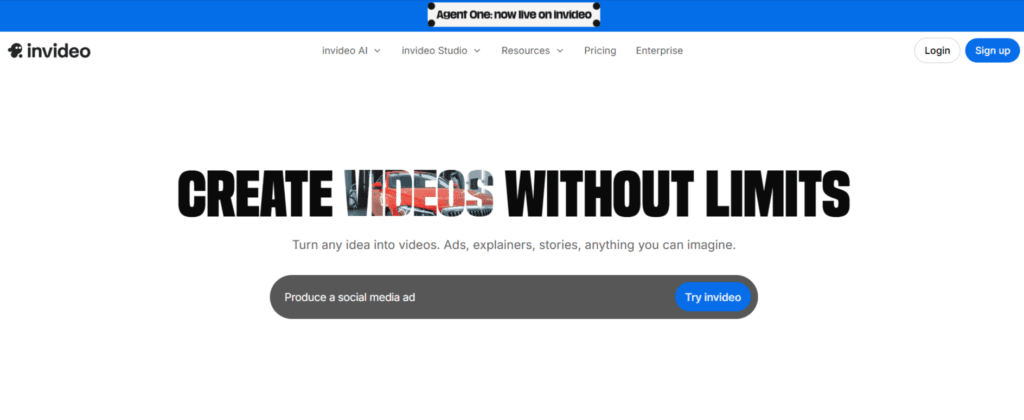
It also supports multiple languages, brand customization, and long-form content creation. While the output may rely on stock assets rather than fully AI-generated visuals, its strength lies in delivering polished, ready-to-publish videos quickly and consistently.
Why do we consider InVideo as the best alternative to Kling AI?
InVideo offers faster workflow, built-in editing, script-to-video automation, and strong support make it more practical for consistent, scalable content creation.
5. Runway Gen-4
Runway Gen-4 is a powerful AI video generation model built for creators who want speed, control, and consistency in their workflow. Unlike basic text-to-video tools, it offers advanced features like character consistency across scenes, cinematic camera control, and built-in editing capabilities. This makes it ideal for storytelling, branded content, and professional video production.
The model generates clips quickly, often within seconds to a couple of minutes, allowing rapid experimentation and iteration. With support for multiple styles, formats, and post-production tools, Runway Gen-4 functions more like a complete creative studio than just a video generator.
Why do we consider Runway Gen-4 as the best alternative to Kling AI?
Runway offers faster generation, stronger editing tools, and better character consistency make it ideal for scalable, professional video workflows.
6. Seedance
Seedance is a next-generation AI video model built for creators who want more control, speed, and flexibility in their workflow. Unlike traditional prompt-only tools, Seedance supports a multimodal approach, allowing you to combine text, images, video references, and even audio to guide the final output.
It stands out for its ability to generate complete audio-visual content in one go, including music, dialogue, and synced visuals, making it ideal for storytelling and content production.
Seedance is especially strong in fast production and precise direction, helping creators iterate quickly while maintaining creative control.
Why do we consider Seedance as the best alternative to Kling AI?
Faster workflow, multimodal inputs, built-in audio sync, and better creative control make Seedance a more practical tool for consistent content creation.
If you want to discover the best AI tools without wasting hours searching, take a look at Pick AI. It’s built to help you quickly find, compare, and evaluate the latest AI solutions in one place. You’ll get access to in-depth reviews, handpicked AI courses, and step-by-step video guides that show how these tools actually work. On top of that, you can explore expert-backed recommendations tailored to different needs, making it easier to choose the right tools with confidence.
Final Note
By now, you’ve seen that while Kling AI delivers impressive results, it’s not the only option, and definitely not the most practical one for every creator.
Across this guide, we explored tools that go beyond just generating good-looking videos. Some offer faster workflows, others give you more control, and a few are simply easier to use without constantly worrying about credits, failed generations, or delays. That combination matters more than any single feature.
If you want a balanced, reliable alternative, start with tools like Seedance that give you control, speed, and a smoother creation process. From there, test at least one or two other options from the list to compare how they handle your specific style of content.
Here’s a simple way to decide quickly:
- If you care about speed and consistency, pick a tool that renders fast and doesn’t penalize retries.
- If you want creative control, go with platforms that support multimodal inputs or editing flexibility.
- If you’re experimenting or learning, choose tools that don’t restrict you with tight credit limits.
Don’t overthink it, pick one tool, create 2–3 sample videos, and judge the output based on your actual workflow, not just features.
The best alternative isn’t the one with the most hype. It’s the one that lets you create freely, iterate quickly, and consistently get results you’re happy to publish.