Creating videos with AI in 2026 feels very different from even a year ago. What once required cameras, editing skills, and hours of manual work can now be done in minutes with the right tool. From turning simple text prompts into scroll-stopping clips to using structured prompts for video creation with AI, creators can now generate full-fledged marketing videos with avatars, voiceovers, and dynamic visuals in minutes.
Tools like Topview AI have already shown how powerful this shift can be, especially for creating short-form, high-converting content for platforms like TikTok, Instagram, and YouTube Shorts. But as the space evolves, a new wave of AI video generators is pushing the boundaries even further, offering more creative control, diverse styles, and specialized workflows tailored for creators, marketers, and businesses alike.
That’s exactly why exploring alternatives matters today. Whether you’re looking for cinematic storytelling, AI avatars, UGC-style ads, or fully automated video pipelines, there’s no shortage of tools designed for specific use cases. In fact, platforms like InVideo, Steve AI, HeyGen, and Creatify AI are already emerging as strong contenders in this space, each bringing something unique to the table. There’s no shortage of tools designed for specific use cases, including advanced AI avatar creation software for creating human-like videos at scale.
In this guide, we’ll break down the top 10 Topview AI alternatives for AI video creation in 2026, helping you discover the tools that match your workflow, scale your content faster, and unlock new creative possibilities without friction.
What is Topview AI: Overview
Topview AI is an AI-powered video creation platform designed to turn ideas, product links, or raw assets into fully edited videos with minimal effort. At its core, it works like a “video agent” that handles everything from scripting and scene generation to voiceovers and final rendering.
Instead of going through a traditional workflow, you can simply input a prompt, upload images, or paste a product URL, and the tool generates a complete, ready-to-publish video. It’s especially popular for short-form content like TikTok, Instagram Reels, and YouTube Shorts, where speed and volume matter.
Topview AI is widely used by marketers, eCommerce brands, creators, and agencies because it combines multiple AI models into a single workflow, removing the need for separate tools or complex editing setups.
What are Topview AI’s Strengths?
- Fast, automated video creation
- AI avatars and voiceovers
- Built for marketing and ads
- All-in-one workflow
What are Topview AI’s Weaknesses?
- Limited creative control in some cases
- Occasional technical or stability issue
- Output may need manual refinement
- Subscription-related concerns
Why Do We Need Topview AI Alternatives?
AI video creation isn’t a one-size-fits-all game anymore. What worked even a few months ago might already feel limiting depending on your workflow, content style, or business goals. That’s exactly why looking beyond a single tool matters.
First, every creator or team has a different use case. A dropshipping brand might need high-converting UGC-style ads, while a YouTuber may care more about storytelling, editing flexibility, or long-form content. Looking at real-world examples of AI video creation makes this even clearer; some tools are built for speed, others for control, and a few focus on realism or branding. Exploring alternatives helps you find a tool that actually fits how you create, not the other way around.
Then there’s the pace of innovation. The AI video space is evolving incredibly fast in 2026. New platforms are constantly introducing better avatars, more natural voiceovers, smarter editing workflows, and deeper customization. Sticking to just one tool means you might miss out on features that could save time or improve output quality significantly.
Another big reason is scalability. As your content needs grow, you may want better automation, integrations, or bulk video generation. Some tools handle high-volume workflows more efficiently, while others are better suited for polished, one-off videos. Having alternatives gives you flexibility as your strategy evolves.
Creative control also plays a role. While automation is great, sometimes you need more control over scenes, branding, pacing, or storytelling. Different tools offer different levels of customization, and switching tools can open up entirely new creative possibilities.
At the end of the day, exploring Topview AI alternatives isn’t about replacing it; it’s about expanding your toolkit. The more options you understand, the easier it becomes to pick the right tool for the right job, and that’s what really helps you stay ahead in a fast-moving content landscape.
How We Tested These Topview AI Alternatives?
We didn’t just skim features or rely on landing pages. Each tool on this list was tested in a real-world workflow to see how it actually performs when you’re trying to create content consistently, not just once. The goal was simple: figure out which tools genuinely help you create better videos faster.
Here’s exactly how we approached the testing:
1. Real project-based testing (not demo use): Instead of experimenting randomly, we created actual use cases like product ads, short-form reels, and explainer videos. This helped us evaluate how each tool performs under practical conditions.
2. Same input, different tools: We used similar prompts, scripts, or product inputs across multiple platforms. This made it easier to compare output quality, creativity, and consistency side by side.
3. Output quality check:
We reviewed:
- Overall polish of the final video
- Visual quality and scene generation
- AI voice realism and sync
- Avatar quality (if available)
4. Pricing vs value: Instead of just looking at cost, we asked: Does the output justify the price? Tools that delivered better ROI for creators and businesses ranked higher.
5. Use-case flexibility:
Each tool was tested across different scenarios, such as:
- Short-form social content
- UGC-style ads
- Product/demo videos
- Educational or explainer videos
This hands-on approach ensures that the alternatives listed aren’t just popular but genuinely useful depending on your workflow, content goals, and scale.
10 Best Topview AI Alternatives and Competitors
Here’s a curated list of the best-reviewed Topview AI alternatives that offer more advanced features and capabilities for AI-driven video creation.
| Capabilities | Realistic Avatars | Interactive / Conversational Video | Explainer Video Creation | Customization & Branding Control | Multilingual Support | Enterprise Features (APIs, Integrations) |
|---|---|---|---|---|---|---|
| InVideo | ✓ | – | ✓✓✓ | ✓✓ | ✓✓ | ✓ |
| HeyGen | ✓✓✓ | ✓✓ | ✓✓✓ | ✓✓✓ | ✓✓✓ | ✓✓ |
| Steve AI | ✓ | – | ✓✓✓ | ✓ | ✓ | – |
| Vidnoz | ✓✓ | ✓ | ✓✓ | ✓✓ | ✓✓ | Limited |
| Kling AI | – | – | ✓✓ | ✓✓ | ✓ | – |
| D-ID | ✓✓✓ | ✓✓✓ | ✓✓✓ | ✓✓✓ | ✓✓✓ | ✓✓✓ |
| LTX Studio | – | – | ✓✓✓ | ✓✓✓ | ✓ | ✓ |
| Creatify AI | ✓✓ | – | ✓✓ | ✓✓ | ✓ | Limited |
| Runway ML | – | – | ✓✓✓ | ✓✓✓ | ✓ | ✓✓ |
| Pictory AI | – | – | ✓✓✓ | ✓ | ✓ | – |
1. InVideo
InVideo is a powerful, all-in-one AI video creation platform that turns simple text prompts into fully produced videos within minutes. It automates the entire workflow, from script generation and scene selection to voiceovers, subtitles, and transitions, eliminating the need for manual editing. With access to millions of stock assets and support for 50+ languages, it’s built for creators, marketers, and businesses looking to scale content production efficiently.
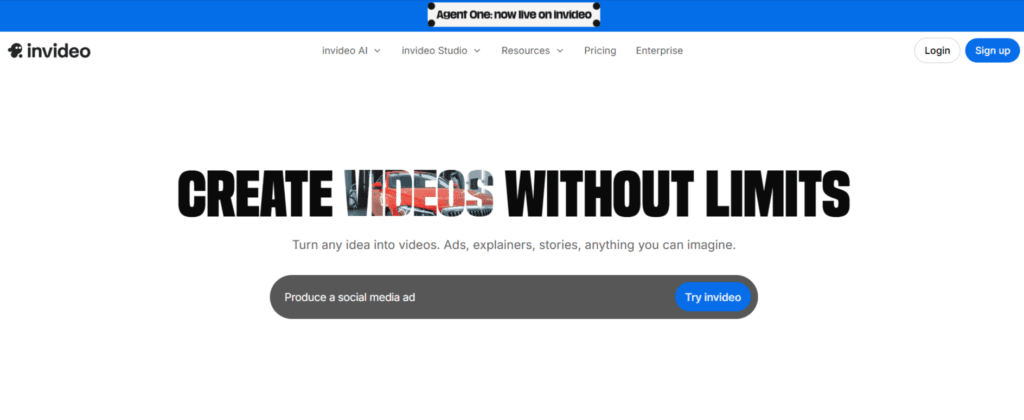
The platform also allows real-time editing using text commands, giving users flexibility without complexity. Whether it’s ads, social media clips, or explainers, InVideo AI simplifies high-quality video creation at scale.
Why do we consider InVideo as the best alternative to Topview AI?
We consider InVideo as the best alternative to Topview because it combines automation, creative control, and scalability, making it ideal for producing high-quality AI videos quickly without technical expertise.
2. HeyGen AI
HeyGen AI is a powerful AI video creation platform focused on generating professional, avatar-based videos from simple inputs like text, audio, or images. It allows users to create explainer videos, ads, training content, and personalized outreach videos using realistic AI avatars, natural voiceovers, and multilingual translation.
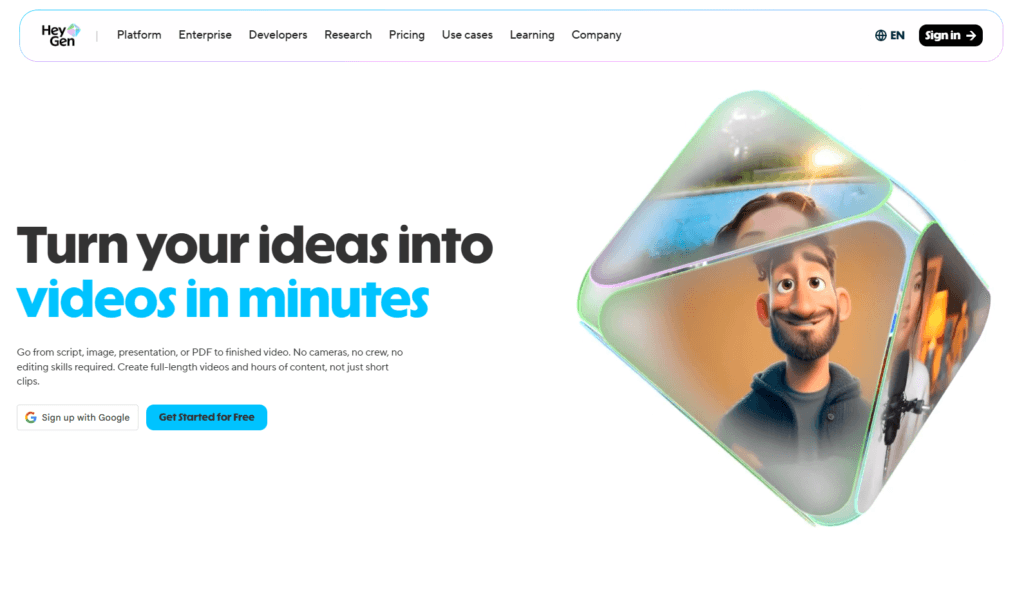
What makes HeyGen stand out is its all-in-one workflow that combines scripting, avatars, editing, and localization into a single interface. Users can simply input a script, choose an avatar, and generate a polished video without needing cameras or editing skills. This makes it ideal for scalable, high-quality video production across marketing, education, and business use cases.
Why do we consider HeyGen as the best alternative to Topview AI?
HeyGen offers advanced AI avatars, multilingual video creation, and scalable personalized content, making HeyGen more flexible for professional, global video production workflows.
If HeyGen doesn’t meet your expectations for AI video creation, you can explore top alternatives and competitors to HeyGen for better results.
3. Steve AI
Steve AI is a next-generation AI video creation platform that transforms text, scripts, blogs, or even audio into professional-quality videos within minutes. It supports multiple formats, including animation, live-action footage, and generative AI visuals, giving creators flexibility based on their content style. The platform automatically handles scripting, scene creation, voiceovers, and editing, making it accessible even without prior video skills.
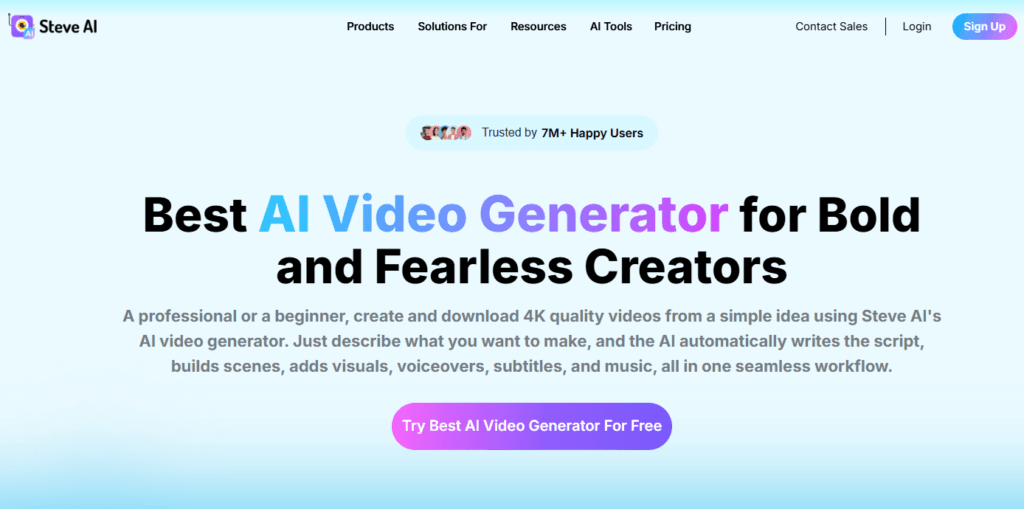
With features like multi-language voiceovers, customizable templates, and AI avatars, Steve AI is widely used for marketing videos, explainers, social media content, and training materials. It essentially replaces complex editing workflows with a fast, prompt-driven creation process.
Why do we consider Steve AI as the best alternative to Topview AI?
We consider Steve AI as the alternative to Topview because it offers flexible video styles, faster prompt-to-video generation, strong automation, and better creative control for diverse content needs at scale.
4. Vidnoz
Vidnoz AI is an all-in-one AI video creation platform that lets users generate professional-quality videos without cameras, actors, or editing expertise. It combines AI avatars, text-to-video, voice cloning, and ready-made templates into a single workflow, making content production fast and scalable.
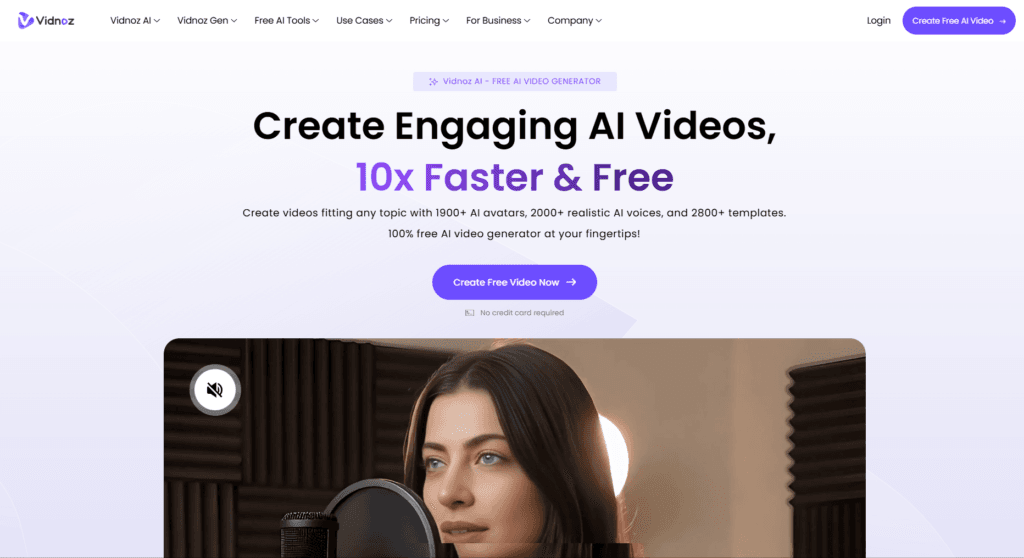
With thousands of avatars, voices, and templates, it supports use cases like marketing videos, training content, explainers, and social media clips. The platform also includes advanced features like lip-sync voiceovers, multilingual support, and even AI face swap tools, helping creators produce realistic, engaging videos in minutes.
Why do we consider Vidnoz as the best alternative to Topview AI?
Vidnoz offers a massive avatar library, realistic voiceovers, multilingual support, and flexible templates, making it ideal for scalable, high-quality AI video creation.
If Vidnoz doesn’t meet your expectations for AI video creation, you can explore top alternatives and competitors to Vidnoz for better results.
5. Kling AI Video Generator
Kling AI is a next-generation AI video generation platform that transforms text prompts or images into cinematic, high-quality videos with realistic motion and storytelling. Built on advanced diffusion-based models, it focuses heavily on natural movement, scene consistency, and multi-shot video creation. Users can generate videos with camera controls, lip-sync audio, and even extend clips into longer narratives.
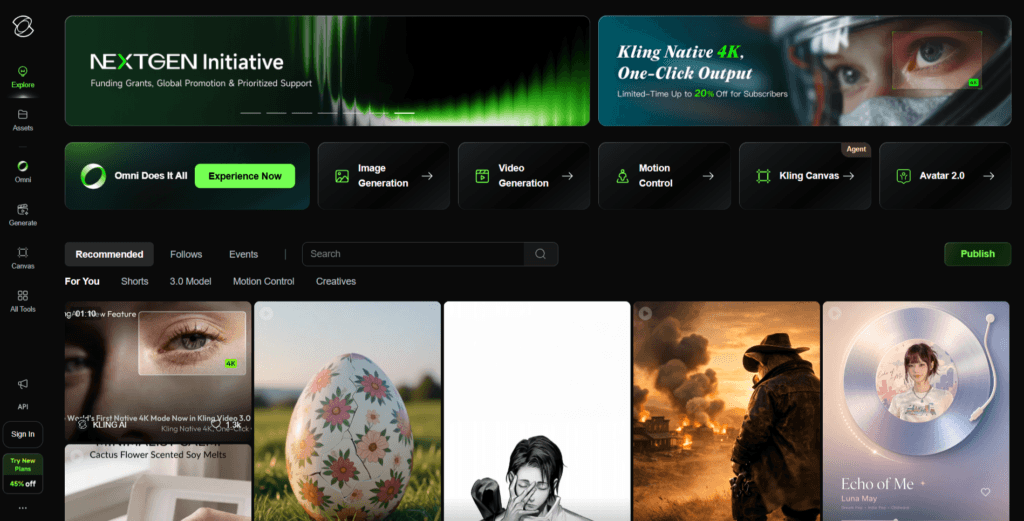
The platform supports both text-to-video and image-to-video workflows, making it versatile for creators, marketers, and storytellers. With features like multi-scene generation, voice integration, and high-resolution output, Kling AI is quickly becoming a powerful choice for producing visually rich and dynamic AI videos.
Why do we consider Kling AI as the best alternative to Topview AI?
Kling AI video generation model offers superior motion realism, cinematic multi-shot storytelling, and deeper creative control, making Kling AI ideal for high-quality AI video production workflows.
If Kling AI isn’t delivering the results you’re aiming for, it’s worth exploring Kling AI alternatives that might better match your workflow and creative needs.
6. D-ID
D-ID is a powerful AI video creation platform focused on generating lifelike “digital humans” and talking avatar videos at scale. It allows users to turn text, images, or audio into realistic presenter-style videos with natural lip-sync and expressions. Through its Creative Reality™ Studio and API, D-ID enables everything from simple marketing videos to interactive AI agents and real-time video experiences.
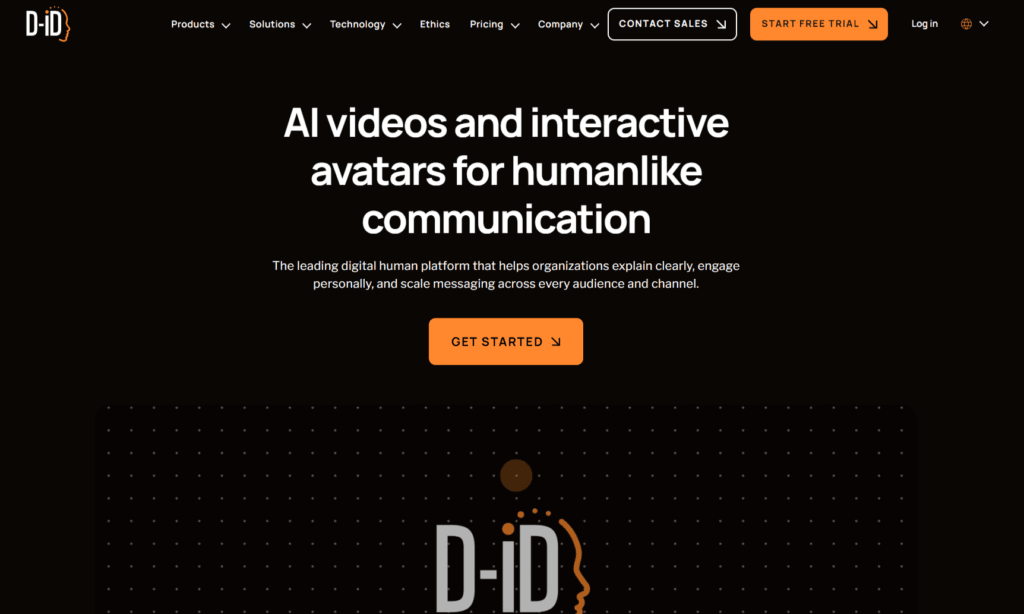
The platform supports multilingual video creation in over 120 languages and integrates easily into existing workflows. D-ID is widely used for marketing, training, customer experience, and scalable content production.
Why do we consider D-ID as the best alternative to Topview AI?
D-ID offers highly realistic AI avatars, multilingual support, and scalable API-driven workflows, making D-ID ideal for professional video creation at scale.
If D-ID isn’t meeting your expectations for video creation, explore some of the top D-ID alternatives and competitors for a better overall experience.
7. LTX Studio
LTX Studio is an advanced AI video production platform built for creators who want both automation and control. It transforms simple prompts, scripts, or images into complete videos while covering the entire workflow from storyboarding to final editing. Unlike basic generators, it lets you direct scenes, adjust camera angles, and maintain character consistency across shots.
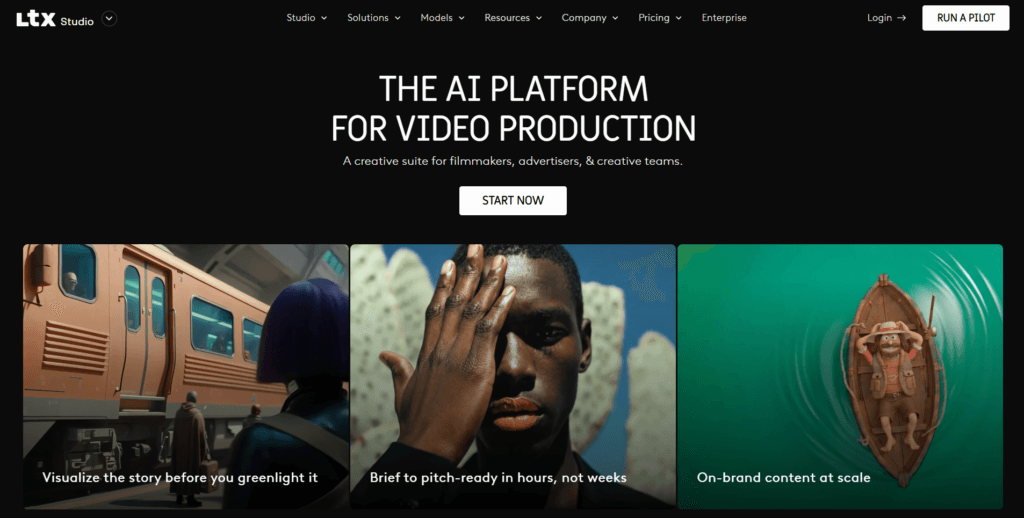
The platform also supports text-to-video, image-to-video, and audio-driven visuals, making it highly versatile. Designed for scalable production, it enables teams and creators to produce professional-quality videos faster while still keeping creative flexibility intact.
Why do we consider LTX Studio as the best alternative to Topview AI?
LTXStudio offers deeper creative control, a storyboard-based workflow, and a full video production pipeline, making it ideal for high-quality, scalable AI video creation.
8. Creatify AI
Creatify AI is a specialized AI video ad generator built for marketers, brands, and creators who want to produce high-converting video content at scale. It can turn product URLs, scripts, or images into complete video ads with visuals, voiceovers, and realistic AI avatars in just minutes. The platform supports multiple formats, including UGC-style ads, cinematic product videos, and short-form social content.
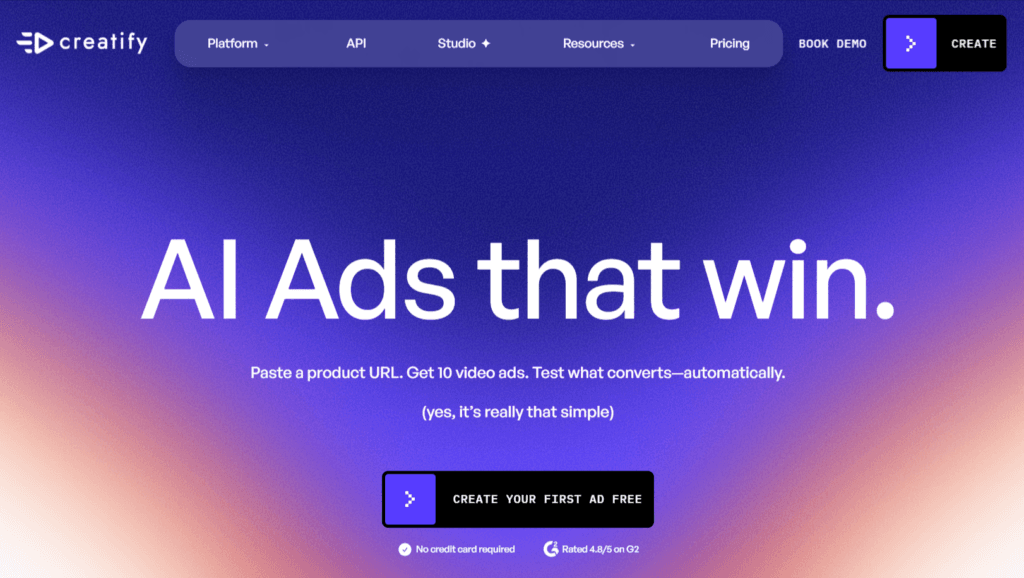
With features like batch video generation, AI scriptwriting, and multilingual voiceovers, Creatify enables users to create, test, and optimize dozens of video variations quickly, making it a powerful solution for performance-driven content creation.
Why do we consider Creatify AI as the best alternative to Topview AI?
Creatify AI offers faster ad-focused video generation, batch creation, realistic avatars, and scalable workflows, making Creatify ideal for high-volume marketing content production.
If Creatify AI isn’t meeting your expectations, explore some of the top Creatify alternatives and competitors for a better overall experience.
9. Runway ML
Runway ML is a cutting-edge generative AI platform built for creators who want deeper control over video production. It combines text-to-video, image-to-video, and advanced AI editing into a single workflow, allowing users to generate cinematic clips, animate images, and modify scenes with simple prompts. Its Gen-series models can create consistent characters, environments, and motion across frames, making outputs feel more film-like and coherent.
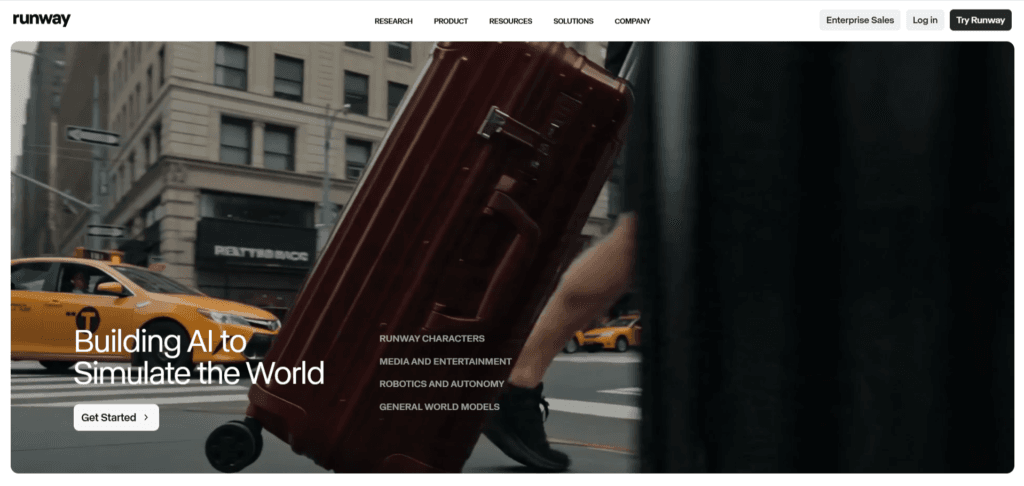
Beyond generation, Runway also offers powerful editing tools like object removal, motion tracking, and style transformation, reducing hours of manual work into minutes.
Why do we consider Runway ML as the best alternative to Topview AI?
Runway ML offers cinematic-quality video generation, advanced editing control, and flexible workflows, making it ideal for creators who want more than automation.
10. Pictory
Pictory AI is an all-in-one AI video creation platform that turns text, blog posts, URLs, or raw media into professional-quality videos in minutes. It uses automation to handle scripting, scene selection, visuals, captions, and voiceovers, making video production accessible without editing skills. Users can convert long-form content into short clips, create highlight reels, and even edit videos using text like a document.
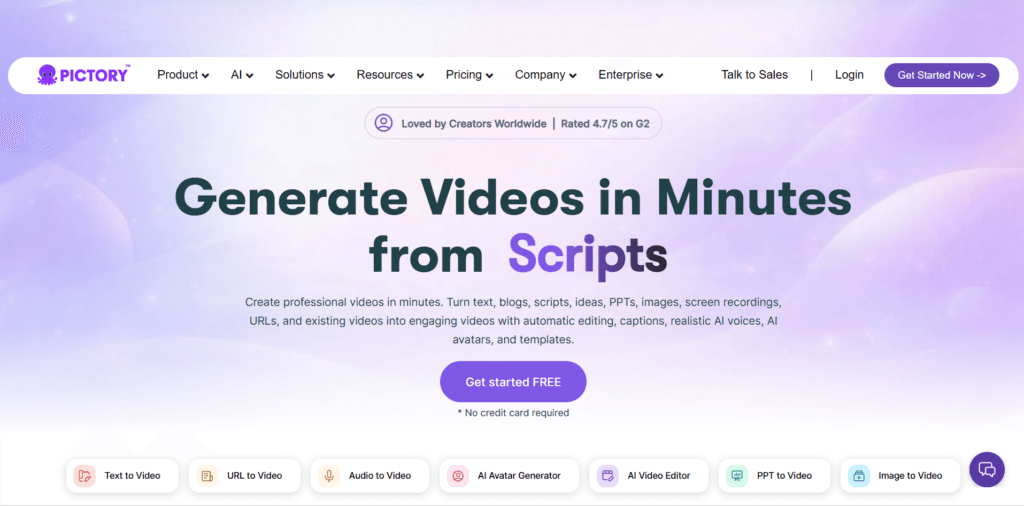
With features like AI-generated visuals, auto-captioning, and multi-format exports, it’s designed for creators, marketers, and businesses looking to scale content quickly. The platform runs entirely in the cloud, making it fast, flexible, and easy to use across devices.
Why do we consider Pictory AI as the best alternative to Topview AI?
Pictory AI offers stronger content repurposing, text-based editing, and flexible workflows for scaling videos across multiple platforms with minimal manual effort.
If you’re looking to explore top AI tools, check out Pick AI. It’s a AI tools directory designed to help you easily discover, compare, and evaluate the latest AI solutions. You’ll find hands-on reviews, curated AI certification courses, and practical video tutorials that walk you through how to actually use these tools. Plus, you can get personalized recommendations from AI experts to find what fits your needs best.
Final Note
Choosing the best alternative to Topview AI boils down to how you create and what you want to achieve with your films. There is no single “perfect” tool for everyone; instead, choose the tool that best suits your workflow, content style, and goals.
If you prioritize speed and volume, search for systems that automate the majority of the process and allow you to publish quickly. If you care more about storytelling, branding, or creative control, use technologies that allow for greater customisation. And if you are scaling content for a business, capabilities like batch generation, integrations, and consistent output quality should be prioritized over anything else.
It is also worthwhile to think beyond features. Pay attention to how a tool feels as you use it. A streamlined workflow, consistent performance, and predictable outcomes will save you significantly more time than any single “advanced” feature.
The best strategy is to test a few tools that match your use case and discover which one works best for you in practice. Once you find the right match, you will not only be able to create videos faster, but also better ones with less work.