Promptchan AI - Girlfriend Chat
What is Promptchan AI: Overview
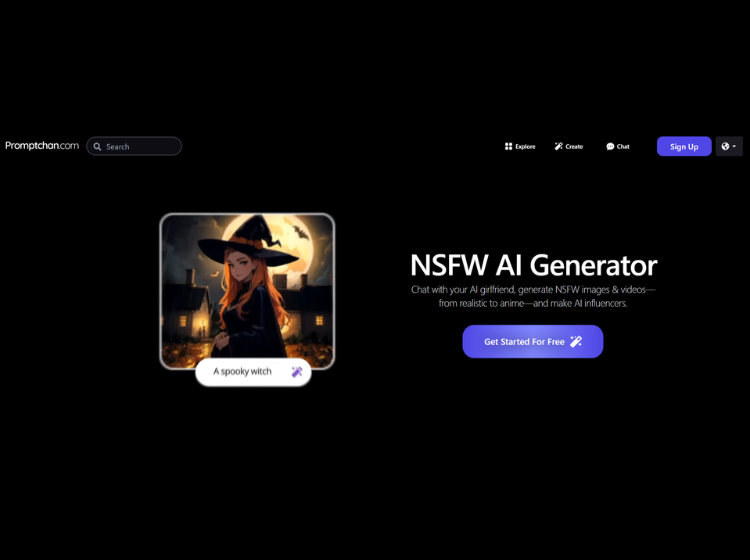
Promptchan is an AI content generation platform focused on AI-generated images, videos, and virtual character interactions. Users can create visual content using text prompts and choose from different artistic styles such as anime, cinematic, realistic, and digital art. The platform also offers AI companion chat features, allowing users to interact with AI-generated characters through conversations, voice calls, and roleplay scenarios.
Promptchan includes editing tools for refining generated images, pose customization, and community galleries where users can explore and remix public creations. The platform operates on a gem-based generation system with both free and paid plans available. It supports browser-based access and also offers a mobile application for AI companion interactions.
The tool is designed for users interested in AI-generated visual storytelling, character creation, and creative experimentation through prompt-based generation workflows.
Key Features of Promptchan AI
- AI image generation from text prompts
- Multiple art styles including anime, realistic, and cinematic
- AI companion chat and roleplay interactions
- AI video generation for animated content
- Image editing and pose customization tools
How to Use Promptchan AI: Step-by-Step
To use Promptchan AI, follow these steps:
Step 1. Register an Account
Visit the official Promptchan AI website and sign up for an account.
Step 2. Explore the Community Hub
Browse a gallery of over 2 million images created by other users for inspiration. Clicking on any image reveals the prompt and settings used, helping you learn and replicate effects.
Step 3. Enter a Text Prompt
Describe the image you want to generate in detail. Use commas to separate features and add specifics for better results. You can also use a negative prompt box to exclude unwanted elements.
Step 4. Choose Style and Settings
Select from styles like Real, Anime, Hyperreal, or HyperAnime. Adjust image size, quality, creativity, and other advanced settings. Filters can be applied to change the mood or aesthetic.
Step 5. Generate the Image
Click the “Generate” button. The AI will process your prompt and create the image based on your specifications.
Step 6. Refine with Edit Mode
Use Edit Mode to tweak specific areas of the image, such as poses, expressions, clothing, or backgrounds. This allows for deeper customization after the initial generation.
Step 7. Save or Share
Download your image, save it to your account, or share it within the Promptchan community.
Use Cases of Promptchan
- AI Image & Video Generation
- AI Girlfriend & Virtual Companions
- Prompt Engineering & Optimization
- Content Creation & Copywriting
- Educational Assistance
- AI Influencer Generation
- API Integration
Promptchan’s Ideal Users
1. Artists and Digital Creators: Individuals who want to generate hyper-realistic or stylized images (including anime, furry, and lifelike human art) without traditional artistic skills.
2. Role-players and Storytellers: Users interested in crafting interactive stories or scenarios, leveraging Promptchan AI’s detailed prompt system and character customization features.
3. Virtual Companionship Seekers: People looking for AI chat companions with customizable personalities and backstories, including those interested in interactive, adult-oriented chat experiences.
4. Animators and Storyboard Creators: Users who benefit from pose control and image editing for visual planning, concept art, or animation workflows.
Promptchan’s Pricing
Promptchan uses a gem-based system for image and video generation. Pricing may vary depending on billing cycle and region.
- Free Plan – $0 with limited gems and basic access
- Plus Plan – Around $11.99/month with more gems and features
- Premium Plan – Around $18.99/month with higher generation limits
- Pro Plan – Around $26.99/month with advanced AI features and maximum gems