Plusvibe AI Cold Outreach Tool
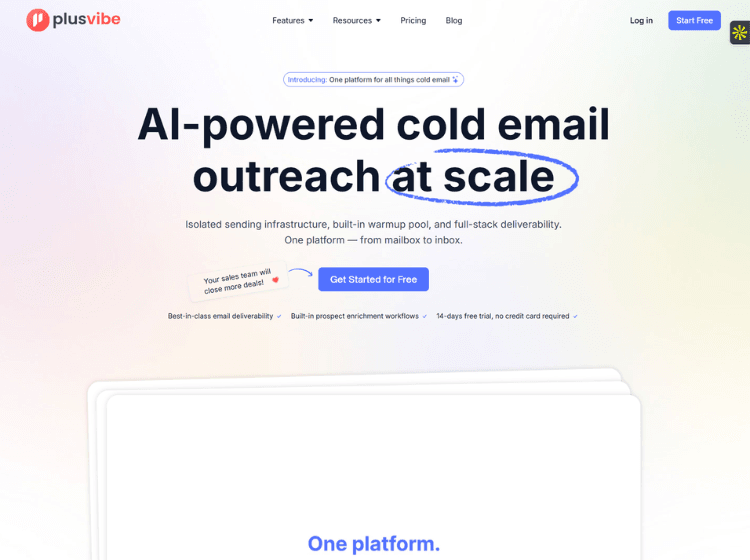
What is Plusvibe AI: Overview
Plusvibe AI is a sales outreach and cold email automation platform built to help businesses improve email deliverability and streamline outbound campaigns. The platform combines AI-powered email sequencing, sender reputation management, inbox warm-up, lead enrichment, personalization, campaign automation, and reply management within a unified workspace.
Users can create automated cold email campaigns, generate AI-assisted email sequences, monitor deliverability metrics, manage multiple sender accounts, and enrich prospect data from various sources. The platform also includes email verification, sender rotation, A/B testing, analytics, AI reply sentiment detection, and integrations with workflow tools.
Plusvibe AI offers plans for individuals, sales teams, and agencies, including white-label capabilities, dedicated infrastructure options, API access, and advanced automation features. Its primary focus is helping organizations improve email inbox placement while scaling outbound prospecting efforts efficiently.
Key Features of Plusvibe AI
- AI-powered cold email campaign automation
- Email warm-up and deliverability monitoring
- Prospect enrichment from multiple data sources
- AI sequence writer and copy assistant
- Unified inbox with reply sentiment detection and analytics
How to Use Plusvibe AI: Step-by-Step
Here are the simple steps to start using the Plusvibe.ai app.
Step 1: Create an Account – Sign up for a Plusvibe AI account and start with the free trial or a paid plan.
Step 2: Connect Email Accounts – Add your sending inboxes and configure email accounts for outreach campaigns.
Step 3: Warm Up Your Email Accounts – Enable the built-in email warm-up system to improve sender reputation and deliverability.
Step 4: Import or Build Prospect Lists – Upload lead lists or use enrichment tools to gather additional prospect information.
Step 5: Create Email Sequences – Use the AI sequence writer to generate outreach emails and follow-up sequences.
Step 6: Configure Campaign Settings – Set schedules, sender rotation, reply handling, and campaign rules.
Step 7: Launch Campaigns – Start outbound campaigns and monitor deliverability and engagement metrics.
Step 8: Track Responses- Manage replies through the unified inbox and use sentiment detection to prioritize conversations.
Step 9: Optimize Performance – Review analytics, run A/B tests, and refine messaging based on campaign results.
Use Cases of Plusvibe AI
- Cold email outreach for B2B lead generation
- Sales prospecting and appointment booking
- Agency-managed outbound campaigns
- Email deliverability monitoring and warm-up
- Automated follow-up and reply management
Target Audience
- Sales teams
- SDRs and BDRs
- Lead generation agencies
- Marketing agencies
- Growth marketers
- SaaS companies
- Startup founders
- Business development professionals
Plusvibe AI Pricing
1. Free Trial – $0 for 14 days
2. Personal – Starting at $37/month (For individuals and small teams that are just getting started with sending cold outreach)
3. Business – Starting at $77/month (For established marketers and sales teams looking to crush their goals)
4. Agency – Starting at $497/month (Isolated back-end setup for each client)
5. Enterprise/Custom – Contact sales
Pricing may vary based on enrichment credits and selected features.