Most AI image generators look impressive until you actually try to use them. Some struggle with their hands. Others ignore your prompts. And many create visuals that look good… but aren’t usable in real projects.
In 2026, AI image generation has evolved from a fun experiment into a core creative tool for designers, marketers, and content creators. Today’s models can produce cinematic lighting, realistic textures, and even accurate text rendering in seconds.
But with so many tools available, the real question is:
Which one actually fits your workflow?
In this guide, we’ve compared the 15 best AI image generators using consistent prompts to evaluate:
- Image quality
- Prompt accuracy
- Speed
- Pricing
- Real-world usability
So you can confidently choose the right tool.
Before starting to explore the best AI tools for image generation, learn how these tools work and drive genuine results.
How does the AI Image Tool Work?
AI image tools work like a smart digital artist.
You simply type what you want, like “a sunset over mountains in watercolor style” – and the AI creates that image for you in seconds.
How does it understand your idea?
These tools are trained on millions of images from the internet.
Because of this, they learn what things look like, like people, animals, objects, colors, and different art styles.
So when you type a prompt, the AI:
- Understands your words
- Connects them with what it has learned
- And creates a brand-new image based on that
What happens behind the scenes?
Instead of drawing like a human, AI builds an image step by step.
Think of it like this:
- It starts with a messy, random pattern (like noise)
- Then slowly improve it
- Until it turns into a clear, detailed image that matches your idea
This happens in just a few seconds.
Different ways AI creates images
AI uses different methods, but you don’t need to worry about the technical names. Here’s a simple idea:
- Refining method → Starts messy and cleans it into a perfect image
- Competition method → One part creates images, another checks and improves them
- Style mixing → Combines one image’s content with another’s style (like turning a photo into a painting)
In short: AI image tools take your words → understand them → and turn them into visuals, just like an artist would, only much faster.
How to Evaluate the Best AI Image Generators?
Evaluating AI image generators isn’t just about “which looks coolest.” The best tool depends on quality, control, speed, and your use case (content, design, business, etc.). Here’s a practical way to judge them like a pro:
1. Image Quality & Realism
The first thing to check: Does the output look usable?
- Detail level – sharp textures, lighting, shadows
- Realism – faces, hands, proportions (common weak spots)
- Consistency – similar results across multiple generations
If images look distorted or inconsistent, it’s not production-ready.
2. Prompt Understanding (Accuracy)
A great AI should understand exactly what you ask.
- Handles complex prompts (multiple objects, styles, lighting)
- Follows instructions precisely (colors, positions, mood)
- Supports negative prompts (what to avoid)
Test with the same prompt across tools, see which one nails it.
3. Style Variety & Creativity
Top tools aren’t limited to one style.
- Realistic, anime, 3D, watercolor, cinematic, etc.
- Ability to blend styles
- Unique, non-repetitive outputs
If everything looks the same, creativity is limited.
4. Speed & Performance
Time = money, especially for content creators.
- Generation time per image
- Batch generation capability
- Queue/wait times (important for popular tools)
Fast tools are better for reels, ads, and daily content.
5. Pricing & Value
Don’t just look at price, look at output per dollar.
- Free vs paid tiers
- Credits vs unlimited plans
- Commercial usage rights
What are the Best AI Image Generation Tools?
Here is the list of top AI image creation tools that we’ve compared based on the features, quality, and pricing of the platform. Let’s start exploring the best AI tool according to your use cases.
| Tool Name | Best For (Use Case) | Key Features | Price Per Month |
|---|---|---|---|
| Craiyon AI | Beginners & experimentation | Text-to-image, multiple outputs, simple UI | Free (Pro ~$5) |
| Freepik AI | Designers & marketers | Real-time generation, built-in editor, asset integration | ~$15/month |
| Nano Banana Pro (Gemini) | Advanced workflows & high accuracy | Text + image generation, advanced editing, strong prompt accuracy | ~$7.99 – $19.99/month |
| PromeAI | Architects & visual designers | Sketch-to-image, outpainting, image-to-video | ~$19/month |
| ChatGPT Image Generator | Content creators & social media | Conversational editing, text-to-image, iterative refinement | ~$8/month |
| Kalaido AI | Multilingual creators | Indian language support, poster tools, smart editing | ~$10/month |
| Getimg AI | Developers & custom workflows | Model training, inpainting, real-time generation | ~$12/month |
| Higgsfield AI | Video & cinematic content | Image + video generation, camera controls, AI avatars | ~$15/month |
| Fooocus AI | Open-source users | Stable Diffusion XL, auto prompt enhancement, local setup | Free |
| Leonardo.AI | Professional creators & teams | Advanced editing, upscaling, custom models | ~$10/month |
| PixNova AI | All-in-one beginners | Face swap, upscaling, background removal | ~$14/month |
| Piclumen AI | Flexible editing & styles | Multiple models, inpainting, colorization | Free + Paid plans |
| Unstability AI | Advanced customization | Multiple models, batch generation, fine-tuning | ~$10 (credit-based) |
| Imagine Art | Realistic visuals & marketing | High realism, composition control, multimodal input | ~$5/week or $30/year |
1. Craiyon AI
Craiyon, originally known as DALL-E Mini, is the people’s first choice for users who wish to get started creating images using AI without having to overcome a difficult learning curve. It is a free web-based AI image generator that generates unique graphics in seconds using text prompts. uses machine learning to create personalized pictures based on user input. Boris Dayma built the underlying model, which is inspired by OpenAI’s DALL-E but works as a standalone platform with unique modifications.
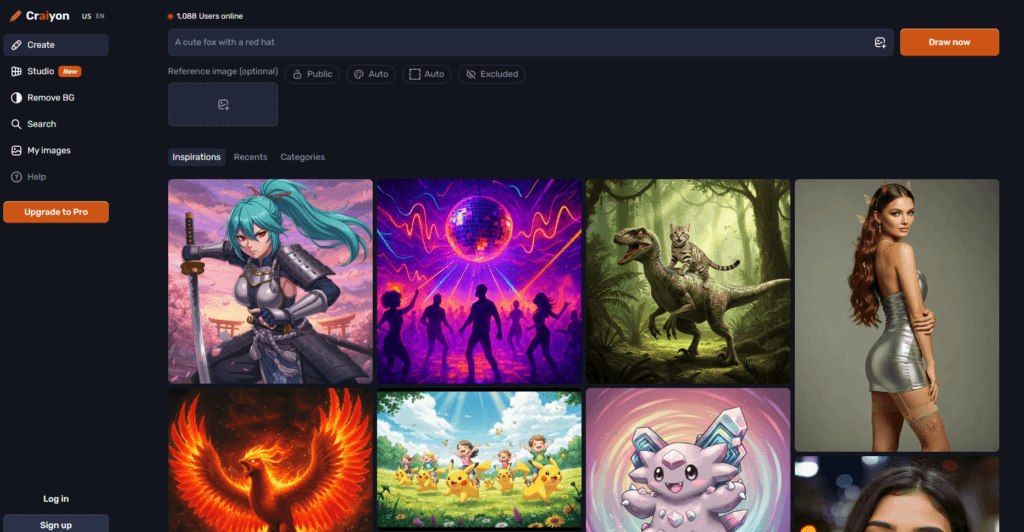
This tool is easy to use, which makes it very popular. Its images often have a dreamy or abstract style, so they may not look super realistic like advanced tools, but they’re great for creative thinking. If you have a random or unusual idea, you can quickly turn it into an image in seconds. The large Craiyon community also gives you plenty of inspiration. It’s a perfect, no-pressure tool for beginners who want to experiment and learn how prompts affect results.
Key Features:
- Text-to-image creation
- AI art generator
- Diverse style options
- Negative prompts
- No watermarks
- Commercial use readiness
- Background remover
Strengths:
- Free and accessible
- Generates multiple images at once
- Good for creative ideas
Weaknesses:
- Not suitable for professional use
- Slow generation time
- Limited accuracy with complex prompts
Pricing: Free version available (ad-supported); Pro plans start at around $5/month for faster generation and no watermarks.
2. Freepik AI
Freepik AI Image Generator is a web-based tool from Freepik that lets users create high-quality images instantly using artificial intelligence by simply writing text prompts or uploading reference images. It’s widely used for turning ideas into professional visuals without any design skills and is particularly valuable for businesses, marketers, and designers who need quick, customized graphics, like corporate headshots, product mockups, and social media illustrations.
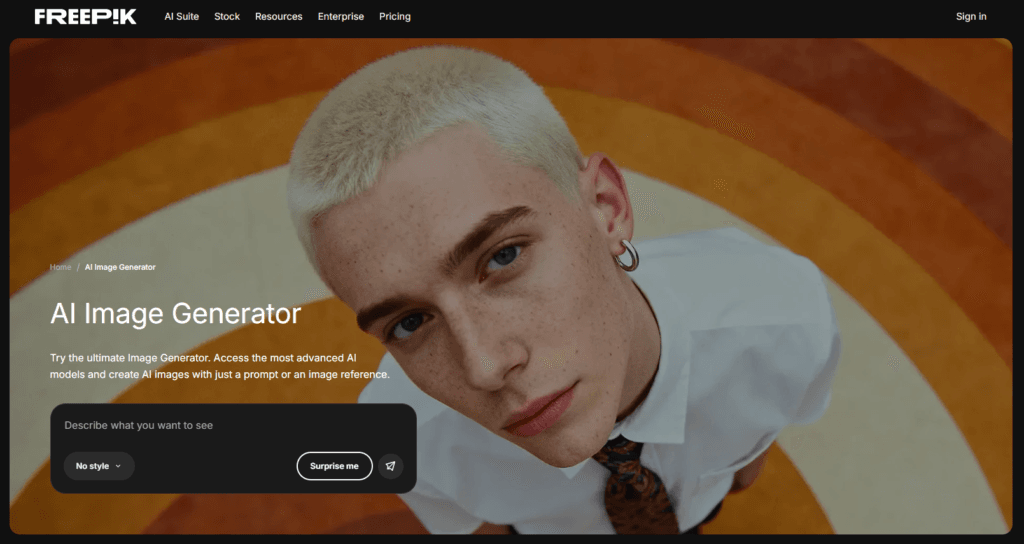
Freepik has always been a popular platform for stock images, so it makes sense that they added their own AI image generator. This tool is specially built for designers who need clean, professional-looking visuals that are ready to use in real projects. Unlike some AI tools that focus on creative experiments, Freepik AI focuses on sharp, high-quality images that fit perfectly into designs and templates.
What really stands out is how everything is connected. You can generate an image and instantly edit it by adding text, icons, or other elements, all in one place. No need to switch tools. One of its coolest features is real-time generation. As you type your prompt, the image updates live on your screen. This makes it super easy to use, especially for people who prefer seeing changes instead of just describing them.
Key Features:
- Multi-Model Support
- Text and Image Inputs
- Built-In Editing Tools
- Key Style Presets
- Prompt Assistant and Suggestions
- Batch Generation and Variants
- API Integration for Bulk Creation
- Desktop and Mobile Access
- HD Exports and Commercial Usage
Strengths:
- High-quality commercial output
- Integrated with a massive library of design assets
- Very fast output
Weaknesses:
- Subscription-based
- Less “artistic” flexibility compared to niche tools
Pricing: Part of the Freepik Premium subscription (approx. $15/month), which includes millions of other assets.
3. NanoBanana Pro (Google’s Gemini)
Gemini Nano Banana Pro is a state-of-the-art AI image generation and editing model developed by Google DeepMind and powered by Gemini 3 Pro. It allows users to generate high-quality images and perform complex edits using simple text prompts or image inputs.
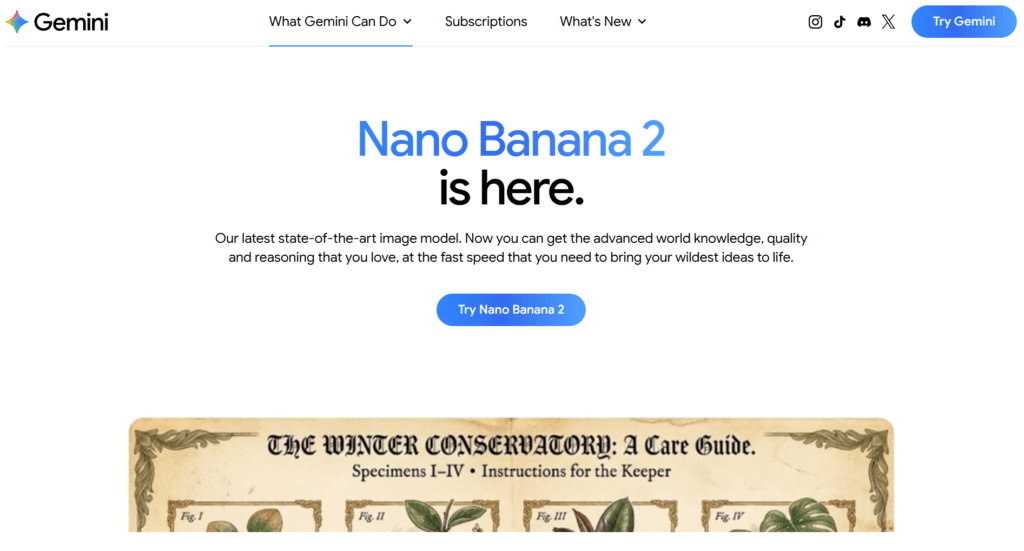
The tool is designed to handle advanced creative workflows, including multi-step image editing, background changes, object replacement, and combining multiple images into a single composition. It also supports accurate text rendering within images across multiple languages, making it useful for infographics, marketing assets, and design prototypes.
Nano Banana Pro leverages strong reasoning capabilities and real-world knowledge to produce context-aware visuals with high precision. It is integrated into platforms such as the Gemini app, Google AI Studio, and other Google services, enabling seamless access for both individual creators and enterprise users.
Key Features:
- AI-powered text-to-image
- Image-to-image generation
- Advanced image editing (background, objects, lighting, angles)
- Accurate multilingual text rendering inside images
- Multi-image composition
- Blending capabilities
- High-resolution outputs with strong prompt accuracy
Strengths:
- High accuracy and prompt understanding
- Supports complex edits and multi-step workflows
- Strong text rendering within images
Weaknesses:
- Limited access or quotas for free users
- May produce inconsistent results in iterative edits
- Requires detailed prompting for best output
Pricing: Nano Banana Pro is available via Google AI Plus ($7.99/mo) for ~50 images/day or Google AI Pro ($19.99/mo) for ~100 images/day and priority access. Developers can also use the API, which costs approximately $0.134 per 2K image or $0.24 per 4K image.
4. PromeAI
PromeAI is a powerful and easy-to-use AI creative tool that helps you turn ideas into high-quality images and videos. You can create visuals using text prompts, rough sketches, or even existing photos, making it flexible for different creative needs.
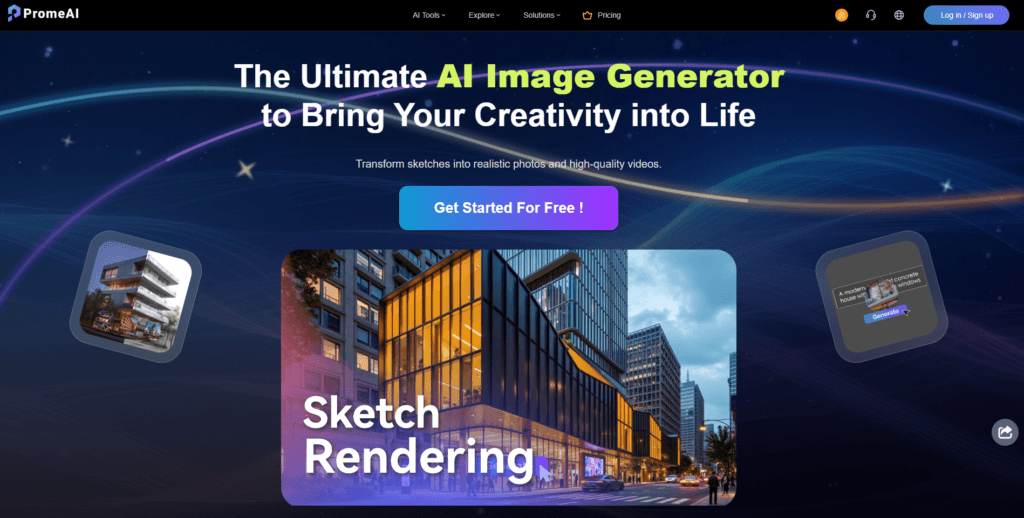
What makes PromeAI stand out is its ability to turn simple sketches into realistic images. For example, you can draw a basic layout of a room or building, and the tool will convert it into a detailed, lifelike design. This makes it especially useful for architects, interior designers, and creative professionals.
Instead of starting from scratch, PromeAI helps you build on your ideas and quickly turn them into polished results. It’s like having an AI assistant that adds detail and realism to your concepts.
Another useful feature is AI Outpainting, which lets you extend an image beyond its original edges while keeping the same style and lighting. Overall, PromeAI saves time and helps bring creative ideas to life faster and more effectively.
Key Features:
- Sketch Rendering (Sketch to Reality)
- AI Image Generation (Text to Image)
- Creative Fusion
- Photo to Sketch
- Image to Video & Text to Video
- AI Model Training (Style Replication)
- Background Diffusion/Generation
- AI Upscaler
Strengths:
- Great for turning sketches into realistic designs
- Saves time on creative work
- Simple to use, even if you don’t have advanced design skills.
Weaknesses:
- Limited control for advanced users
- May require edits after generation
- Advanced features and higher usage may require a paid plan.
Pricing: Free trial available; Premium plans start at $19/month.
5. ChatGPT AI Image Generator
ChatGPT AI Image Generator is an integrated feature within ChatGPT that allows users to generate and modify images using simple text instructions. Powered by advanced multimodal models like GPT-4o, the tool can interpret prompts with high accuracy and produce visually consistent results. It supports both creating images from scratch and editing existing visuals while preserving important details such as composition, lighting, and facial consistency.
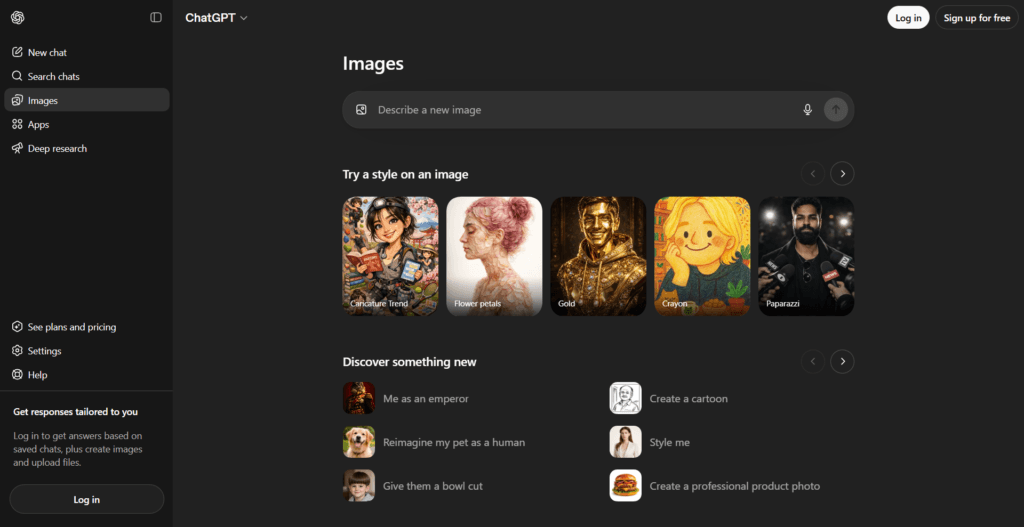
The tool emphasizes iterative creativity, allowing users to refine outputs through conversation, making it suitable for workflows that require multiple adjustments. It also enables rendering of text within images more accurately than many earlier models, making it useful for design and content creation tasks.
With faster generation speeds and improved instruction-following, ChatGPT AI Image Generator is positioned as a practical solution for everyday visual creation, from social media content to professional design experimentation.
Key Features:
- Text-to-image generation using natural language prompts
- Image editing with precise control while preserving details
- Strong prompt understanding and accurate visual outputs
- Ability to render readable text within images
- Iterative editing through conversational refinement
Strengths:
- Easy to use with natural language prompts
- Supports both generation and editing workflows
- Produces consistent and detailed visuals
Weaknesses:
- Usage limits may apply for free users
- Output quality depends on prompt clarity
- May require iterations to achieve desired results
Pricing: Free trial available; Premium plans start at $8/month.
6. Kalaido
Kalaido AI is a generative AI platform developed by Fractal that enables users to create images from text prompts using a diffusion-based model. The tool is designed to simplify visual content creation by allowing users to generate high-quality, detailed images across various styles and formats with minimal effort.
One of its defining features is multilingual support, allowing users to input prompts in English and several Indian languages, making it more accessible to a diverse user base. Kalaido AI also includes additional creative tools such as smart image editing, poster generation, and greeting card design, enabling users to modify and enhance visuals within the platform.
The platform emphasizes responsible AI usage by being trained on open-source datasets, reducing copyright concerns. It also includes community features like galleries and boards for sharing and organizing creations. Kalaido AI is suitable for both beginners and professionals looking to streamline visual content production.
Key Features:
- Text-to-image generation using diffusion models
- Multilingual prompt support (including Indian languages)
- Smart image editing (object removal, replacement, background changes)
- Built-in tools for posters and greeting cards
- Community gallery and boards for organizing and sharing content
Strengths:
- Supports multiple languages for broader accessibility
- Beginner-friendly interface with guided prompts
- Includes editing and design tools beyond generation
Weaknesses:
- Limited publicly available pricing transparency
- Output quality may vary depending on prompts
- Generative AI limitations (possible inaccuracies or bias)
Pricing: Free daily credits; monthly plans around $10.
7. Getimg AI
Getimg AI is a comprehensive AI-powered platform designed to simplify the creation and editing of images using advanced machine learning models. It provides a unified workspace where users can generate images from text prompts, transform existing visuals, and fine-tune outputs with custom AI models.
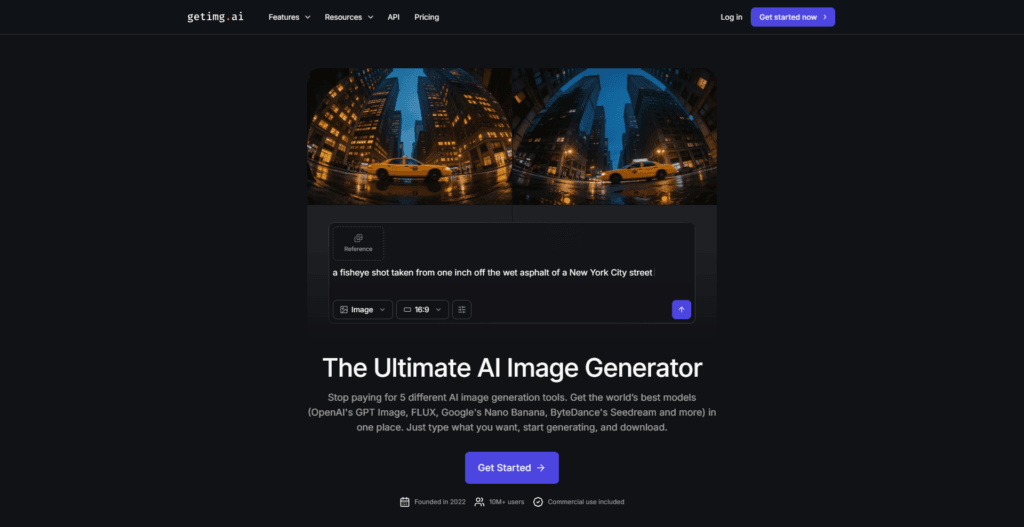
The platform supports various creative workflows, including text-to-image generation, image-to-image transformation, outpainting, and inpainting. Users can also train personalized AI models to maintain consistent styles or characters across projects. This makes it useful for designers, marketers, and developers looking for scalable visual content creation.
Getimg AI focuses on flexibility by offering multiple model options and real-time generation capabilities. Its browser-based interface ensures accessibility without requiring complex installations. Whether for creative exploration or production-ready assets, the tool aims to streamline visual content creation using AI-driven processes.
Key Features:
- Text-to-image generation from simple prompts
- Image-to-image transformation and editing
- Inpainting and outpainting capabilities
- Custom AI model training for consistent outputs
- Real-time image generation in a web-based interface
Strengths:
- Combines multiple AI image tools in one platform
- Supports custom model training
- Accessible via browser with no installation required
Weaknesses:
- Output quality may vary depending on prompts
- Learning curve for advanced features
- Requires internet access for usage
Pricing: Free plan (100 images/month); Basic plans start at $12/month.
8. Higgsfield AI
Higgsfield AI is a browser-based generative AI platform designed for creating high-quality videos and images using minimal input, such as text prompts, images, or product URLs. The platform focuses on cinematic output, allowing users to generate short-form videos with advanced control over motion, camera angles, lighting, and storytelling.
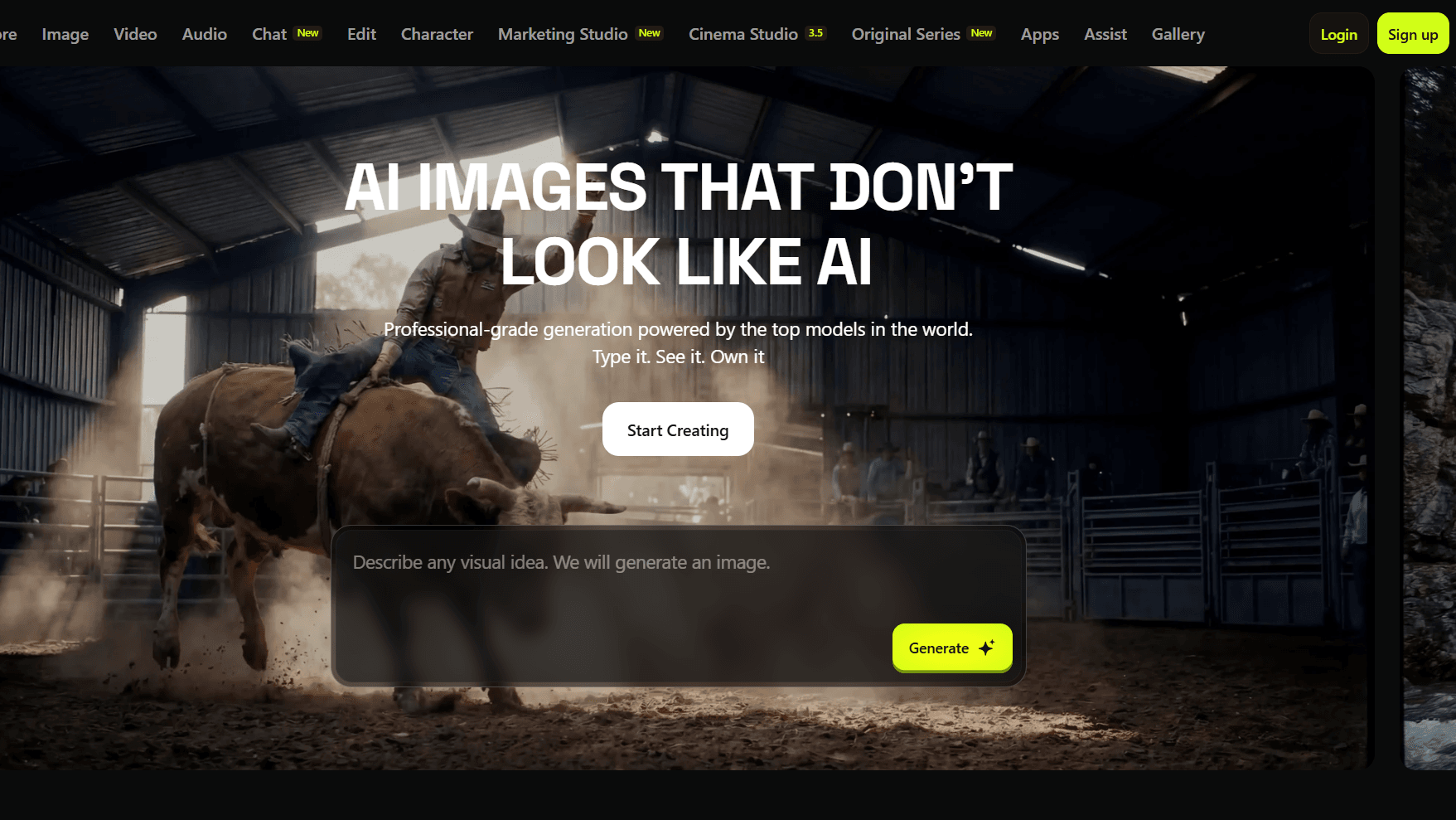
It integrates multiple AI tools into a unified workflow, enabling users to move from idea to finished content without switching platforms. Features such as AI avatars, voiceovers, visual effects, and preset templates support content creation for marketing, social media, and creative projects.
Higgsfield AI also supports image-to-video transformation, face swapping, and character creation, making it suitable for diverse creative use cases. The platform is designed for all skill levels, allowing beginners and professionals alike to generate publish-ready content efficiently.
Key Features:
- AI image generation from text
- AI video creation from text, images or URLs
- Advanced motion and camera control for cinematic output
- Integrated visual effects and creative presets
- AI avatars, voiceovers, and automated ad creation
- Face swap and character generation tools
Strengths:
- All-in-one platform for video and image creation
- Advanced cinematic control features
- Suitable for beginners and professionals
Weaknesses:
- Pricing details are not transparent
- Not specific for image generation
- Advanced features may require a learning curve
Pricing: Tiered subscription starting at $15/month.
9. Fooocus AI
Fooocus AI is an open-source image generation tool that streamlines the process of creating AI-generated visuals using text prompts. Built on Stable Diffusion XL, it is designed to reduce the complexity typically associated with advanced AI image tools by automatically handling prompt enhancement and model settings.
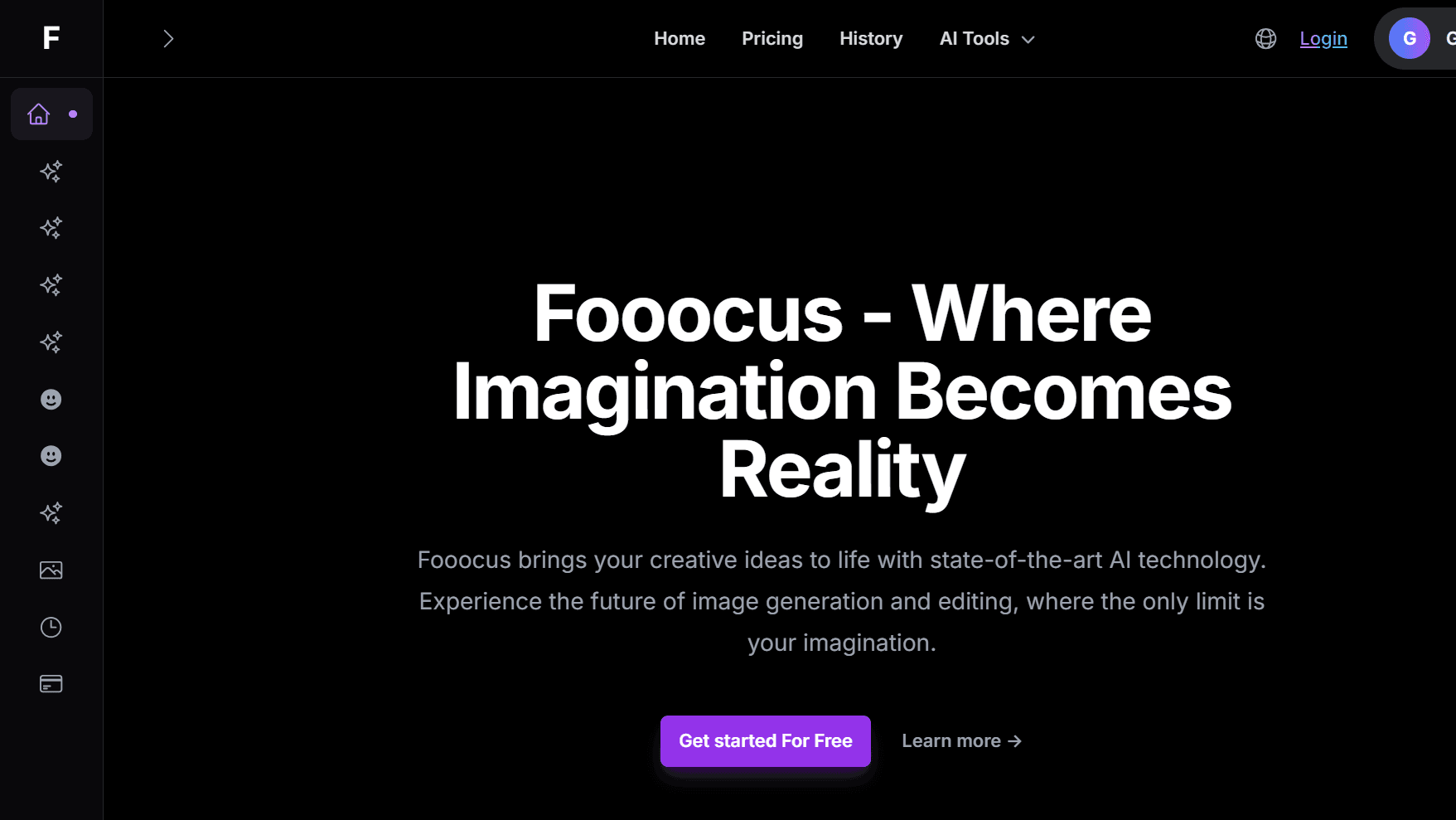
The platform emphasizes simplicity, allowing users to generate high-quality images without manually adjusting technical parameters. It includes predefined styles, automatic prompt refinement, and built-in optimizations to produce visually appealing results with minimal input.
Fooocus can run locally and requires relatively low GPU resources compared to similar tools, making it accessible to a broader range of users. Additionally, it offers an advanced mode for users who want deeper control over outputs. Overall, Fooocus AI focuses on balancing usability and performance, enabling both beginners and experienced users to create images efficiently.
Key Features:
- Text-to-image generation powered by Stable Diffusion XL
- Automatic prompt enhancement using built-in models
- Minimal setup with simplified workflow (few clicks to generate images)
- Predefined styles for consistent visual output
- Advanced settings for customization and control
Strengths:
- Easy to use with minimal configuration
- Open-source and flexible
- Produces high-quality images quickly
Weaknesses:
- Limited advanced controls compared to complex interfaces
- Requires local setup for full functionality
- Updates and support may vary
Pricing: Free (Open Source).
10. Leonardo.AI
Leonardo AI is a creator-focused generative AI platform designed to produce, edit, and enhance visual content at scale. It enables users to generate images from text prompts, customize outputs using trained models, and refine visuals through advanced editing tools. The platform also includes motion capabilities, allowing users to convert static images into animated or video-based content for storytelling and marketing purposes.
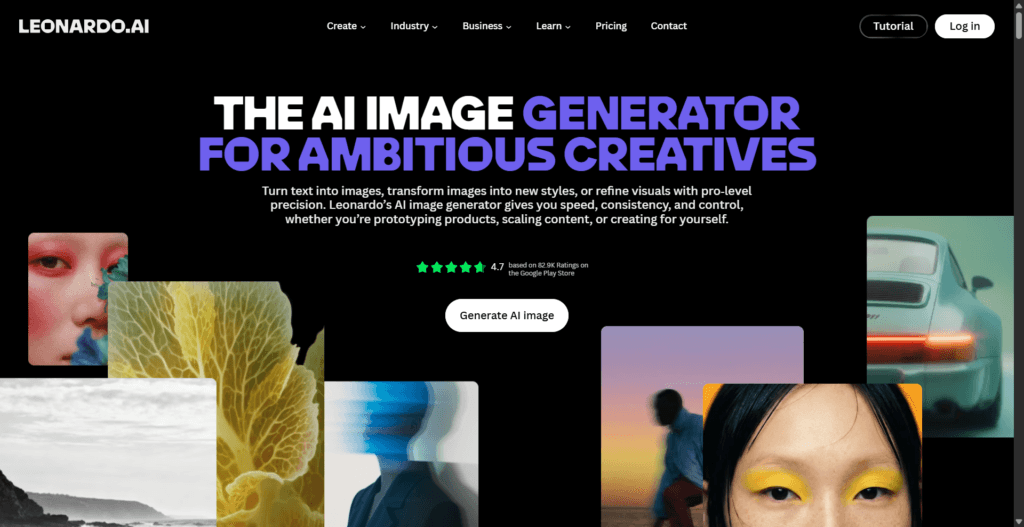
In addition to creation, Leonardo AI provides precision editing features that preserve important elements such as composition, style, and characters while making adjustments. It also supports high-resolution upscaling, ensuring outputs are suitable for professional use across digital and print formats.
The platform operates on a token-based system, offering both free and paid usage tiers, and includes API access for developers to integrate AI generation into workflows. This makes it suitable for creatives, teams, and businesses seeking scalable visual production solutions.
Key Features:
- AI-powered image generation from text prompts
- Advanced image editing with style and composition control
- High-resolution upscaling for professional output
- Custom model training and API integration support
Strengths:
- Supports both image and video generation in one platform
- Offers advanced editing and customization tools
- Flexible pricing with free and scalable options
Weaknesses:
- A token-based system can be complex for new users
- Advanced features require paid plans
- Processing speed may vary depending on the queue and plan
Pricing: Generous free daily allowance; Premium plans start at $10/month.
11. PixNova AI
PixNova AI is a browser-based AI platform designed for generating and editing images and videos with minimal effort. It combines multiple creative tools into one interface, allowing users to produce high-quality visuals, enhance existing images, and apply transformations using simple text prompts.
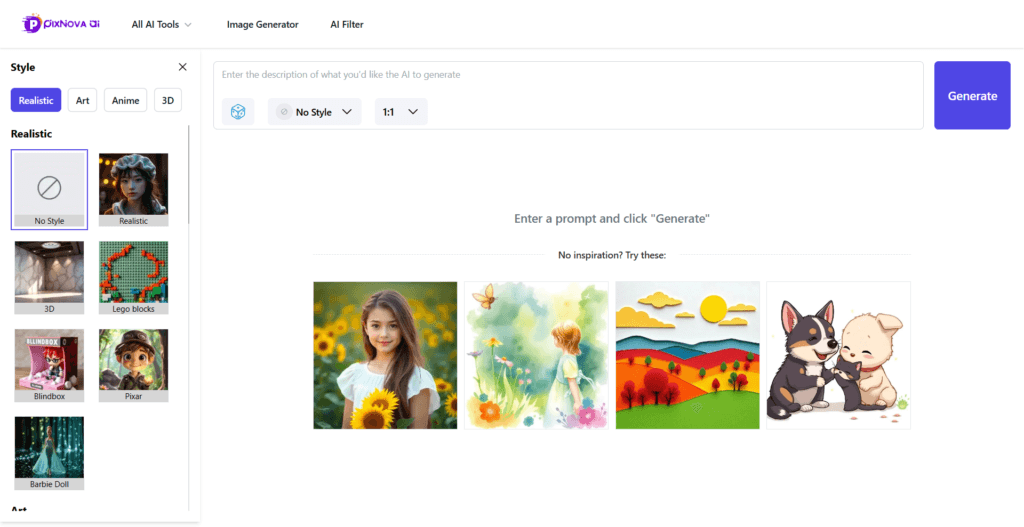
The platform includes features such as text-to-image generation, AI face swapping for photos and videos, image upscaling, background removal, and object editing. It also supports creative transformations like changing hairstyles, outfits, or styles directly within images.
PixNova AI is accessible online without requiring advanced technical skills, making it suitable for casual users as well as creators. It also supports generating avatars, headshots, and short-form videos optimized for social media platforms.
Overall, PixNova AI focuses on simplifying visual content creation by combining multiple AI-powered tools into a single, easy-to-use platform.
Key Features:
- Text-to-Image Generation
- Image Editing and Manipulation:
- AI Face Swap
- AI Photo Enhancement
- Image Upscaling and Extending
- Background and Object Removal
- AI Headshot Generator
- Artistic Transformations
- Collaborative Workflow Integration
Strengths:
- All-in-one platform with multiple AI tools
- Beginner-friendly interface with simple prompts
- Free access available without complex setup
Weaknesses:
- Advanced features may require upgrades
- Output quality may vary depending on input
- Limited control compared to professional editing software
Pricing: Subscription-based, starting at $14/month.
12. Piclumen AI
Piclumen AI Image Generator is an AI-powered creative platform designed to transform text and images into visually rich outputs. Users can generate images by simply entering a prompt, selecting a style, and choosing from multiple AI models available within the platform.
Beyond text-to-image generation, Piclumen also provides a suite of editing tools such as image-to-image transformation, background removal, upscaling, colorization, and inpainting. These tools allow users to refine and enhance their visuals without requiring advanced design skills.
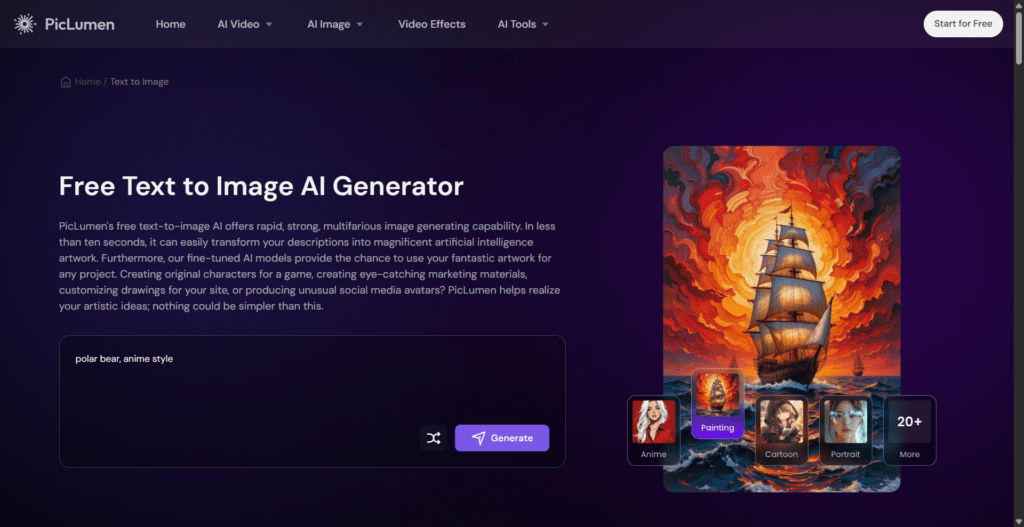
The platform supports diverse artistic styles, including photorealistic, anime, and conceptual art, making it suitable for a wide range of creative needs. Additionally, Piclumen offers free access with optional premium features for higher resolution and extended capabilities.
Overall, Piclumen serves as a flexible solution for generating and editing AI visuals quickly and efficiently for both personal and commercial projects.
Key Features:
- ext-to-image generation using multiple AI models
- Image editing tools (inpainting, outpainting, background remover, colorizer)
- Image-to-image transformation with prompt-based customization
- AI upscaling and image enhancement tools
- Support for multiple artistic styles and creative outputs
Strengths:
- Free plan available with daily usage
- Wide range of editing and generation tools
- Beginner-friendly interface
Weaknesses:
- Advanced features may require paid access
- Relax mode can be slower during peak usage
- Limited credits on free plan
Pricing: Free plan available with limited daily credits and relax mode.
13. Unstability AI
Unstability AI, also known as Unstable Diffusion, is an AI-driven image generation platform designed to convert text prompts into visually rich and customizable artwork. It leverages advanced diffusion algorithms to produce high-quality images tailored to user input, allowing for a wide range of creative outputs including digital art, illustrations, and stylized visuals.
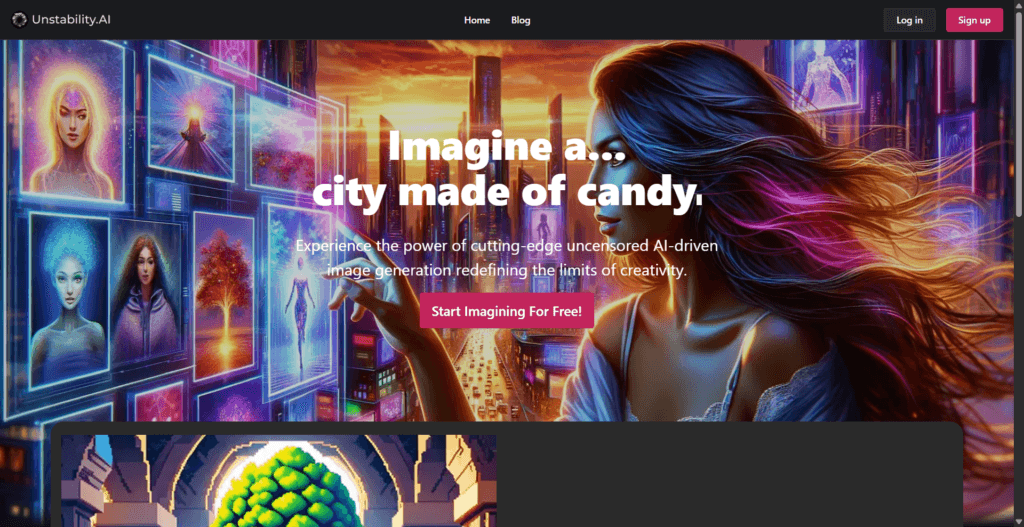
The platform offers a flexible interface where users can adjust prompts, select different AI models, and fine-tune image attributes such as style, composition, and detail. It supports multiple generation modes and enables batch image creation, making it suitable for both experimentation and production workflows.
Unstability AI is built around the idea of expanding creative possibilities through AI, providing users with tools to transform ideas into visual content quickly. It is used by artists, designers, and content creators seeking customizable and efficient image generation solutions.
Key Features:
- AI-powered text-to-image generation with customizable prompts
- Multiple AI models for different styles (e.g., art, anime, photography)
- Adjustable generation speed (relaxed and fast modes)
- Batch image generation (multiple outputs per prompt)
- Advanced controls like negative prompts and fine-tuning settings
Strengths:
- Flexible customization and multiple AI models
- Supports both beginners and advanced users
- Offers free usage with daily credits
Weaknesses:
- A credit-based system may limit heavy usage
- Output quality depends heavily on prompt quality
- Some features restricted to paid plans
Pricing: Credit-based system; usually around $10 for a large pack.
14. Imagine Art
Imagine.Art AI Image Generator is part of a broader AI creative suite that allows users to generate images, videos, and other media using simple prompts. The platform focuses on producing visually accurate and realistic outputs, with improvements in prompt interpretation, lighting, textures, and composition. It supports multimodal generation, allowing users to create images from both text descriptions and reference images.
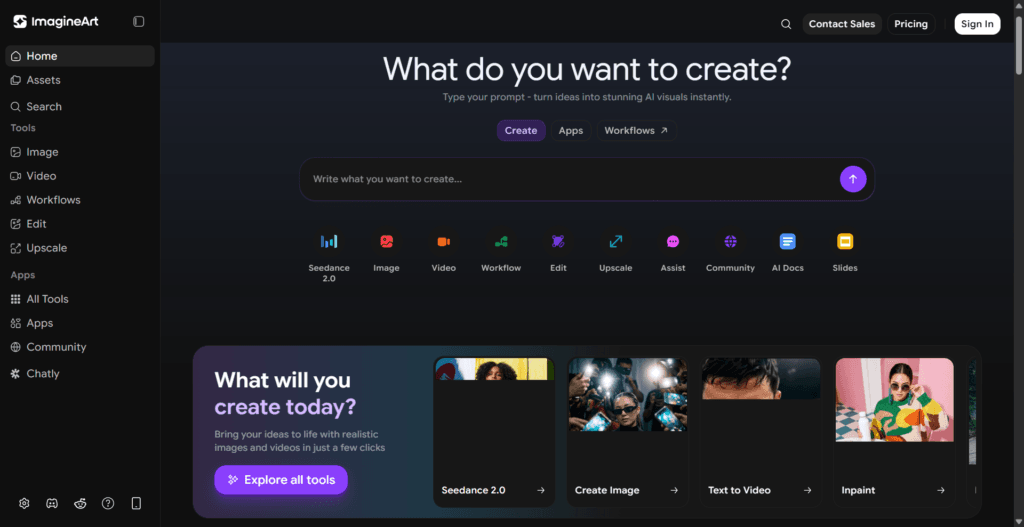
The tool includes built-in aesthetic balancing, ensuring that generated visuals maintain consistent tone, framing, and color schemes. It also handles text rendering within images, making it useful for marketing creatives and design assets. Users can customize outputs by adjusting aspect ratios, styles, and generation settings.
Designed with an intuitive interface, Imagine.Art simplifies the creative workflow for users without requiring technical expertise. It can be used for a wide range of applications, including product design, posters, and cinematic visuals, making it suitable for both creative experimentation and professional use.
Key Features:
- Text-to-image
- Image-to-image generation
- High realism output with detailed textures, lighting, and depth
- Accurate prompt interpretation
- Built-in aesthetics & composition balancing
- Customization controls
Strengths:
- Generates highly realistic and detailed visuals
- Supports both text and image-based inputs
- Offers customization and creative control
Weaknesses:
- Advanced features require paid plans
- Credit-based system may limit usage
- Output quality depends on prompt clarity
Pricing: Free version (with ads); Pro version for $5/week or $30/year.
Important Considerations for Image Generation Using AI
1. The Skill of Prompting
Despite improvements, the quality of your image still depends heavily on your prompting skills. Vague descriptions lead to “AI hallucinations,” such as people with extra fingers or impossible perspectives. Using “thinking prompts” or natural language iteration in tools like ChatGPT can help refine these results.
2. Copyright and Ethics
The legal landscape remains complex. While most paid platforms grant you full usage rights, AI-generated content is often not copyright-protected in many jurisdictions. Platforms like Adobe Firefly mitigate this by training only on licensed or public domain content.
3. Verification and Bias
AI often reflects the biases of its training data, which can lead to stereotypes or unrealistic portrayals. It is essential for creators to review all generated content for bias and visual glitches before using it in professional settings.
Instead of jumping between platforms, use Pick AI, an AI tools directory that helps you turn AI concepts from your artificial intelligence knowledge into practical skills, real-world use cases with curated AI certification courses.
Final Verdict
Choosing the right AI image generator in 2026 depends entirely on whether you are building a brand, directing a cinematic short, or just looking for a professional headshot. For sheer power and complex prompt adherence, Google’s Nano Banana Pro is the current heavyweight champion, excelling at high-fidelity text rendering and intricate semantic reasoning. If your workflow requires professional-grade assets, Leonardo.AI (now backed by Canva) offers a sophisticated suite featuring the Phoenix 1.0 model and unique 3D texture generation for game developers. As these tools update almost weekly, the smartest approach is to leverage their free tiers to see which “creative OS” aligns with your technical comfort and visual style.