Voe AI Video Generation Platform
What is Voe AI: Overview
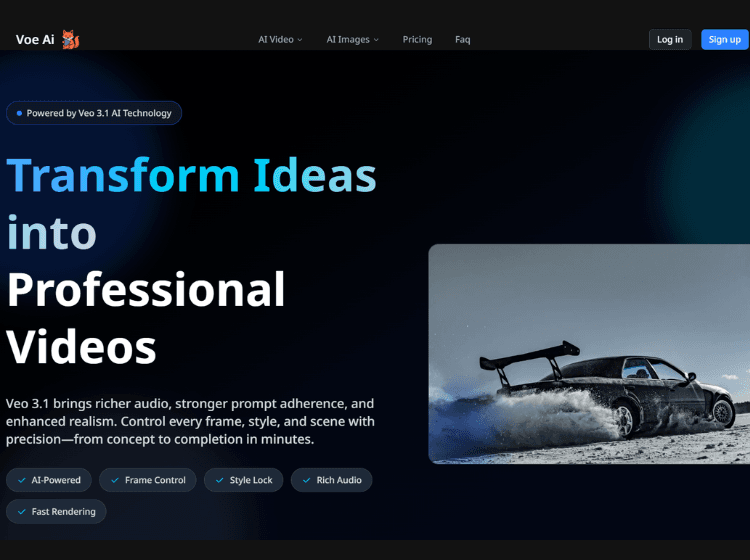
Voe AI is an AI-powered video generation platform that helps creators turn ideas into professional, cinematic-style videos using artificial intelligence. It’s built on Veo 3.1, an advanced text-to-video generation model. It is an easy-to-use, cloud-based generative video platform that quickly turns text and image inputs into cinematic video clips, ideal for creators and teams who want high-quality visuals without traditional editing workflows.
Key Features of Voe AI
- Image to video
- Text to video
- Text to image
- Image to image
- Reference to the video
How to Use Voe 3.1 – Step-by-Step
1. Open the Platform: Go to the official Voe 3.1 website and log in or create an account.
2. Start a New Project: Click “Create” or “Generate Video” to open the editor/dashboard.
3. Enter a Text Prompt: Type a text prompt like “A cinematic drone shot of a futuristic city at sunset, neon lights, dramatic clouds.”
4. Add Reference Images:
Upload images if you want
- Character consistency
- Specific outfits or objects
- A fixed art style
5. Choose Video Settings: Aspect ratio (16:9, 9:16, etc.), Duration, Quality level, Motion intensity (if available).
6. Generate the Video: Click Generate and wait for the AI to process your request.
7. Review & Refine: Watch the output, adjust prompt wording if needed, and regenerate for better results.
8. Download or Share: Export your final video and use it for.
Use Cases for Voe AI
- Content Creation
- Marketing & Advertising
- Visual Storytelling & Concept Art
- Filmmaking Pre-Visualization
- Education & Training
- Audio & Narrative Generation
- Social & Community Projects
Who is It For?
- Content Creators
- Marketers & Advertisers
- Filmmakers & Designers
- Educators & Trainers
- Businesses & Agencies
Voe 3.1 Pricing and Plans
- Starter: $9.9/month (Entry-level experience, low barrier to entry)
- Pro: $23.9/month (Main recommended version, best value for money)
- Studio: $39.9/month (Professional version for high-frequency creators)
