Topaz Video AI Enhancement
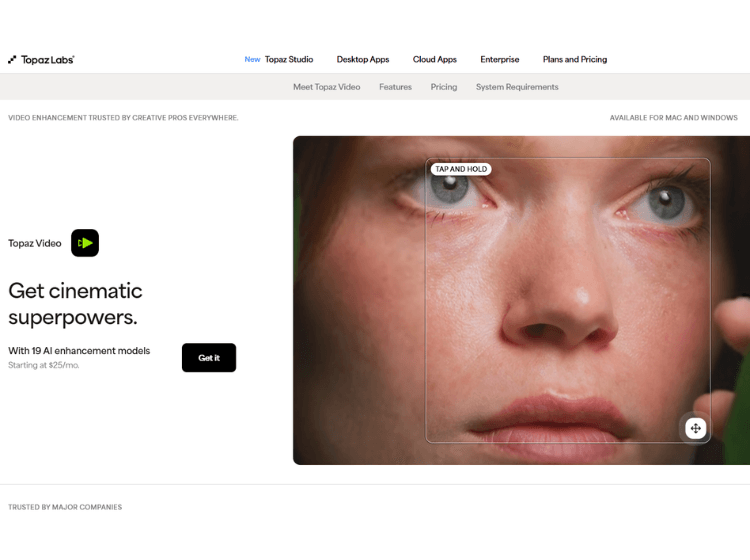
What is Topaz Video: Overview
Topaz Video AI is professional AI-powered video enhancement software designed to improve footage by upscaling resolution, reducing noise, stabilizing frames, and enhancing clarity. It leverages deep learning models to refine video quality and restore details for creative, archival, or professional use.
Key Features of Topaz Video AI
- AI-powered video upscaling and enhancement.
- Noise reduction and artifact cleanup.
- Frame rate conversion and slow-motion support.
- Video stabilization to reduce shake.
- Customizable enhancement filters and batch processing.
How to Use Topaz Video AI: Step-by-Step
Here are some easy steps to use Topaz Video AI.
- Install and launch Topaz Video AI on your computer.
- Import video files by browsing, drag-and-drop, or using the File menu.
- Select enhancement models or filters based on your output goals.
- Adjust parameters such as resolution, stabilization, and noise reduction.
- Preview changes before rendering.
- Choose output settings and export the enhanced video.
Use Cases of Topaz Video AI
- Restoring old or historical video footage.
- Upscaling consumer or smartphone videos for higher resolution outputs.
- Smoothing action footage or converting to slow motion.
- Preparing content for professional editing or publication.
- Batch enhancing multiple video clips efficiently.
Target Audience Topaz Video AI
- Filmmakers and video editors.
- Content creators and social media producers.
- Archivists and preservationists.
- Videography hobbyists.
- Media production professionals.
Topaz Video AI Pricing
- Personal – $25/mo
- Pro – $58/mo
- Topaz Studio – $33/mo
