A few months ago, a short video popped up on my feed. Two adults smiled at the camera… then boom, a baby appeared who looked suspiciously like both of them. The comments went wild. People weren’t asking “Is this real?” They were asking, “How are people making baby AI videos like this?”
That’s the magic of AI baby videos.
These AI videos are everywhere right now: Instagram Reels, TikTok trends, YouTube Shorts. Some are emotional. Some are hilarious. Some are straight-up uncanny. But almost all of them are made with the best AI tools, no editing background needed.
In this guide, I’ll walk you through how to make AI baby videos step by step, using AI video tools that actually work. No hype. No jargon overload. Just practical methods, prompts, and tips that creators are using right now.
What Are AI Baby Videos?
AI baby videos are short clips created using artificial intelligence where a baby is generated, animated, or stylized. Take photos of adults or kids and morph them into adorable baby versions that move, talk, or react. Think a “future baby” mashup of you and your partner waving hello, or a static baby pic animated to dance. They’re short, 5-15 second clips perfect for socials, blending filters, animation, and voice for realism.
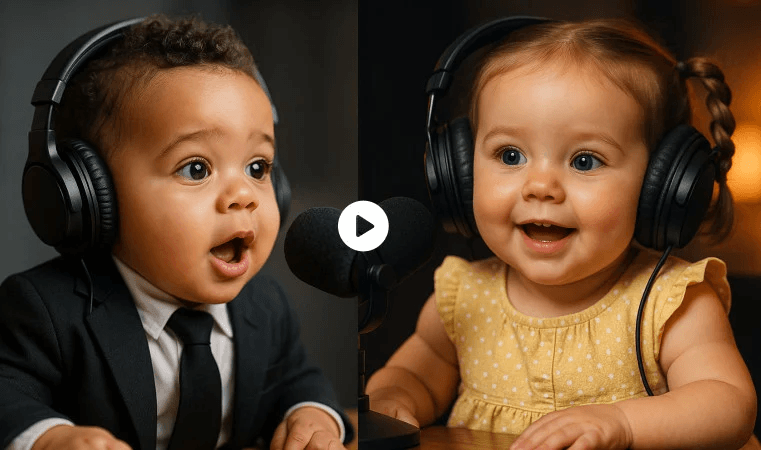
Multiple types of AI baby videos
- Predict what a baby might look like based on the parents’ photos
- Animate a still baby image into a moving video
- Make a baby “talk” using text or voice
- Turn a baby into a cartoon or Pixar-style character
Before You Start: What You Need
Let’s keep this simple. You don’t need a studio or expensive software.
Here’s what you actually need:
1. Photos
- Clear face photos (for future baby effects)
- Or a baby photo (real or AI-generated)
- Avoid sunglasses, masks, or heavy shadows
2. A Smartphone or a laptop
- Most tools work on mobile
- Some advanced ones are web-based
3. An AI Tool (Free or Paid)
- I’ll break down the best options below
4. A Goal
- Emotional reel?
- Funny talking baby?
- Cartoon baby for kids content?
Once you know what kind of baby video you want, the rest becomes easy.
How to Make Baby Videos Using AI (4 Methods Explained)
There’s no single way to do this. People are creating AI baby videos using four main methods. Each one gives a different vibe.
Let’s break them down.
Method 1: Make a “Future Baby” / Baby Face Effect Video (Fastest)
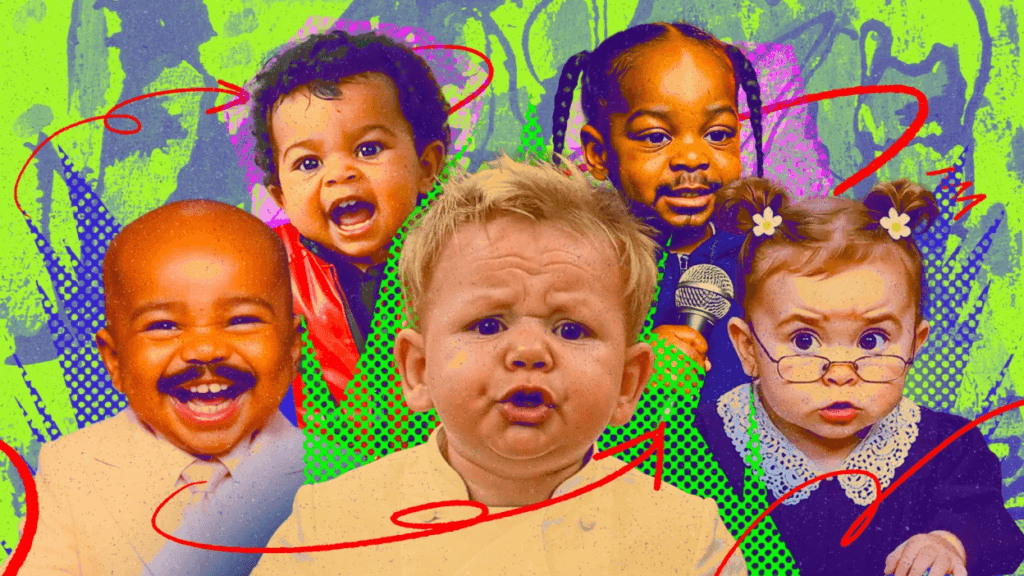
This is the trend you see everywhere.
Two adults → one baby → instant reactions.
It’s fast, emotional, and perfect for Reels.
Option A: CapCut Baby Effect / Future Baby Filter
CapCut AI is the easiest way to start creating AI baby videos.
How it works
- Open CapCut
- Go to Templates or Effects
- Search for “Future Baby” or “Baby Face”
- Upload 1 or 2 adult photos
- Apply the template
- Export the video
That’s it.
Why people love it (Pros)
- No prompts needed
- Built for social media
- Free templates available
Limitations
- Baby may look generic
- Less control over realism
Still, if you’re wondering how people are making baby AI videos so quickly, this is one big answer.
Option B: Remini (Popular for realistic “baby” look)
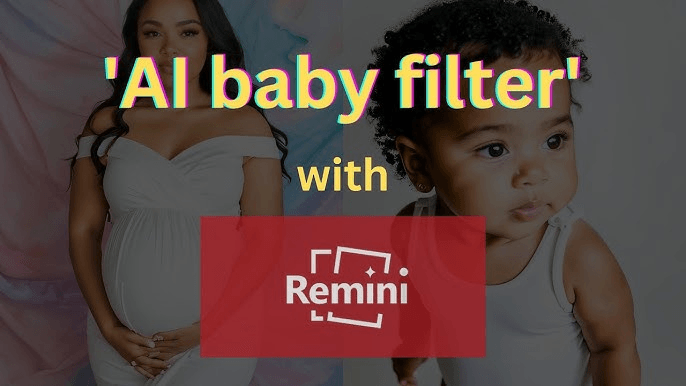
Remini is known for realism.
Steps to follow
- Upload two face photos
- Choose the baby or future look feature
- Let the AI process
- Download the result
- (Optional) Turn it into a video using CapCut
Why it stands out
- Faces look more natural
- Baby features resemble both parents
- Works well for emotional content
Downside
- Limited free uses
- Watermark on the free version
If realism matters more than speed, Remini is a strong choice to make AI baby videos.
Method 2: Animate a Baby Photo into a Video (Image → Video)
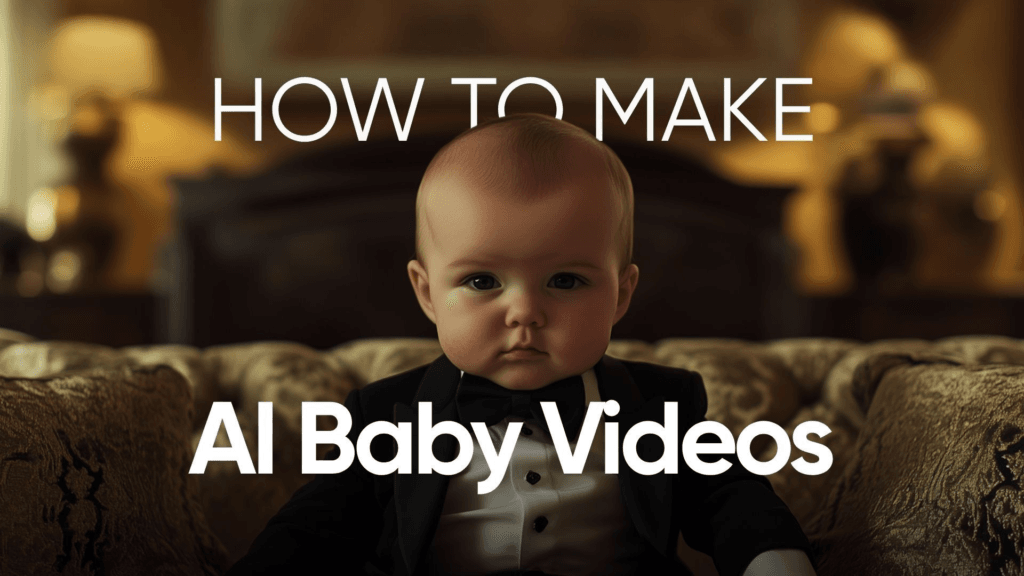
This is where things start to feel cinematic.
You already have a baby image – real or AI-generated – and you want motion.
1. Recommended tool: Runway (Image-to-Video)
Runway lets you turn a single baby image into a moving AI baby video clip.
How to do it
- Upload a baby image
- Choose Image-to-Video
- Add a motion prompt
- Generate a 3–5 second clip
- Export and loop if needed
2. Copy-paste motion prompts (safe + realistic)
You don’t need to overthink AI video prompts. Keep them human.
Try these:
Prompt 1: “A realistic baby gently smiling and blinking, natural head movement, soft lighting, calm expression.”
Prompt 2: “Baby slowly turning head, subtle facial expressions, realistic skin texture, no exaggerated motion.”
Prompt 3: “Cute baby laughing softly, natural movement, cinematic lighting, realistic proportions.”
These prompts work because they avoid extremes. AI struggles when you push it too hard.
Method 3: Make a Talking AI Baby Video (Photo + Voice/Text)
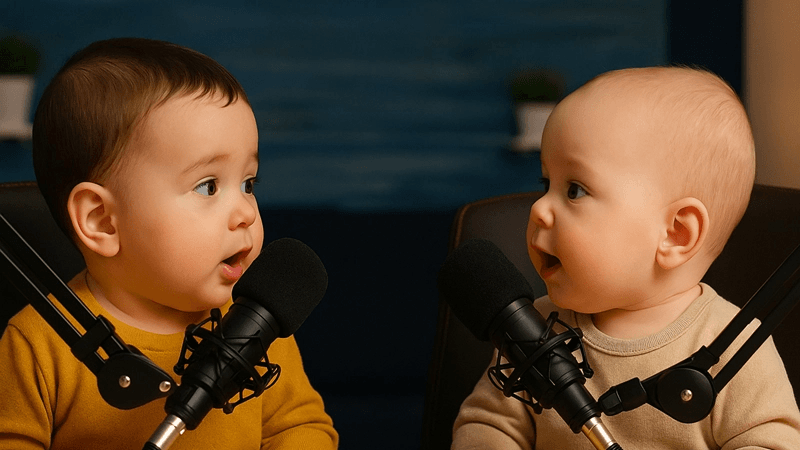
This is where videos get funny.
– A baby giving life advice.
– A baby narrating your story.
– A baby saying things no baby should say.
How it works
- Upload a baby image
- Add text or voice
- AI syncs lips and expressions
Some tools let you type text. Others let you upload audio.
Best uses
- Comedy reels
- Parenting humor
- Meme content
- Educational short clips
Tips
- Keep sentences short
- Avoid fast speech
- Use natural voices
Talking AI baby videos often go viral because they’re unexpected and slightly absurd.
Method 4: Create a Cartoon/Pixar-Style Baby Video (Text → Image → Video)
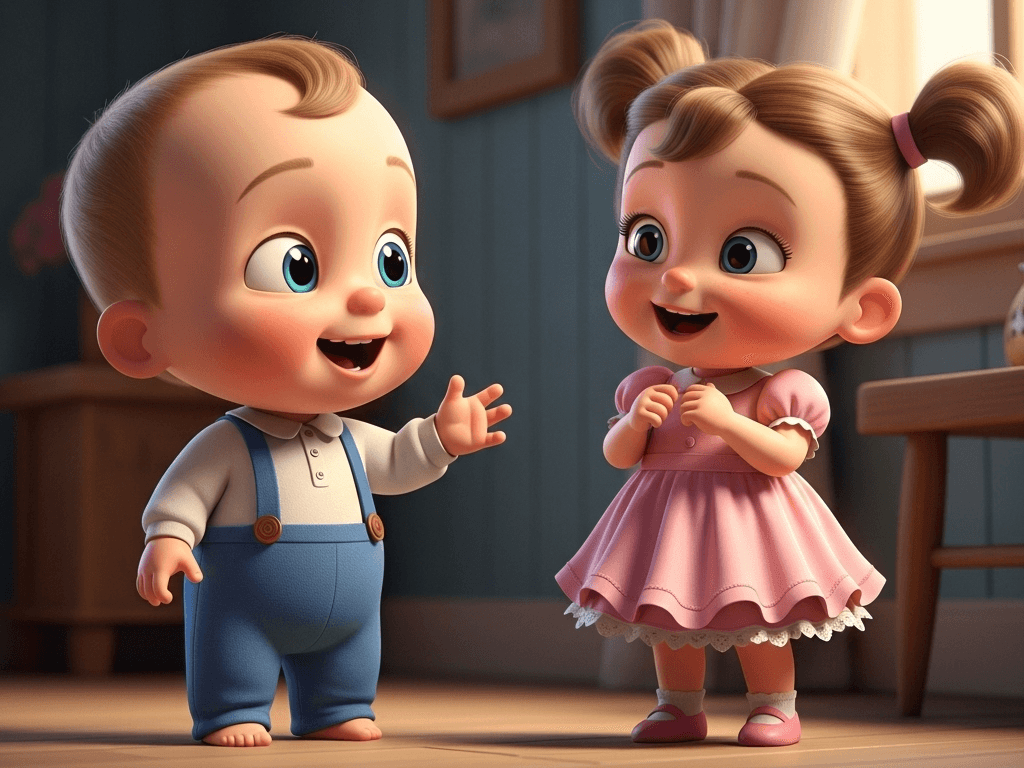
This method takes one extra step but gives wow results.
Step 1: Generate a Baby Image
Use a text-to-image AI and describe:
- Baby age
- Facial expression
- Art style (Pixar-like, soft 3D, animated)
Example prompt:
“A cute Pixar-style baby with big expressive eyes, soft lighting, pastel colors, cinematic 3D animation look.”
Step 2: Animate the Image
Upload the image to an image-to-video tool and add gentle motion prompts.
Why this works
- Cartoon babies avoid realism issues
- Safer for brand content
- Great for kids and family pages
Editing Your AI Baby Video for Reels/TikTok (Simple Formula)
You don’t need fancy editing. Follow this structure:
1. Hook (First 2 seconds)
- Text: “What our baby might look like…”
- Or: “AI predicted our future baby.”
2. Reveal
- Show the baby clearly
- Slow zoom works best
3. Emotion or Humor
- Smile, laugh, or reaction shot
- Or talking baby punchline
4. Loop Ending
- End where it can replay smoothly
Music tip
- Soft piano for emotional videos
- Trending audio for viral reach
- Comedy sounds for talking baby clips
Best Practices to Create Baby Videos with AI
After testing dozens of baby AI videos, some patterns are clear.
Do this:
- Use clear, front-facing photos
- Keep prompts simple
- Choose one emotion per video
- Test multiple versions
Avoid this:
- Over-editing faces
- Unrealistic motions
- Long videos (7–12 seconds is the sweet spot)
- Misleading captions
Also, be transparent. If it’s AI, say it’s AI. Audiences appreciate honesty.
Final Note
AI baby videos work because they tap into something universal: curiosity, emotion, and imagination. Whether you’re doing it for fun, content creation, or experimentation using AI content creation tools, now you know how to make AI baby videos without feeling lost or overwhelmed.
Start simple. Try one method. Post it. Learn from the response. And don’t stress about perfection, sometimes the slightly awkward baby videos are the ones people love the most.
