A few years ago, editing videos required infinite timelines, heavy software, and long hours. Things appear extremely different today. The way producers operate has been subtly altered by AI video editors. Being a professional editor is no longer necessary. Complex tools do not even require patience. All you need is a well-defined concept and an appropriate online AI video editor.
In order to save time and maintain consistency, people today rely on AI technologies for video editing, from YouTubers and Instagram producers to CEOs performing product demos. These instruments do not take the place of originality. They eliminate friction. They add captions, automatically cut out silence, resize films for social media, and even determine which segments of lengthy videos are worth watching, resulting in real-world examples of AI videos that feel polished, engaging, and platform-ready.
The top AI video editors currently on the market are compared in this guide. With clarity, not hype. You will learn what each tool is good at, who it is intended for, and when using it makes sense. You have come to the right site if you are looking for useful AI video editing software.
What is an AI Video Editor?
An AI video editor is software that uses machine learning to automate parts of the video editing process. Instead of manually cutting clips, removing pauses, adding subtitles, or adjusting formats, the AI handles it for you.
Most AI video editor tools focus on specific problems. Some are great at turning long videos into short clips. Others remove filler words automatically. Some help with captions and translations. A few try to do everything in one place.
The key difference from traditional editors is decision-making. AI doesn’t just execute commands. It analyzes audio, visuals, and context. Then it suggests or applies edits that normally take hours.
These tools are not about perfection. They are about speed and consistency. That’s why creators who publish frequently rely on AI video editors instead of manual editing workflows.
Why Creators Choose AI Video Editors Over Manual Editing?
1. Massive Time Savings: Time is the biggest reason creators switch. A one-hour podcast can become ten short clips in minutes. What once took an afternoon now takes a coffee break.
2. No Editing Skills Required: You don’t need to understand timelines or keyframes. Most AI video editor online platforms work with simple uploads and buttons.
3. Faster Content for Social Media: Social platforms reward speed. AI editors help creators publish daily without burnout.
4. Cost-Effective for Solo Creators: Hiring editors is expensive. AI video editing softwares reduce that cost without stopping content flow.
5. Consistent Branding at Scale: Many tools remember your style. Fonts, captions, colors, and formats stay consistent across videos.
Best AI Video Editing Tools for Creators
Here is a curated list of the top AI video editors trusted by YouTubers, marketers, and social media creators.
1. CapCut AI
CapCut AI has become one of the most widely used AI video editors, especially among short-form creators. Its popularity stems not only from the AI elements but also from how well they blend into the editing process. It does not feel like you are “using AI.” The software seems to comprehend your desires.
The AI in CapCut manages features like beat matching, smart cuts, background removal, and auto captioning. When you upload a video, it may quickly provide precise and timely subtitles. This alone saves hours each week for creators producing reels or shorts. Without disrupting the video’s pace, the auto cut tool assists in eliminating awkward pauses and silences.
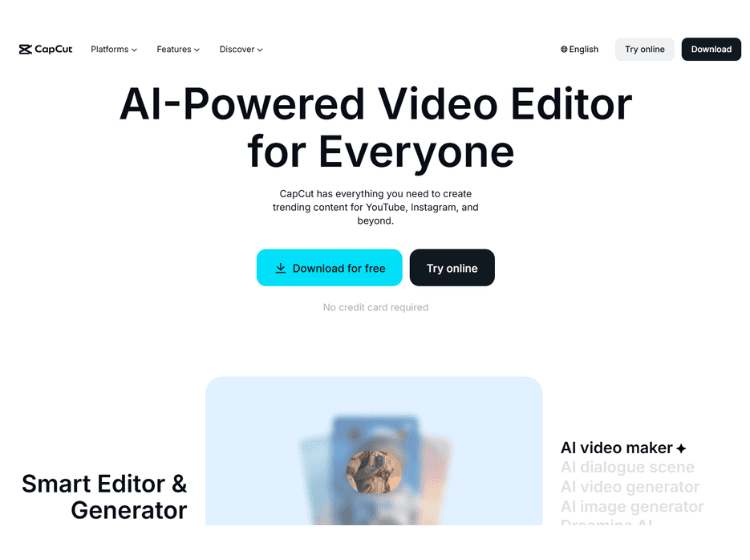
Templates are still another advantage. Based on popular formats, CapCut AI recommends layouts, transitions, and text styles. This is especially useful for content providers who do not want to constantly investigate trends but still want their work to feel current.
Both novice and seasoned editors can benefit from using CapCut. While more experienced users can still make manual adjustments, beginners can rely on automation. It is one of the only AI video editing programs that does not seem restrictive as you develop.
YouTube Shorts, Instagram Reels, TikTok videos, and short marketing videos are among the best use cases. CapCut is a compelling option if you are looking for an online AI video editor that strikes a balance between control and automation.
2. Opus Clip
Opus Clip is designed for one specific purpose: to convert long videos into small, viral-ready segments. If you produce podcasts, interviews, webinars, or talking-head content, this technology seems magical the first time you use it.
You upload a long video, and Opus Clip’s AI scans the entire recording. It looks for moments with emotional peaks, clear statements, and strong engagement potential. Then it automatically creates multiple short clips, each trimmed, captioned, and formatted for social media.
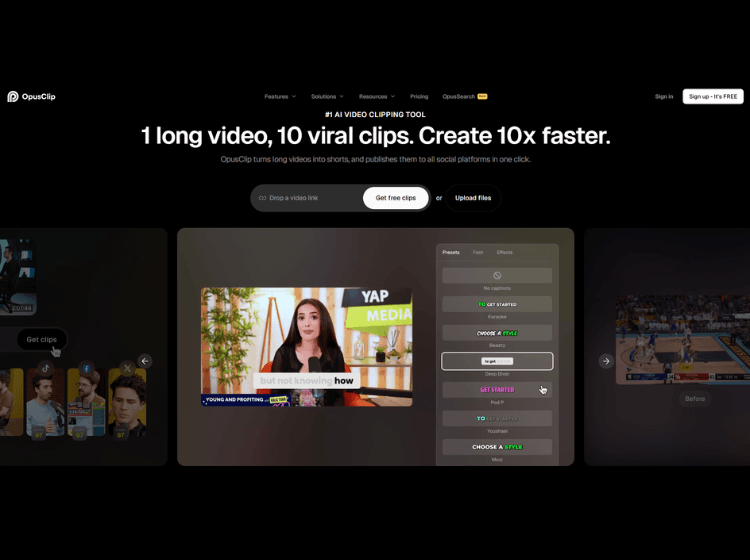
What stands out is how context-aware it feels. The clips don’t feel randomly cut. The AI understands when a thought starts and ends. Captions are generated with emphasis on keywords, which helps with retention on silent autoplay feeds.
Opus Clip also handles resizing intelligently. Faces stay centered. Important visuals remain visible. This matters a lot when converting landscape videos into vertical formats.
It’s not a full editing suite, and it doesn’t try to be. Opus Clip is a focused tool, and that’s its strength. For creators who publish long-form content and want consistent short-form output, it’s one of the most practical AI video editor tools available today.
3. Vizard AI
Vizard AI is another AI video editor tool for repurposing content, but with a slightly greater scope. It is popular among marketers, educators, and B2B content developers who work with webinars, tutorials, and virtual events.
The workflow is easy. Upload a video, and Vizard AI will identify crucial moments based on speech patterns and topic changes. It then produces short clips that are structured and informative, rather than merely amusing.
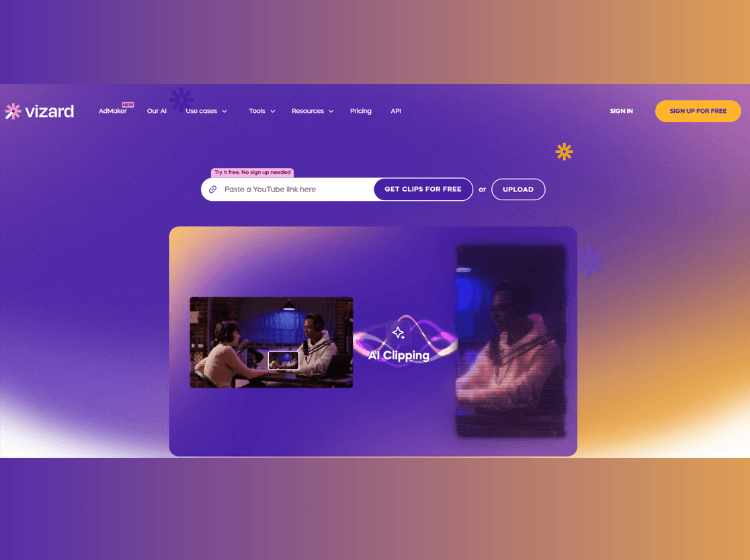
Speaker tracking is a valuable function. Even when the source video is not optimized for vertical viewing, the AI keeps the main speaker in the proper frame. This makes clips appear professionally edited even without manual tweaks.
Vizard AI also emphasizes captioning and accessibility. Subtitles are clear, accessible, and adjustable. This is vital for LinkedIn and other platforms that require a professional appearance.
Vizard AI feels calmer and more refined than other casual programs. The emphasis is on clarity rather than viral hooks. If your purpose is to educate, lead thought, or explain products, this AI video editor online is a great fit.
4. Descript
Descript changes how you think about video editing. Instead of working on a timeline, you edit text. The video follows your edits automatically. This approach feels strange at first, then incredibly freeing.
Upload a video, and Descript transcribes it with high accuracy. You can delete words, sentences, or entire paragraphs like a document. The corresponding video and audio are edited instantly. For people who think in words, this is powerful.
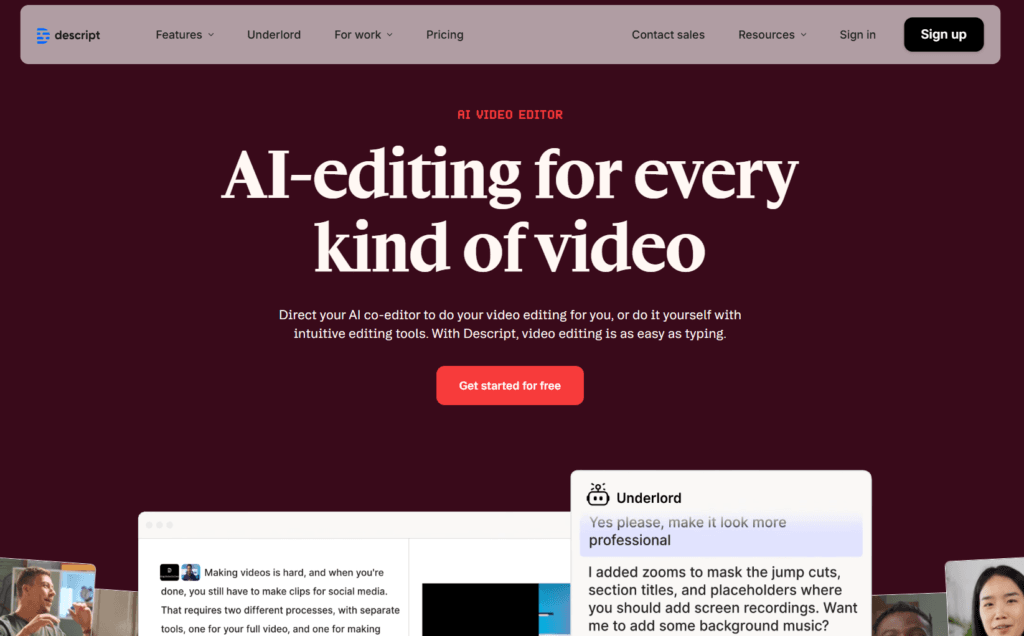
Descript also includes AI features like filler word removal, silence trimming, and voice enhancement. You can clean up a recording without touching technical controls. There’s even an AI voice feature that lets you correct small mistakes by typing text instead of re-recording.
It’s especially useful for podcasts, tutorials, and screen recordings. You can move sections around, tighten explanations, and keep everything flowing naturally.
Descript may not be ideal for flashy edits or visual-heavy content. But for clarity-driven creators, it’s one of the smartest AI tools for video editing available. It respects your time and your ideas.
5. Spingle AI
Spingle AI prioritizes speed and simplicity. It is intended for creators who wish to convert raw material into clean, shareable videos without worrying too much about editing.
The AI reduces silences, minimizes errors, and changes pace. You upload a video clip, pick a style, and let the system do the rest. The findings are not striking, but they are consistent.
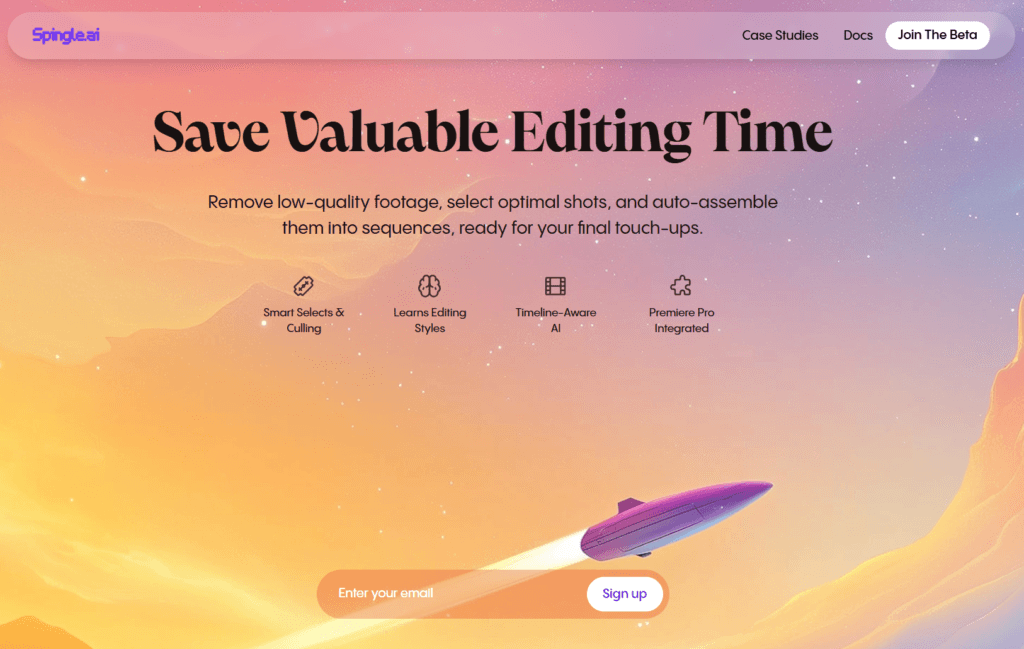
Spingle AI shines when consistency is more important than inventiveness. Coaches, instructors, and internal teams frequently utilize it to share training films and brief updates. Even if the input is not flawless, the output feels tidy and professional.
While it does not provide extensive customisation, that is part of the appeal. Spingle AI eliminates decisions. You do not keep tweaking. You publish, then move on.
Spingle AI is a good choice if you want an online AI video editor that is straightforward and predictable.
6. AutoPod
AutoPod is a plugin designed for editors who already use professional software but want AI assistance. It integrates with editing workflows instead of replacing them.
Its main strength is automation for podcasts and multi-camera setups. AutoPod automatically switches camera angles based on who is speaking. This alone can save hours for podcast editors.
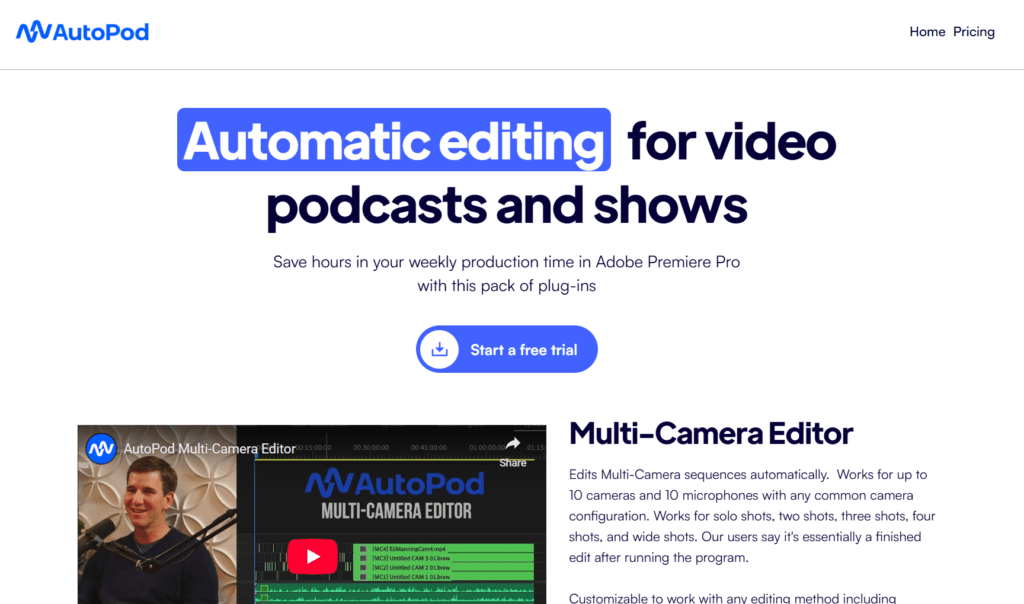
It also includes features for silence detection and pacing adjustments. The AI doesn’t try to be creative. It focuses on technical efficiency.
AutoPod is not beginner-friendly. It’s made for editors who understand video production but want to speed things up. For agencies and production teams, it’s a valuable addition to existing AI video editing software.
7. Eddie AI
Eddie AI is built for people who don’t want to edit at all. You upload footage, describe what you want, and the AI assembles a rough cut.
It’s still evolving, but the idea is interesting. Eddie AI focuses on storytelling structure rather than effects. It tries to understand the narrative and organize clips accordingly.
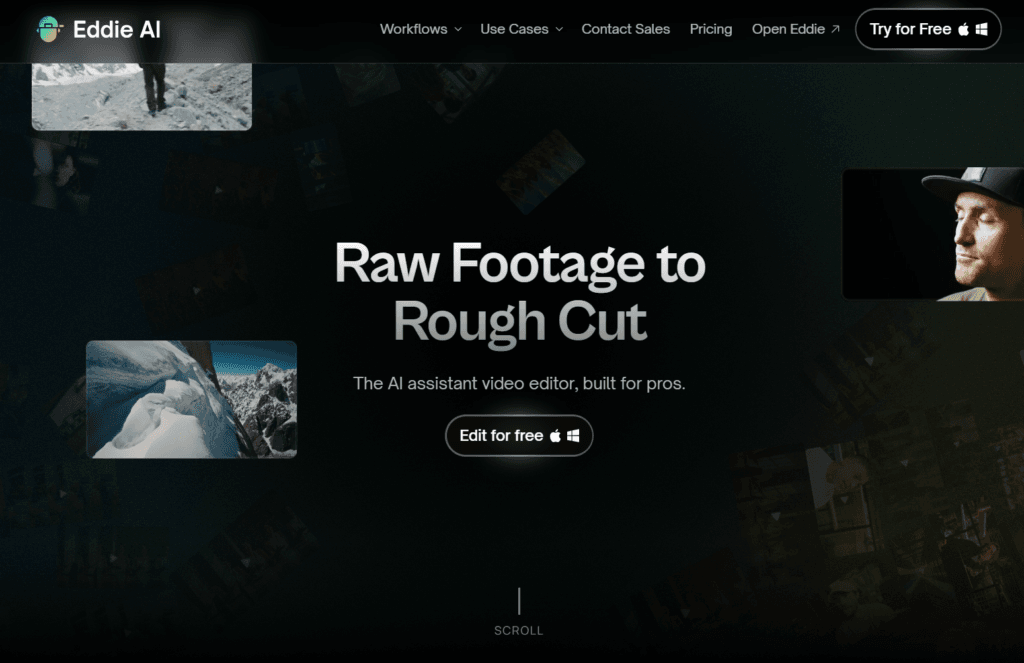
This makes it useful for vlogs, simple explainers, and internal videos. You won’t get cinematic results, but you will get something usable fast.
Eddie AI suits creators who prioritize speed over precision. It’s one of those AI video editor tools that works best when expectations are realistic.
8. Wisecut AI
Wisecut AI is designed for talking-head videos. If you record yourself explaining things, this tool feels tailored for you.
It removes long pauses, balances audio, and adds background music automatically. The pacing feels natural, not rushed. Captions are clear and readable.
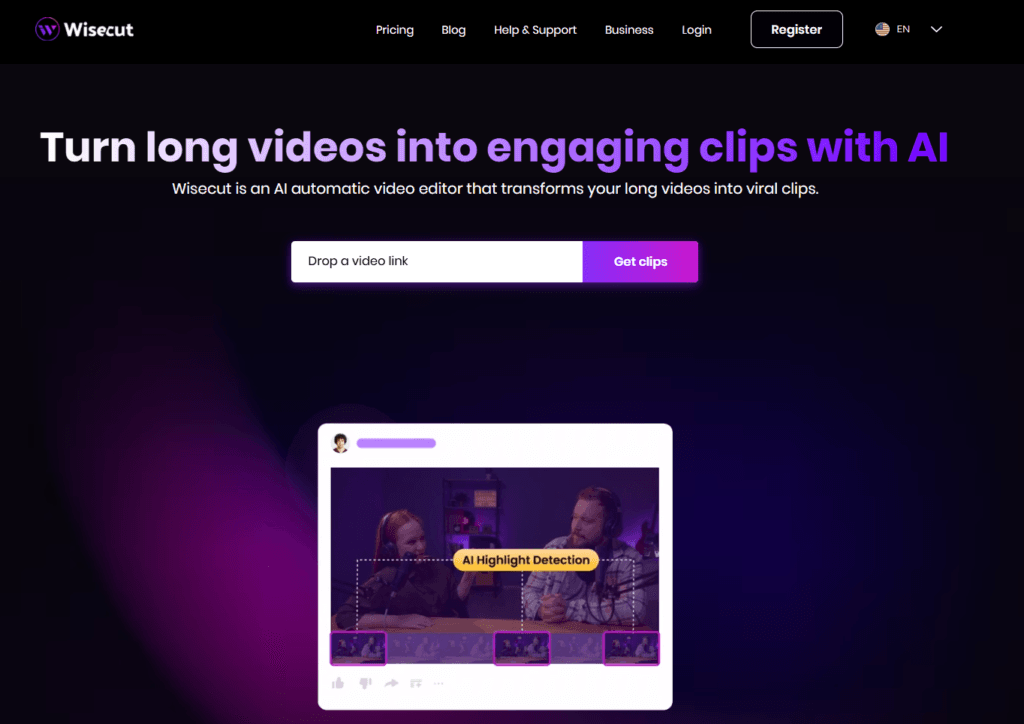
One nice touch is auto zoom. Wisecut AI subtly zooms in and out to maintain visual interest. This makes simple recordings more engaging without manual keyframes.
Wisecut AI is popular with educators, course creators, and YouTubers who want clean videos without editing headaches. As AI tools for video editing go, it’s focused and dependable.
9. Gling AI
Gling AI targets one specific pain point: removing mistakes from recordings. It detects retakes, stumbles, and awkward pauses, then removes them automatically.
This is incredibly helpful for creators who record tutorials or scripted content. You don’t need perfect takes. You just talk naturally and let the AI clean things up.
Gling AI integrates with editing software, making it easy to fit into existing workflows. It doesn’t add effects or captions. It just makes your footage tighter.
For creators who value efficiency, Gling AI is one of the most underrated AI video editors available.
10. Electric Sheep
Electric Sheep is aimed at teams and brands rather than solo creators. It focuses on large-scale video production with consistent quality.
The AI helps with assembly, formatting, and brand consistency. Templates, styles, and pacing remain uniform across projects. This matters when multiple people work on content.
Electric Sheep is less about experimentation and more about systems. If you manage content at scale, this AI video editor online offers structure and control.
Conclusion
AI video editing is no longer a shortcut. It’s a standard. The question is not whether to use AI video editors, but which one fits your workflow.
Some tools help you move faster. Others help you think more clearly. A few help you scale without burning out. There is no single best choice for everyone, but there is a right choice for your needs.
If you create daily content, automation matters. If you teach or explain, clarity matters. If you run a team, consistency matters. The best AI video editor is the one that removes friction from your process, not the one with the longest feature list.
As AI video editing softwares continue to evolve, one thing stays the same. Your ideas still matter most. AI just helps you share them without getting stuck in the edit.
