Gumloop AI Agent Builder Tool
What is Gumloop: Overview
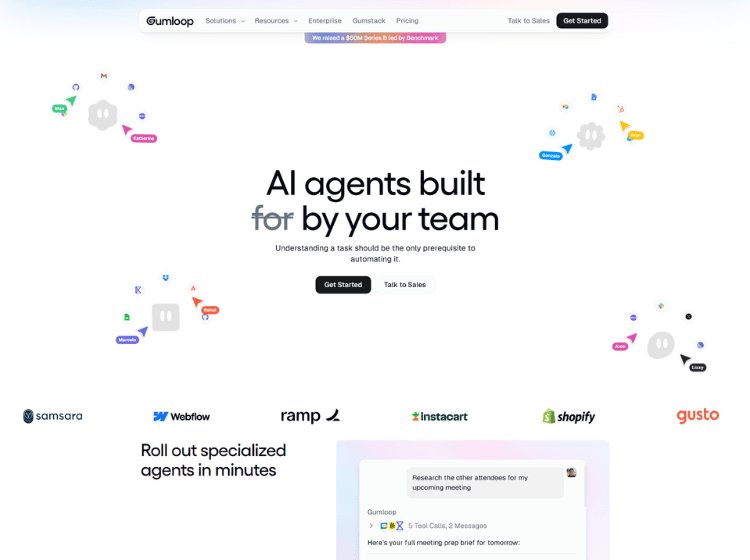
Gumloop is an AI workflow automation platform designed to help individuals and businesses automate repetitive processes without requiring programming skills. Its visual drag-and-drop workflow builder allows users to combine AI models, business applications, APIs, web scraping, and data processing into automated workflows.
The platform supports a wide range of automation use cases, including lead enrichment, document processing, customer support, research, marketing operations, and internal business workflows. Users can build workflows by connecting pre-built nodes for logic, integrations, AI reasoning, and external services.
Gumloop also includes collaboration features for teams, execution monitoring, workflow templates, and hosted AI infrastructure, making it suitable for both individual creators and organizations. The platform follows a credit-based usage model where workflow execution and AI operations consume credits depending on the complexity of each task. It is designed for users who want to create AI-powered automations while minimizing manual work.
Key Features of Gumloop
- Visual drag-and-drop workflow builder
- AI-powered automation with built-in AI models
- Pre-built integrations with business applications and APIs
- Web scraping, data extraction, and enrichment capabilities
- Team collaboration, workflow templates, and execution monitoring
How to Use Gumloop: Step-by-Step
Here are the simple steps to start using the Gumloop platform.
Step 1: Create an Account – Sign up on the Gumloop website and access the dashboard.
Step 2: Start a New Workflow – Create a new workflow from scratch or choose an existing template.
Step 3: Add Workflow Nodes – Drag and drop nodes such as triggers, AI actions, integrations, logic, web scraping, or data processing onto the workflow canvas.
Step 4: Configure Each Node – Connect your preferred applications, APIs, or AI models and define the required inputs and outputs.
Step 5: Connect Workflow Steps – Link nodes together to determine how data flows through the automation.
Step 6: Test the Workflow – Run a test execution to verify that every step functions correctly.
Step 7: Deploy the Workflow – Enable the workflow to automate tasks continuously or trigger it manually, on a schedule, or through events.
Step 8: Monitor Usage – Review workflow runs, logs, and credit consumption from the dashboard.
Use Cases of Gumloop
- Automating lead generation and enrichment
- AI-powered document and data processing
- Customer support workflow automation
- Marketing and sales process automation
- Research, web scraping, and content collection
Target Audience
- Business teams
- Marketing professionals
- Sales teams
- Operations managers
- Customer support teams
- No-code builders
- Startup founders
- AI automation agencies
- Freelancers
- Enterprises
Gumloop Pricing
1. Free – $0/month (Drive before you buy)
- 5k credits/month
- 1 Seat
- 1 Active Trigger
- 2 Concurrent Runs
- 5 Concurrent Agent Interactions
- Forum Support
- Unlimited Agents
- Unlimited Flows
2. Pro – $37/month (Unlock the full power of Gumloop)
- 20k+ credits/monthEverything included in Free, plus:
- Unlimited Seats
- 5 Concurrent Runs
- 25 Concurrent Agent Interactions
- Agent Reflections
- Unlimited Teams
- Unified Billing