HTTPie API Testing Platform
What is Httpie: Overview
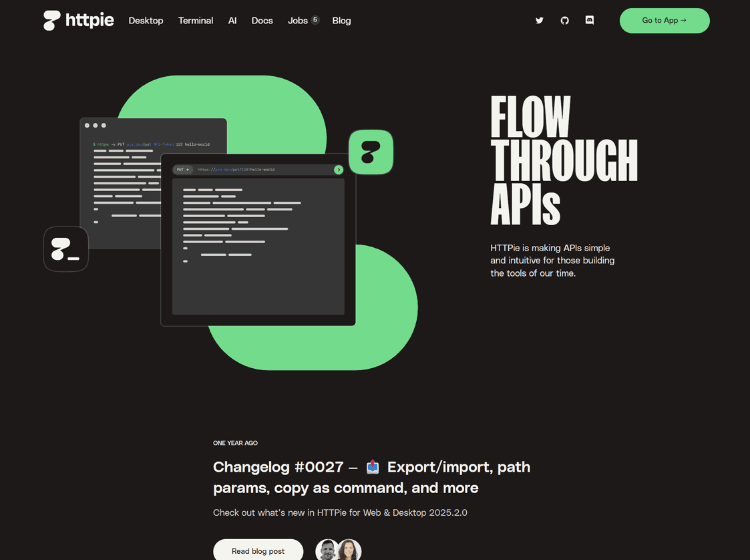
HTTPie is a developer-focused API testing platform designed to simplify how users work with APIs. Originally launched as an open-source command-line HTTP client, it has expanded into Desktop and Web applications while maintaining its emphasis on usability and readability. The platform supports API development, testing, debugging, and exploration through both graphical and terminal-based interfaces.
HTTPie provides features such as intuitive request building, JSON formatting, environment variables, collections, workspaces, request previews, authentication support, and session persistence. The Desktop and Web applications introduce collaboration-oriented capabilities including spaces, collections, tabs, synchronization across devices, and AI-assisted request generation. Developers can build requests, preview them before execution, organize projects, and test APIs without switching between multiple tools.
Available on Windows, macOS, Linux, and the web, HTTPie serves individual developers and teams looking for a streamlined way to interact with REST, GraphQL, and HTTP-based services.
Key Features of HTTPie
- Human-friendly API testing interface for Terminal, Desktop, and Web.
- AI-assisted request generation and API workflows.
- Collections, workspaces, tabs, and environment management.
- Built-in JSON support, formatted output, and session persistence.
- Real-time sync, offline usage, and cross-platform support.
How to Use HTTPie: Step-by-Step
Here are the simple steps to start using the Httpie platform.
1. Access HTTPie
- Visit the web application or download the Desktop version for Windows, macOS, or Linux.
- Alternatively, install the Terminal version using supported package managers.
2. Create or Open a Workspace
- Organize API projects into spaces, collections, and tabs.
- Set up environments for development, staging, or production.
3. Build an API Request
- Enter an API endpoint.
- Select the request method (GET, POST, PUT, DELETE, etc.).
- Add headers, authentication details, and request data.
4. Use Variables and Environments
- Create reusable variables for tokens, URLs, and configuration values.
- Switch between environments without modifying requests.
5. Test and Inspect Responses
- Send requests and review formatted responses.
- Analyze status codes, headers, JSON data, and error messages.
6. Save and Reuse Requests
- Store requests in collections.
- Sync projects across supported devices when using the platform’s synchronization features.
7. Use AI Assistance
- Generate or refine requests using the built-in AI-powered workflow tools where available.
Use Cases of HTTPie
- API development and endpoint testing.
- REST and GraphQL API debugging.
- Authentication and session validation.
- Backend service integration testing.
- Learning and exploring third-party APIs.
Target Audience
- Software Developers
- Backend Engineers
- API Developers
- QA Engineers and Testers
- DevOps Professionals
- Technical Architects
- Engineering Teams
- Students learning API development
HTTPie Pricing
The pricing of Httpie is not publicly disclosed on website.