FormX AI Data Extraction
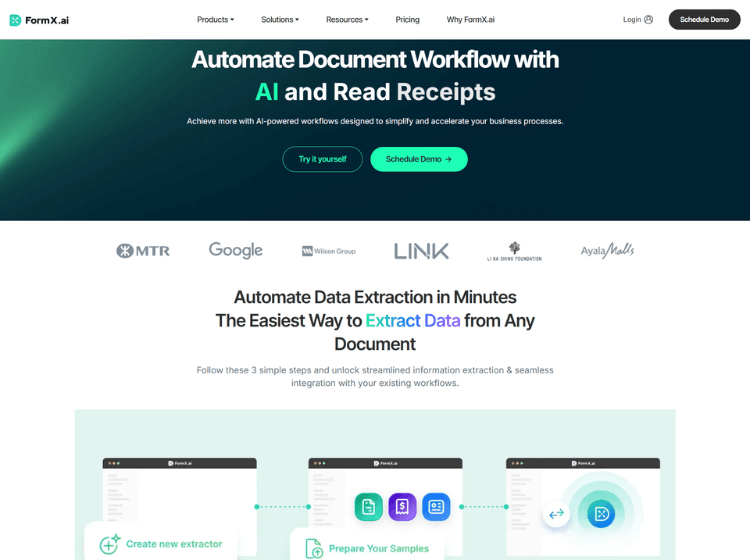
What is FormX AI: Overview
FormX AI is a document automation and data extraction platform designed to help businesses process information from various document types without relying on manual data entry. The platform supports invoices, receipts, bank statements, identity documents, contracts, licenses, certificates, and other structured or semi-structured files. Users can either utilize pre-built extractors or create custom extraction models using sample documents and field labeling.
The platform provides API-based integrations that return extracted information in structured JSON format, allowing businesses to connect FormX AI with CRM, ERP, accounting, and workflow automation systems. It also includes document classification, image quality checking, multi-document detection, and AI-assisted learning capabilities that help improve extraction accuracy over time. FormX AI is suitable for organizations looking to digitize paperwork, automate document processing, and improve operational efficiency across finance, logistics, retail, insurance, public sector, and administrative workflows.
Key Features of FormX AI
- AI-powered OCR and document data extraction
- Pre-built extractors for invoices, receipts, IDs, passports, and bank statements
- Custom model training with sample documents and no-code setup
- API integration with structured JSON output
- Document classification, image quality checks, and workflow automation tools
How to Use FormX AI: Step-by-Setp
Step 1: Create an Account – Visit the FormX AI platform and create a workspace to start processing documents.
Step 2: Choose an Extractor – Select a pre-built extractor for common documents or create a custom extractor for your own document formats.
Step 3: Upload Sample Documents – Provide sample files and define the fields you want the AI model to extract.
Step 4: Train and Test the Model – Review extraction results and refine the model using additional samples when necessary.
Step 5: Upload Documents – Upload PDFs, scanned documents, images, invoices, forms, or receipts for processing.
Step 6: Extract Structured Data – FormX AI converts document information into structured JSON or CSV output.
Step 7: Integrate With Your Workflow – Connect the extraction API to business systems such as ERP, CRM, accounting software, or internal applications.
Step 8: Improve Accuracy – Use production feedback and smart learning features to continuously enhance extraction performance.
Use Cases of FormX AI
- Automating invoice and receipt processing
- Extracting data from bank statements and financial documents
- Identity verification using passports and ID cards
- Processing contracts, licenses, and application forms
- Building automated document workflows for enterprise operations
Target Audience of FormX AI
- Small and medium-sized businesses
- Enterprise operations teams
- Finance and accounting departments
- Logistics and supply chain companies
- Government and public sector organizations
- Developers building document automation systems
- Business process automation consultants
FormX AI Pricing
1. Free Trial – First 100 pages free
2. Pay-as-you-go – $0.30 per page after free quota
3. Starter – $299/month per extractor
4. Enterprise – Custom pricing
5. Annual Plans – Not publicly disclosed