Roboto AI Analytics Engine
What is Roboto AI: Overview
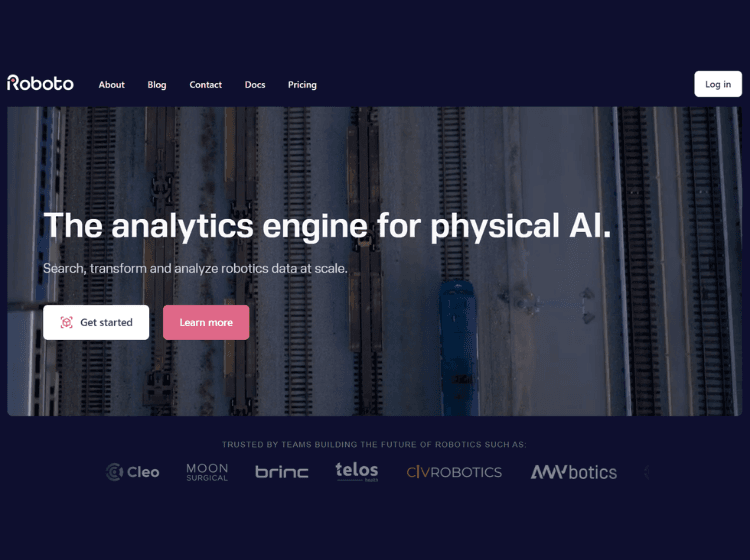
Roboto AI is an analytics engine designed to help robotics teams manage, search, transform, and analyze multimodal robotics data at scale. It combines AI-powered insights with tools for organizing logs, visualizing datasets, and automating analysis workflows tailored for physical AI challenges. The platform supports powerful search tools and AI-driven analysis to identify anomalies, patterns, and edge cases before they impact system performance.
Key Features of Roboto AI
- Search robotics data and logs with multimodal query tools.
- AI-assisted analysis for anomalies, patterns, and key events.
- Data organization using tags, metadata, and custom datasets.
- Visualize diverse data formats (logs, images, videos, point clouds).
- Programmatic access via Python SDK and command-line interface.
How to Use Roboto.ai (Step-by-Step)
- Sign Up / Get Started: Create a free account on the Roboto AI platform.
- Create Datasets: Upload or import robotics log files into organized datasets.
- Add Metadata: Tag datasets with relevant metadata for faster search and filtering.
- Search & Analyze: Use the search interface or RoboQL to find patterns and anomalies.
- Automate Actions: Apply or define actions to transform, process, or analyze data automatically.
- Collaborate: Share links to datasets or specific events with team members.
Use Cases of Roboto AI
- Debugging and diagnosing robotics system failures.
- Analyzing large fleets of robots for performance trends.
- Preemptive detection of edge cases before deployment.
- Automating data transformation workflows.
- Collaborative robotics data review across teams.
Target Audience of Roboto
- Robotics engineers and developers
- Data scientists working with physical AI systems
- Autonomous systems teams
- Research labs handling multimodal robotics data
- DevOps/ML engineers integrating robotics insights
Roboto AI Pricing
- Free: $0, up to 3 users; includes basic data management and storage (100 GB).
- Premium: Contact for pricing; advanced automation and computing.
- Enterprise: Contact for pricing; custom support, deployment, and compliance.