Voice AI - Voice Agent Platform
What is Voice AI: Overview
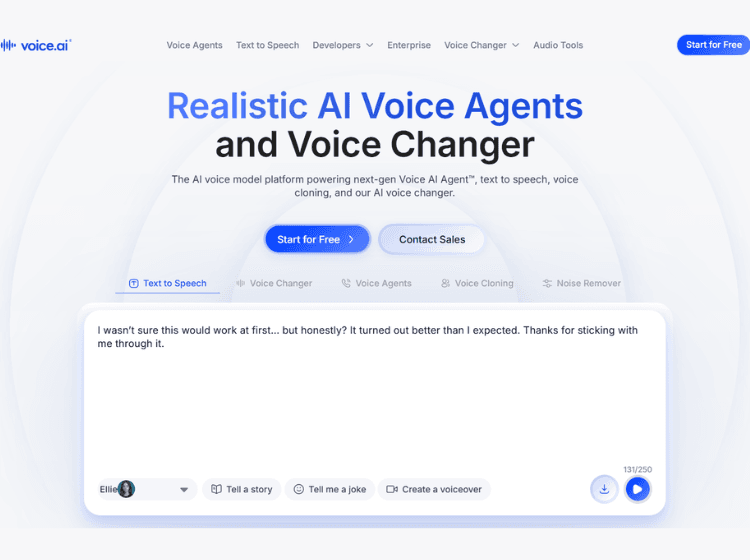
Voice AI is a voice-focused AI platform designed for voice transformation, synthesis, and real-time voice applications. The platform supports voice cloning, customizable voice styles, and large-scale text-to-speech generation for various use cases.
With API access available, Voice AI can be integrated into applications requiring real-time AI voices or automated voice workflows. The platform supports multiple voice types and styles, making it suitable for content creation, virtual agents, and interactive voice systems.
Key Features of Voice AI
- AI voice changer
- Voice cloning technology
- Scalable text-to-speech
- Multiple voice styles
- API access for developers
How to Use Voice.ai: Step-by-Step
Voice.ai lets you change your voice in real time for games, streaming, and calls using AI-powered voice models.
1. Download & Install: Go to the official Voice.ai website and download the app for Windows. Install it on your PC.
2. Create an Account: Sign up or log in to your Voice.ai account to access voice models and features.
3. Set Up Your Microphone: Open the app and select your microphone in the input settings. Make sure it’s working properly.
4. Choose a Voice: Browse the voice library and select a voice you want to use (celebrity-style, character, anime, etc.).
5. Enable Voice.ai as Microphone: In your game, Discord, Zoom, or streaming software, set Voice.ai Virtual Microphone as your input device.
6. Start Talking: Speak into your mic, and your voice will be transformed in real time.
Use Cases of Voice AI
- AI voice agents
- Content creation
- Voiceovers
- Interactive applications
- Voice-enabled software
Target Audience of Voice AI
- Content creators
- Developers
- Game studios
- Enterprises
- Voice technology teams
Pricing and Plans
The pricing of Voice AI is not publicly disclosed.