Think about the last time you stared at a blank screen, knowing you “should” post a video today but not knowing where to start. AI video prompts remove that freeze. They turn a rough prompt idea like “product demo” into a ready-to-use script, shot list, or even a full prompt to video that your generator can understand.
Instead of spending hours scripting, you describe the scene, the goal, and the audience in a few lines. The AI then expands that into narration, visuals, and pacing options you can tweak in minutes. That is where AI prompt to video tools start to feel like a creative partner, not a shortcut.
The gap between a bad video and a good one is usually not editing or visuals. It’s the quality of the prompt. A strong AI video prompt flow saves time, money, and mental energy.
This article is for:
- Creators who want to post faster
- Marketers who want consistent output
- Businesses that want videos without agencies
By the end, you’ll know how to turn a prompt to video without guessing.
What Are AI Video Prompts?
AI video prompts are text descriptions that tell an AI system what kind of video to generate, including subject, action, style, and mood. They work like a creative brief written in simple language, which the AI translates into visuals, motion, and sometimes voiceover.
Why Prompt Quality Matters for Video Creation?
Most disappointing AI videos come from vague prompts, not bad tools. “Make a product video” is too broad; the AI guesses tone, audience, and pacing, which usually ends in generic content you’ll never post.
Good prompt quality matters because it:
- Saves revision time by reducing back‑and‑forth generations.
- Keeps the brand voice and story consistent, even when you scale content or use multiple AI platforms.
When you treat AI video prompts like mini‑briefs, with context, goal, and constraints, you get footage and scripts you can actually ship.
How to Write Effective AI Prompts for Videos?
The easiest way to write strong video prompts is to think in five parts: goal, audience, format, scene, and constraints.

- Start with the goal
- Example: “Drive clicks to a new landing page” or “Explain feature X to non‑technical users.”
- This helps the AI decide pacing, call to action, and how much detail to include.
- Define the audience clearly
- “Busy DTC founders who run ads themselves” is more helpful than “entrepreneurs.”
- Mention their pain points so the AI can weave them into the script.
- Specify format and length
- Vertical 30‑second Reel vs 8‑minute YouTube explainer are completely different beasts.
- Include “vertical 9:16, 30 seconds” or “YouTube landscape, 8 minutes” in the AI video prompts so the visuals and pacing match the platform.
- Describe the scene and action
- Use simple “Subject + Action + Setting” descriptions, like “A founder unboxes a product in a home office, talking directly to the camera.”
- If your tool supports it, you can add camera moves, lighting, and style: “soft natural light, handheld feel, subtle zoom‑ins.”
- Add constraints and style rules
- Tone: “conversational and friendly, no jargon.”
- Must‑include: brand name, tagline, URL, legal disclaimer.
Once you get comfortable, you can create your own internal “AI prompt to video” templates and reuse them across campaigns.
AI Video Prompt Formula Explained
A simple, reusable video prompt formula for text‑to‑video and script tools looks like this:
Prompt = Goal + Audience + Format + Story Spine + Style + Constraints
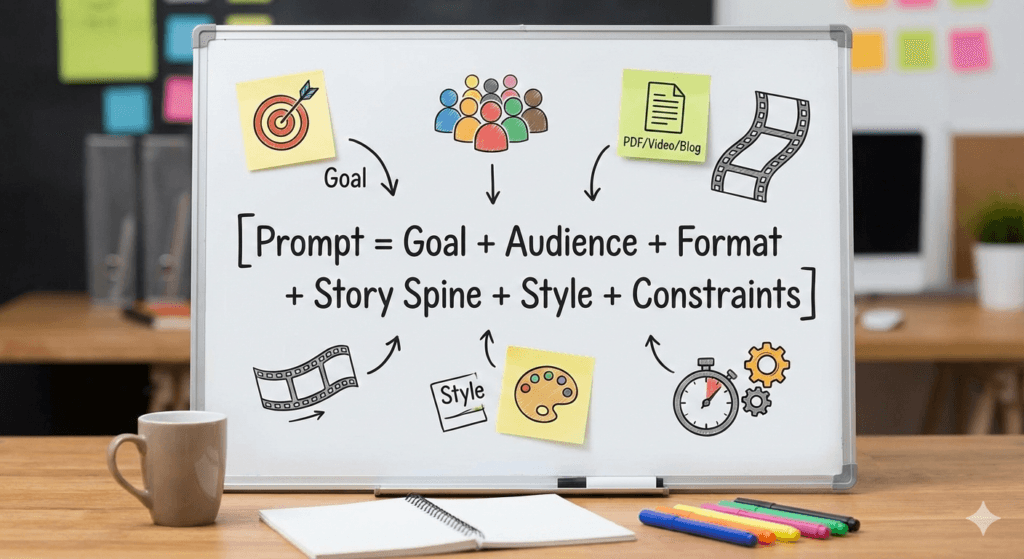
- Goal: What should viewers think, feel, or do after watching?
- Audience: Who they are, what they struggle with.
- Format: Platform, length, orientation, and type (ad, explainer, tutorial, testimonial, etc.).
- Story Spine: The basic narrative: hook → problem → solution → proof → call to action.
- Style: Tone of voice, pacing, visual vibe (cinematic, vlog‑style, minimal, playful).
- Constraints: Things to avoid, word limits, brand phrases, or compliance notes.
When you follow that structure, almost any AI video prompts tool can turn your short text into a focused prompt to video flow, no matter the niche.
30+ Ready-to-Use AI Video Prompts (Examples)
Below are plug‑and‑play AI video prompt ideas that you can paste into your favorite AI prompt to video or script generator. Tweak the bracketed parts to match your product, brand, or channel.
1. AI Prompts for E-commerce & DTC Videos
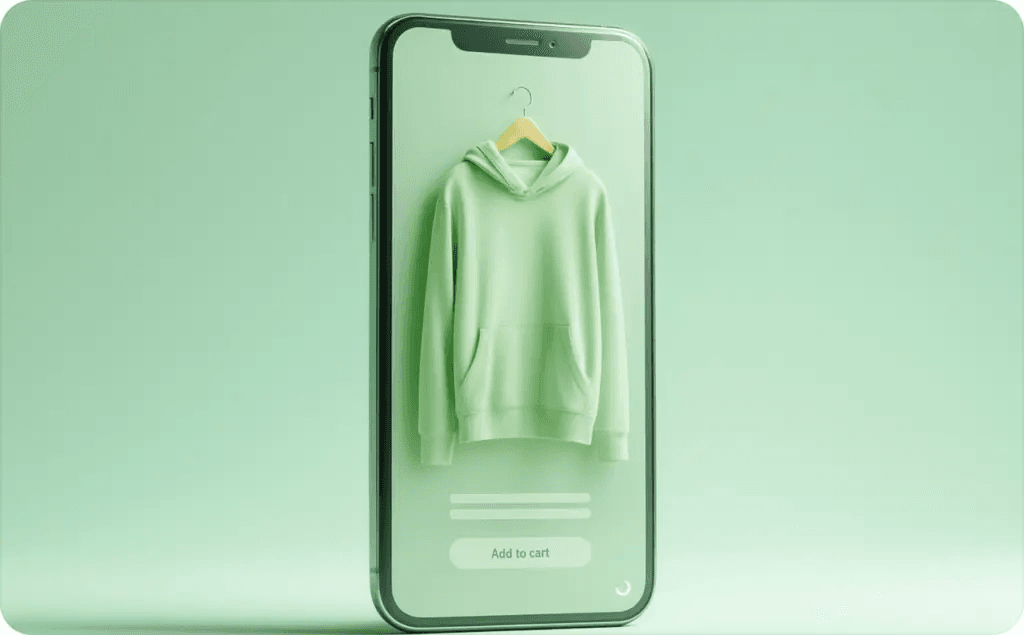
Prompt 1: “Create a 30‑second vertical product demo video for [PRODUCT TYPE] aimed at [TARGET AUDIENCE]. Start with a strong hook about their main problem, then show close‑up shots of the product in use in a real‑life setting, and end with a clear on‑screen discount code and CTA to visit [WEBSITE]. Keep the tone casual and honest, like a friend recommending something they actually use.”
Prompt 2: “Write a 45‑second TikTok‑style unboxing script for our [PRODUCT]. The narrator should describe the packaging, first impressions, and one unexpected feature that pleasantly surprises them. Include cutaway shots of textures and small details. End with a simple line that invites viewers to ‘try it for their next [USE CASE].’”
Prompt 3: “Generate a 60‑second carousel‑style product comparison video between our [PRODUCT] and a typical competitor. Use on‑screen text, split‑screen visuals, and simple icons to highlight differences in price, durability, and ease of use. Keep language simple so a non‑technical shopper can decide quickly.”
Prompt 4: “Create a 30‑second retargeting ad script for users who visited our product page but did not buy. Focus on overcoming common objections like price, shipping, or trust. Show UGC‑style clips, real‑life scenarios, and add a limited‑time offer at the end with a strong call to action.”
Prompt 5: “Write a 20‑second upsell video to show right after checkout. Introduce a complementary product that naturally fits what the customer just purchased. Use friendly, non‑pushy language and one visual before‑and‑after comparison to make the upsell feel helpful, not aggressive.”
These types of AI video prompts are perfect for e‑commerce brands that need frequent, on‑brand content without rewriting from scratch every day.
2. AI Prompts for Explainer Video
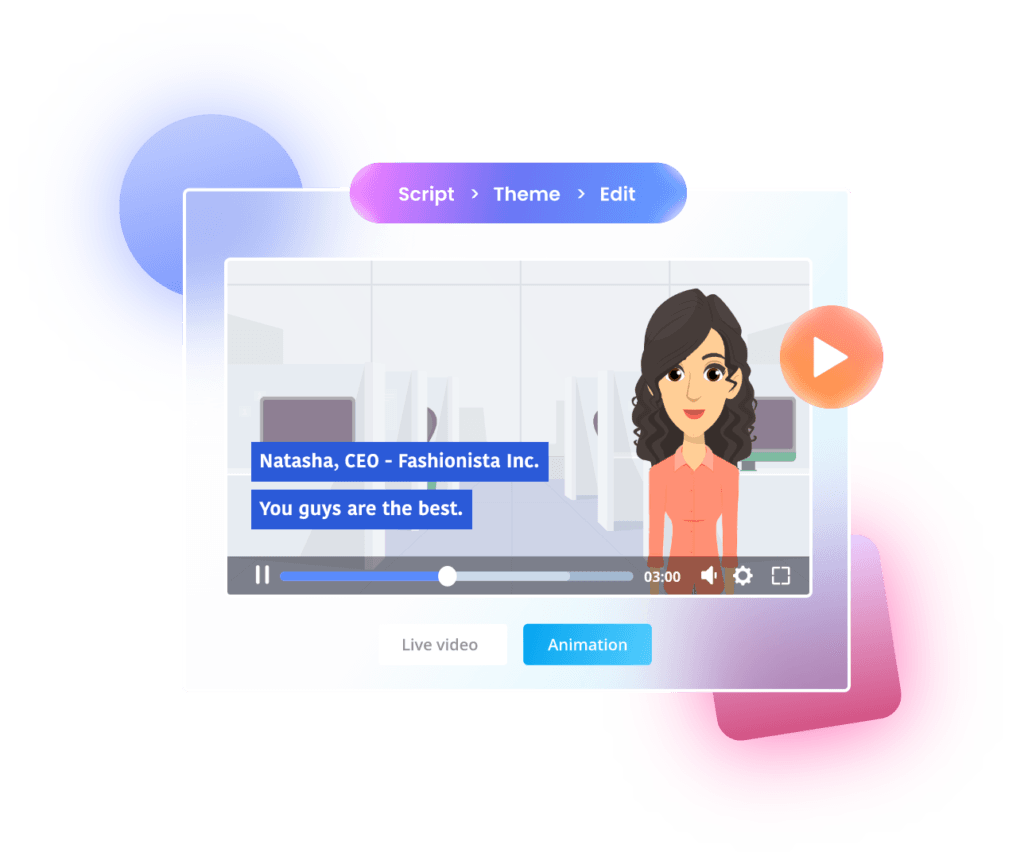
Prompt 6: “Create a 90‑second YouTube explainer video script that breaks down what [PRODUCT/SERVICE] does for [TARGET AUDIENCE] in three simple steps. Open with a relatable scenario, introduce the problem, then show how our solution works with clear, simple visuals and analogies. End with a friendly summary and a CTA to learn more on our website.”
Prompt 7: “Write a 60‑second animated explainer concept for [TOPIC], using a simple metaphor like a journey, toolbox, or game. Include voiceover lines and suggestions for each visual scene. The tone should be calm, reassuring, and jargon‑free so beginners feel confident, not overwhelmed.”
Prompt 8: “Generate a 3‑minute SaaS explainer video outline with sections for Hook, Problem, Solution, Demo, Social Proof, and Next Steps. For each section, provide key talking points, suggested footage or screen captures, and one simple on‑screen graphic idea that reinforces the message.”
Prompt 9: “Create a short explainer video aimed at non‑technical decision‑makers in [INDUSTRY]. In under 2 minutes, describe the problem, the cost of ignoring it, and how our product solves it without diving into technical details. Suggest simple charts or visual analogies instead of complex dashboards.”
Prompt 10: “Write a 45‑second ‘Explain it to me like I’m new’ video about [COMPLEX TOPIC]. Use everyday examples and avoid acronyms unless you explain them in plain language. The goal is to make someone feel smarter, not confused or talked down to.”
Using this style of AI prompt to video helps you batch explainer content for multiple audiences, technical, operational, and executive, without reinventing your storytelling each time.
3. AI Prompts for Multilingual Video Creation
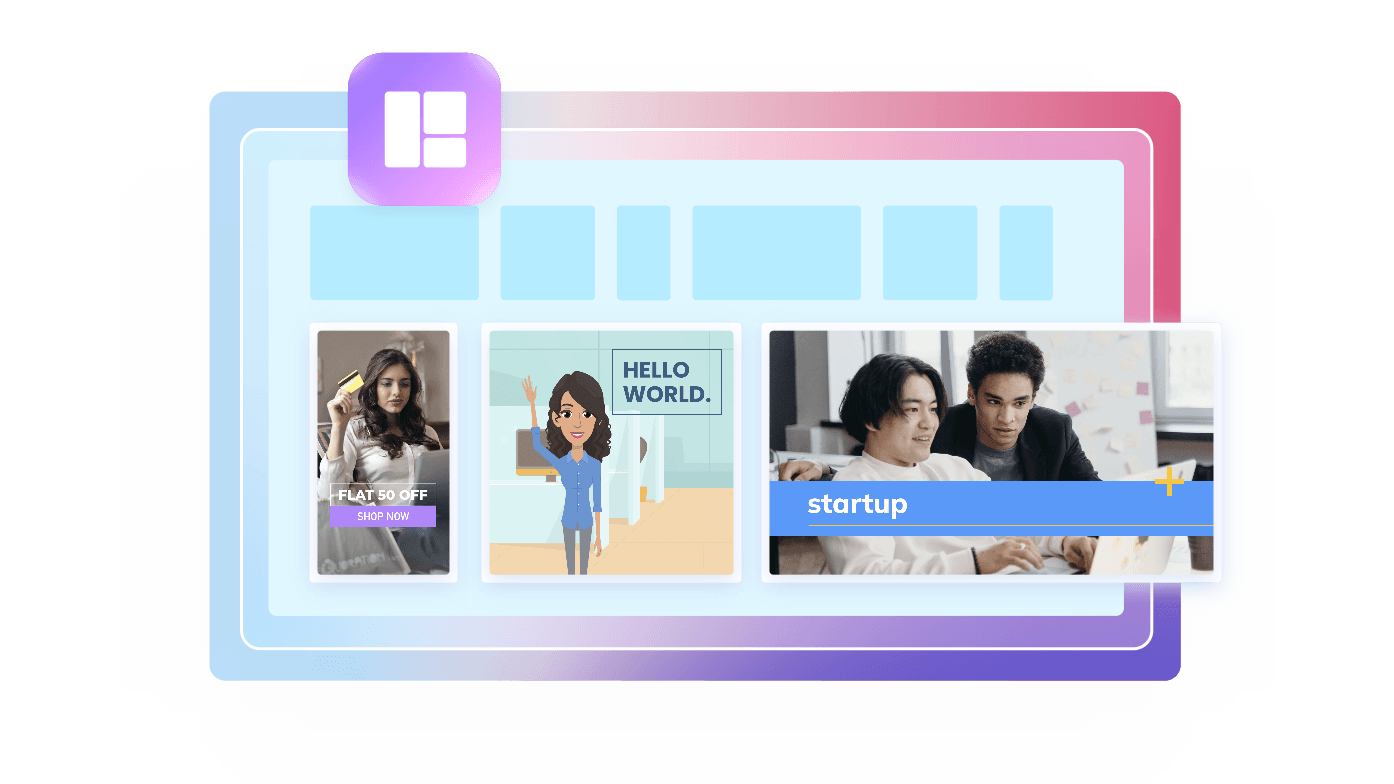
Prompt 11: “Take this English product explainer script and adapt it into [LANGUAGE] for [REGION]. Keep the original meaning but adjust idioms, cultural references, and examples so they feel natural for local viewers. Suggest localized on‑screen text and CTAs, including currency and date formats.”
Prompt 12: “Generate a 30‑second bilingual promo video concept where the main voiceover is in [PRIMARY LANGUAGE], and key phrases appear as on‑screen text in [SECOND LANGUAGE]. Make sure the pacing allows viewers to read comfortably. The message should feel inclusive and respectful to both language groups.”
Prompt 13: “Rewrite our onboarding tutorial script in [LANGUAGE] using simple, beginner‑friendly phrasing so non‑native speakers can follow along easily. Suggest where subtitles, callouts, or pause points should appear to support comprehension.”
Prompt 14: “Create a multilingual video outline for a global product launch that includes intro clips tailored for [COUNTRY 1], [COUNTRY 2], and [COUNTRY 3]. For each region, propose a localized hook, visual elements that match local context, and any cultural details that should be avoided.”
Prompt 15: “Take this 60‑second brand story and propose how to adapt it into three regional versions for [MARKETS]. Keep the core narrative, but adjust voiceover tone, music suggestions, and visual examples so each version feels made for that market, not just translated.”
Prompting this way helps “prompt to video” workflows work across markets, without sounding like stiff, direct translations.
4. AI Prompts for Creating Viral Videos on YouTube
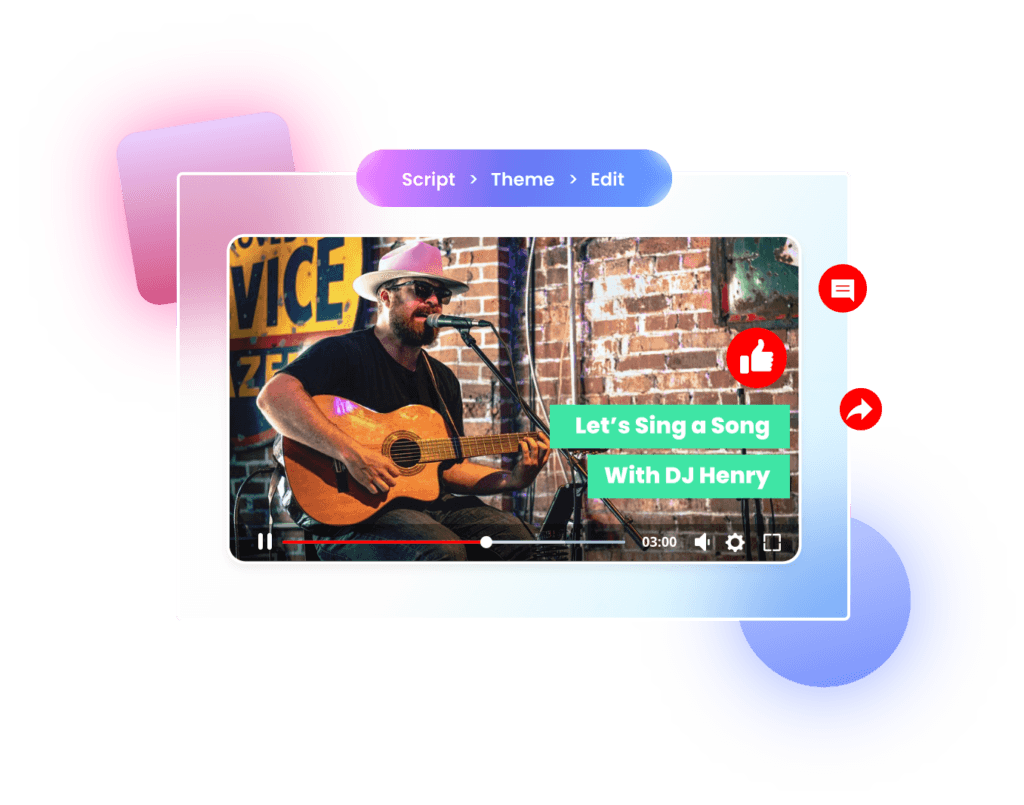
Prompt 16: “Generate 10 YouTube video hook ideas and matching 60‑second cold open scripts for a channel about [NICHE]. Each hook should: grab attention in the first 3 seconds, tease a surprising payoff, and speak directly to a specific pain point or desire of [TARGET AUDIENCE]. Keep the tone conversational and slightly playful.”
Prompt 17: “Create a full outline for an 8‑minute YouTube video designed to rank for the keyword ‘[KEYWORD].’ Include: intro hook, preview of what’s coming, chapter structure with timestamps, moments for pattern interrupts (like camera angle changes or b‑roll), and a soft CTA in the middle plus a stronger one at the end.”
Prompt 18: “Write a 30‑second teaser trailer script for an upcoming long‑form YouTube episode. It should show the most emotionally intense or visually striking moments (without spoilers), use fast cuts, and end on a cliffhanger that encourages viewers to subscribe and turn on notifications.”
Prompt 19: “Generate 5 ideas for YouTube Shorts that repurpose our existing long‑form content about [TOPIC]. For each idea, provide a title, hook line, and description of the visual sequence in under 30 seconds. Optimize for watch‑through rate: tight pacing, quick payoffs, and no long intros.”
Prompt 20: “Create a story‑driven YouTube video concept that opens with a personal failure or mistake related to [TOPIC], then walks through lessons learned in a simple, step‑by‑step way. Include emotional beats, moments of humor, and a reflective ending that invites comments and stories from viewers.”
These AI video prompts for YouTube focus on hooks, pacing, and audience retention, key elements that matter far more than flashy effects when aiming for “viral” performance.
5. AI Prompts for Educational Videos
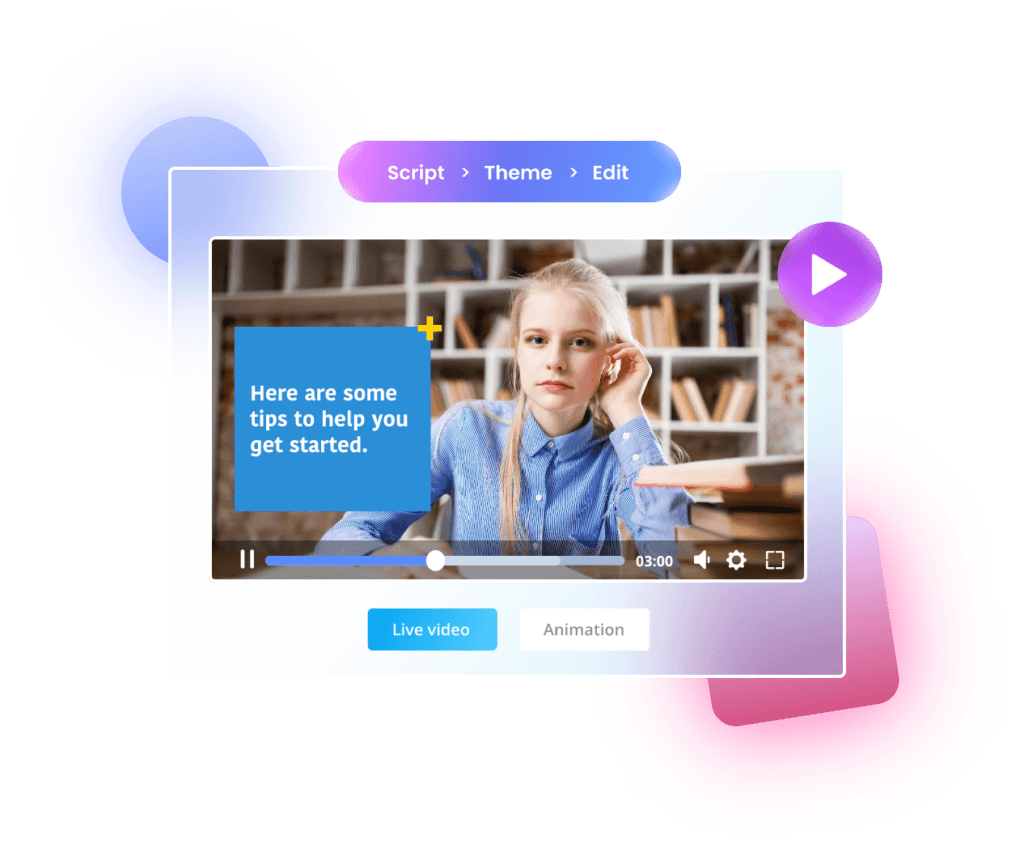
Prompt 21: “Write a 5‑minute lesson script that teaches [CONCEPT] to [LEVEL, e.g., ‘high‑school students’]. Use a simple structure: hook, explanation with analogy, visual example, quick practice question, and recap. Suggest simple diagrams or on‑screen text to reinforce key points.”
Prompt 22: “Generate a series outline for 10 short educational videos (under 3 minutes each) on [SUBJECT]. For each episode, provide the learning objective, main explanation, one real‑world example, and a quick question or challenge at the end to reinforce learning.”
Prompt 23: “Create a tutorial video script for [SKILL] where the instructor demonstrates each step on screen. Include clear verbal instructions, reminders of common mistakes, and optional ‘challenge’ variations for more advanced learners at the end.”
Prompt 24: “Rewrite this dense academic explanation of [TOPIC] into a friendly explainer for beginners. Break long sentences into shorter ones, remove jargon where possible, and propose where animations or simple props would make the idea easier to grasp.”
These kinds of AI prompts for video help educators and creators move from notes or slides to polished, learner‑friendly video in far less time.
6. AI Prompts for Corporate Videos
Prompt 25: “Create a 2‑minute internal announcement video script from the CEO to all employees about [TOPIC, e.g., ‘new remote work policy’]. The tone should be transparent, respectful, and hopeful. Include a short story that shows why this change matters and end by inviting feedback or questions.”
Prompt 26: “Generate a company culture video outline for new hires that covers our mission, values, and a ‘day in the life’ for key roles. Propose scenes with real employees, office or remote work footage, and simple on‑screen text to highlight values in action rather than listing them.”
Prompt 27: “Write a 90‑second recruitment video concept targeting [ROLE TYPE] candidates. Focus on what makes our work meaningful, what problems they’ll help solve, and what support they’ll receive. Avoid generic phrases and suggest specific, visual moments that show how we operate.”
Prompt 28: “Create a storyboard for a 3‑minute customer onboarding video that guides new users through the first three steps of using our product. Include a welcome message, key setup actions, and where to go for help. Keep visuals clean and minimal so viewers can follow along easily.”
Framing internal content with AI video prompts like these keeps corporate videos human, clear, and actually watchable.
7. AI Prompts for Customer Testimonial
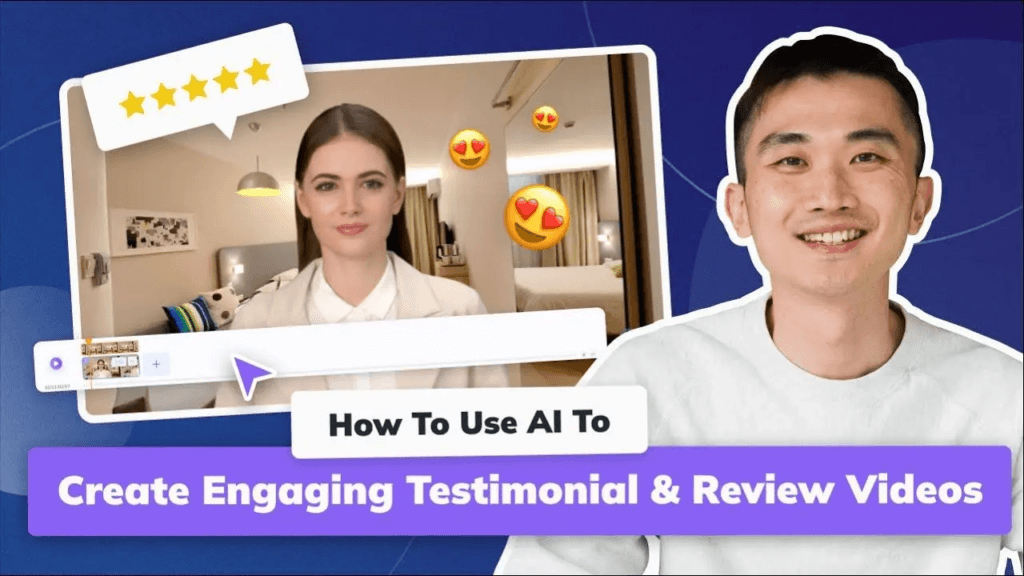
Prompt 29: “Generate interview questions and a loose script for a 2‑minute customer testimonial video about [PRODUCT]. Focus on the customer’s life before using the product, the moment they decided to try it, the results they saw, and one specific story that illustrates the change.”
Prompt 30: “Write a testimonial video outline that combines three short customer clips into one 60‑second montage. Suggest a structure that moves from problem to solution to result, with each customer adding a different angle. Include minimal but clear on‑screen text for key quotes or numbers.”
Prompt 31: “Create a UGC‑style testimonial video script that a happy customer could record on their phone in under 45 seconds. Use natural, conversational language and prompts like ‘I used to…’ and ‘Now I…’ rather than formal review wording.”
Prompt 32: “Generate a case‑study style testimonial video concept for a B2B client. Include opening context about their industry and challenge, how they implemented our solution, measurable outcomes, and a final quote about why they’d recommend us. Suggest shots of their team, workspace, and product in action.”
Using this sort of AI prompt to video keeps testimonials grounded in real stories instead of sounding scripted or overly polished.
How to Customize and Scale These Prompts?
To scale these prompts across products, markets, or clients, build a small internal prompt library. Then, standardize what you always customize:
- Swap out audience and pain points
- Keep the structure, but change “busy solo founders” to “in‑house marketing teams,” and adjust problems accordingly.
- Maintain story structure, change surface details
- The hook → problem → solution → proof → CTA arc works in almost every niche; only the specifics change.
- Turn your best‑performing videos into templates
- Reverse‑engineer the ideas: what was the goal, how did it open, what length worked, what style resonated?
As you test, note which AI video prompts consistently produce content you actually publish. Those become your “core set,” which you reuse and lightly tweak rather than prompting from zero every time.
Real-World Use Cases
Different teams lean on AI prompts to video flows in different ways:
- Solo creators: Use prompts to generate hooks, titles, and rough scripts so they can focus on filming and personality rather than blank‑page writing.
- E‑commerce and DTC brands: Batch ads, product demos, FAQ videos, and post‑purchase flows by reusing a handful of structured prompts across products and campaigns.
- Learning teams and coaches: Turn written curricula or blog posts into structured video lessons with clear learning objectives and practice segments.
- Corporate comms and HR: Produce consistent onboarding, policy explainers, and culture pieces without writing everything from scratch.
In each case, AI video prompts accelerate the planning and scripting phase, which is usually the bottleneck.
Final Note
AI video prompts will not replace your taste, your stories, or the way you understand your audience, but they will remove a lot of friction between “idea” and “published video.” When you treat every AI prompt to video as a tiny, well‑thought‑out brief, you get repeatable results instead of “random AI output.”
Start with one or two prompt templates from this guide, plug them into your favorite prompt-to-video tool, and refine them based on what you actually publish and what your audience responds to. Over time, your own prompt library becomes one of your most valuable content assets.